- Transforming USB drives into security tools, physical access keys, and data recovery systems.
- Running portable software and complete operating systems without the need for installation on the hard drive.
- Computer performance optimization and external storage management for mobile devices.

You probably have one of those USB drives lying forgotten in a drawer that you no longer use because everything is now uploaded to the cloud or mobile phones have enormous storage capacity. It's very common to see these devices as mere obsolete junk, but the reality is that they are still very versatile hardware tools that can get us out of a tight spot at the most unexpected moment.
Giving these memory cards a second life isn't just a way to recycle; it allows you to transform a piece of plastic and circuitry into a portable workstation or a security shield for your data. From simple everyday tricks to more technical setups, there's a range of possibilities that go far beyond simply moving a document from one place to another.
System rescue and maintenance tools
When a computer becomes unreliable and refuses to boot, a USB drive can be a lifesaver . Using Microsoft's official tool, you can create installation media to install Windows from scratch or, even better, use the repair option to recover critical files without formatting your computer. Simply access the boot menu (usually with F12, F11, or F8) and select the USB drive.
For those dealing with computer malware, there's the option of running a live antivirus program . Programs like AVG Rescue allow security software to run before the operating system loads onto the hard drive, making it easier to remove persistent malware that would block any conventional antivirus once the PC is powered on.
Portable software and standalone operating systems

One of the most practical features is the installation of portable applications . These software versions don't require installation on the hard drive of the computer where they are used; they run directly from memory, meaning you can carry your Firefox browser, VLC player, or LibreOffice suite in your pocket and work on any computer while maintaining your personal settings without leaving a trace on the other machine.
If you want to go a step further, you can create a Linux Live USB . This turns your USB drive into a complete computer that boots independently. It's the ideal solution for anonymous browsing or managing sensitive data on public computers, since all session data is completely erased when the drive is removed.
Advanced security and data protection
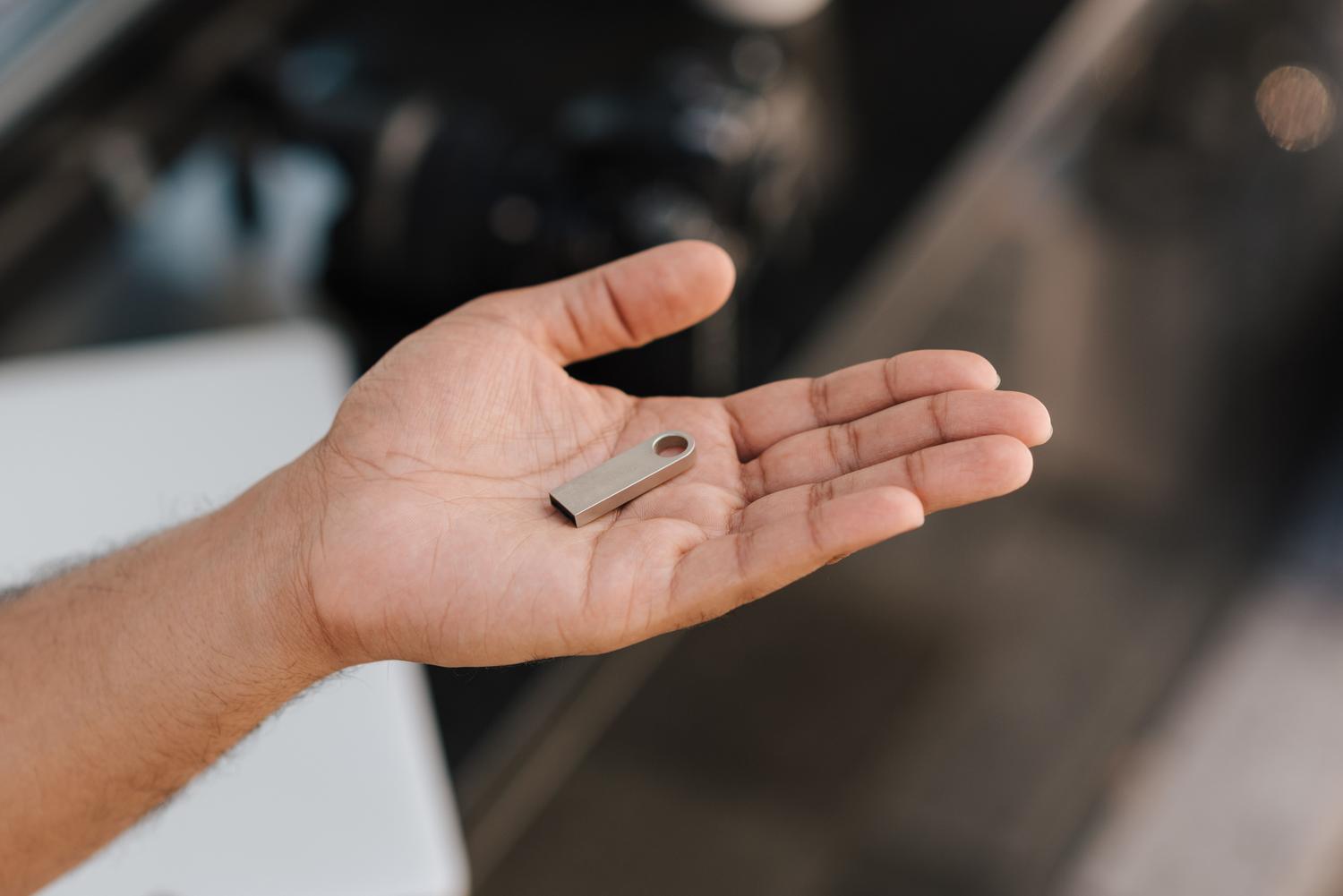
Security is another area where USB drives shine. Some users turn their drives into a physical access key using applications like Predator, which lock the keyboard and mouse if the device isn't connected to the USB port. Essentially, the USB drive becomes your computer's physical password , preventing anyone from accessing your session even if they know the password.
For the more cautious, the USB drive can be used as an encrypted password manager or a secure vault for confidential documents such as passports and contracts using software like TrueCrypt. Furthermore, if the device is compatible with the FIDO2 standard, it can serve as a two-step verification key for Google or Microsoft accounts, offering significantly greater security than codes sent via SMS.
Hardware optimization and everyday tricks
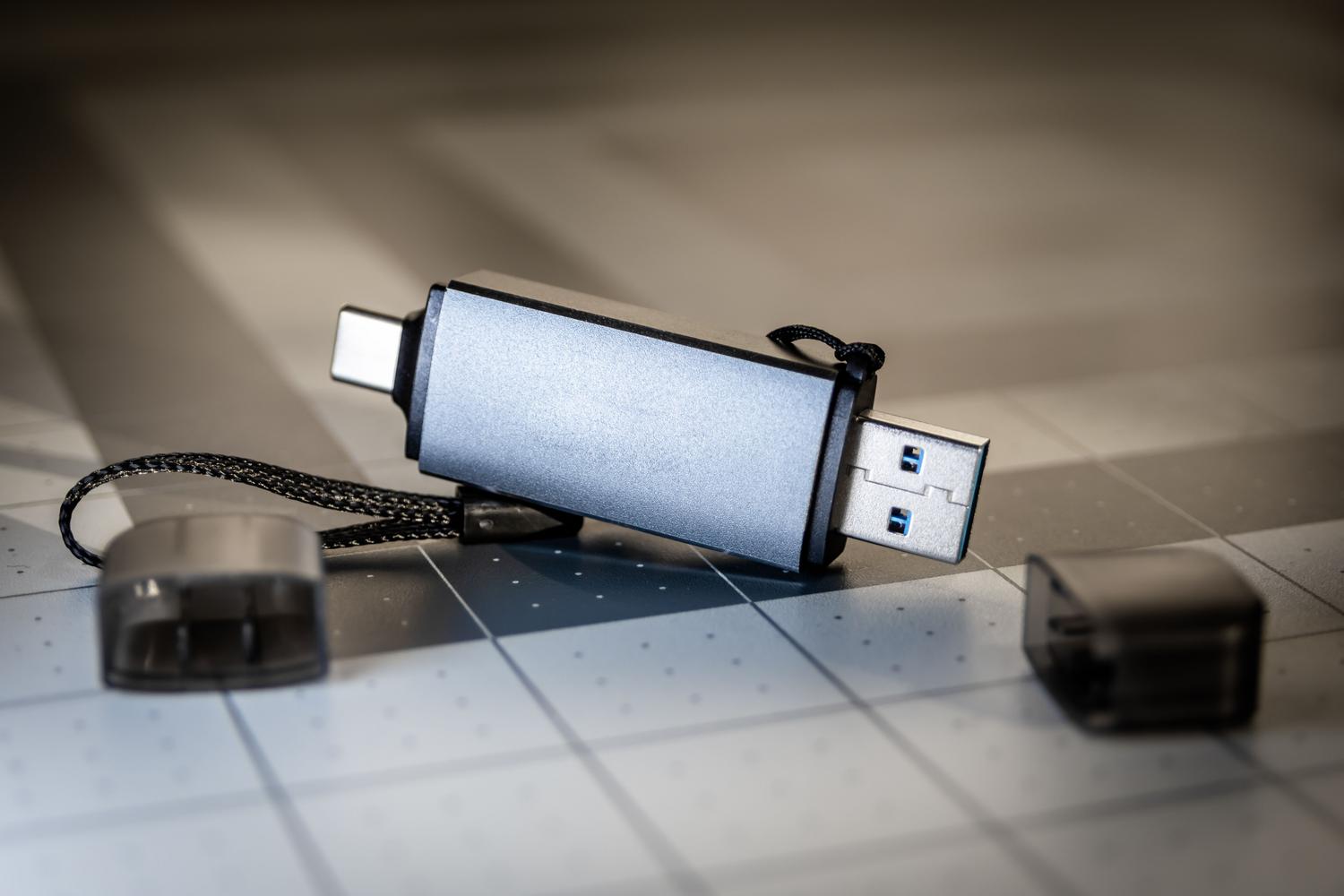
If you have an older PC that's slower than a snail, you can activate Windows' ReadyBoost feature . This technology uses the free space on your USB drive as an additional memory cache , improving data read and write speeds and giving a little boost to systems with limited RAM.
On a personal level, these memory sticks can serve as a digital time capsule , storing photos and videos from a specific year to rediscover in the future. They're also ideal for freeing up space on your phone using an OTG adapter, allowing you to transfer large files to the USB drive without having to delete them. They can even revive the sound system of an older car that doesn't have Bluetooth , by loading a playlist directly onto the USB port.
Professional and promotional use
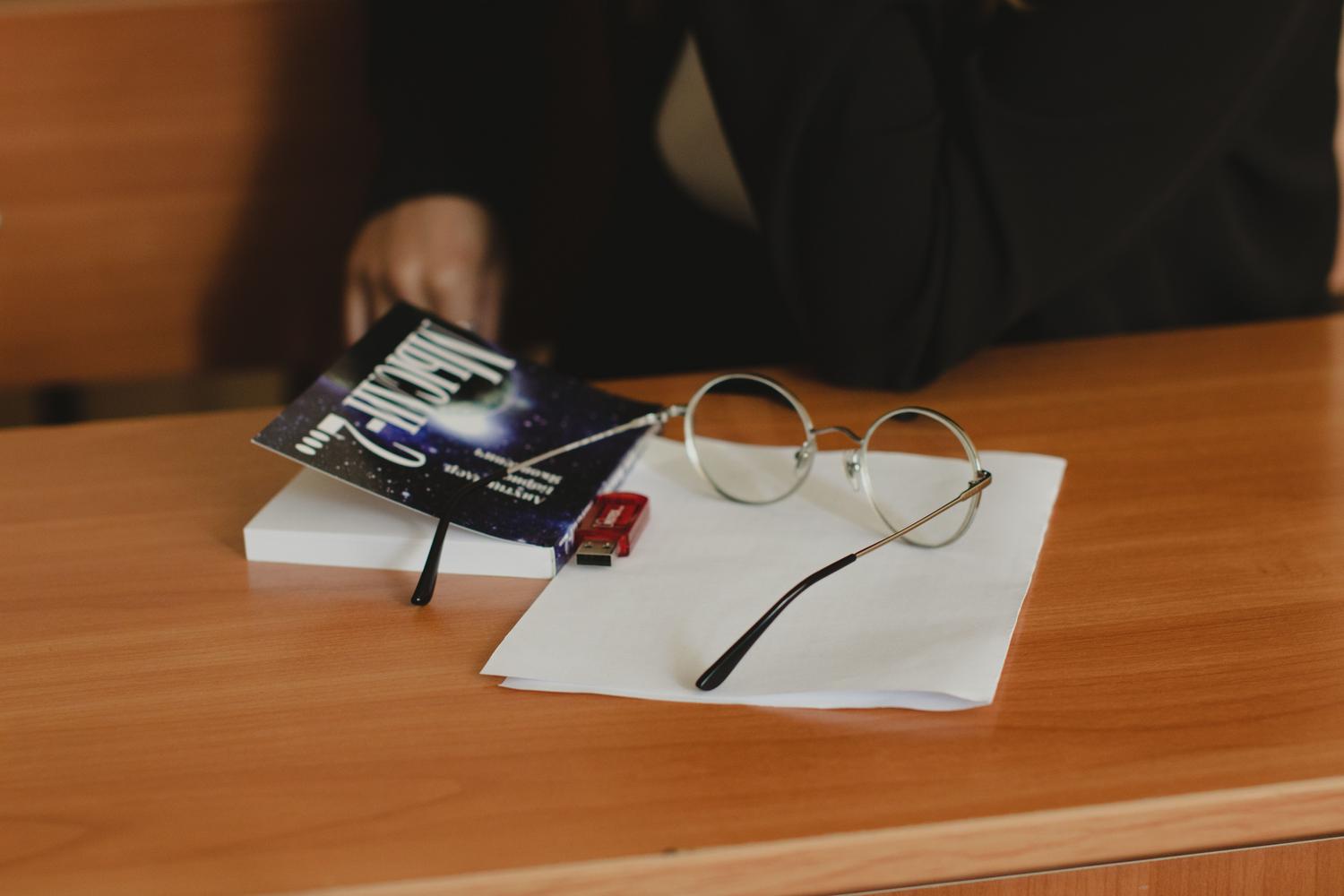
For those looking to advance their careers, a USB drive can serve as an interactive portfolio . Designers, musicians, or programmers can preload their best work and deliver it to a potential client on the spot. In the business world, giving away custom USB drives with a logo is a highly effective marketing strategy, as it's a useful item that the client will keep, maintaining brand visibility for a long time.
Even at social events, such as weddings, replacing traditional favors with personalized keepsakes featuring photos of the event is a unique and practical touch that guests will truly appreciate. For teachers, they represent an eco-friendly alternative to paper, allowing for the efficient and digital distribution of notes and syllabi .
Having a handful of old USB drives doesn't mean you have technological junk; it means possessing a set of tools capable of speeding up your system, securing digital accounts, or rescuing crashed computers. From creating bootable drives and running portable software to using them as physical security keys, these devices remain essential for any user who wants to optimize their workflow or protect their privacy outside the cloud.