- Modern iGPUs, especially Intel Iris Xe and AMD Radeon, allow you to run everything from classic games to current competitive titles.
- Performance depends critically on dual-channel RAM and adjusting the resolution to 720p in demanding games.
- There is a huge catalog of options that includes shooters, RPGs, MOBAs and indie games optimized for modest hardware.

If you've bought a laptop for work or have a pre-built PC without a dedicated graphics card, you've probably heard the typical story that you can't play any games on it . For years, integrated graphics were a joke; they were basically only good for watching videos and opening Excel. But things have changed dramatically. Nowadays, thanks to advancements in graphics architecture, there's a huge number of games that run surprisingly well without needing to spend a fortune on a dedicated GPU.
The most important thing is not to be misled by the official minimum requirements, which are sometimes too conservative or don't even mention integrated graphics. The key is managing your expectations and knowing how to tweak a couple of settings in the options menu. Let's not kid ourselves: you're not going to run the latest AAA game on ultra settings with perfect sync, but you can have some epic gaming sessions if you know which games to choose and how to configure them so they don't look like a slideshow.

Understanding the hardware: iGPU vs dedicated GPU
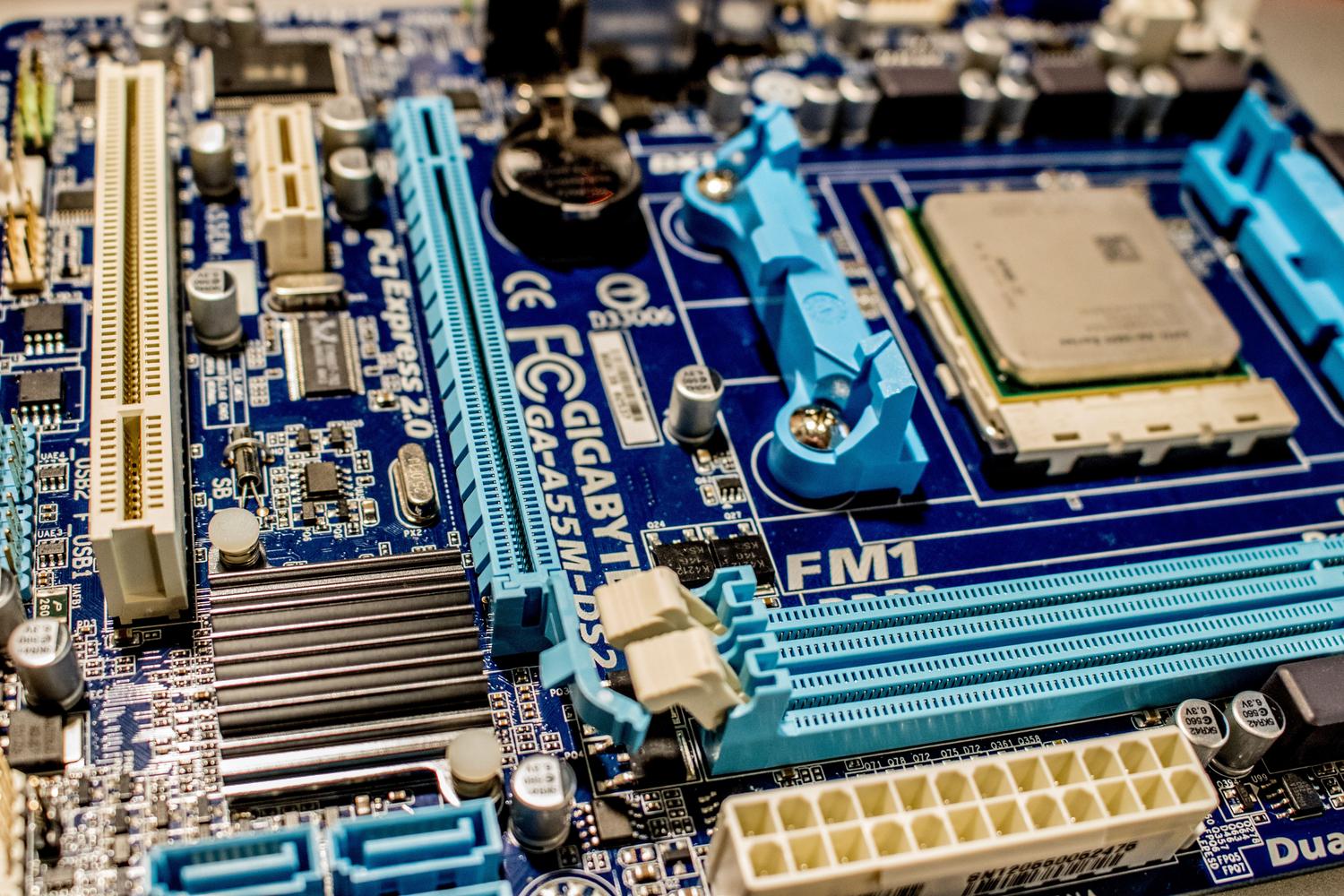
To begin, it's important to differentiate between concepts. An iGPU (integrated graphics processing unit) is built into the processor itself. The main difference with a dedicated GPU is that the integrated GPU doesn't have its own memory ; instead, it uses a portion of the system's RAM. Therefore, it's crucial to have dual-channel RAM (two identical modules), as this increases bandwidth and can result in a significant performance boost.
On the Intel side, we've gone from the old HD Graphics (like the 4000 or 520), which could only handle very light tasks, to the Intel Iris Xe of the latest generations, which now allow for 1080p gaming of less demanding titles. Meanwhile, AMD has made a splash with its Ryzen G APUs and the RDNA2 architecture (like the Radeon 680M), blurring the lines between integrated and dedicated graphics cards in the low-end range if you're looking for a comprehensive guide to choosing your AMD gaming PC.

Free-to-play competitive titles that are flying off the shelves
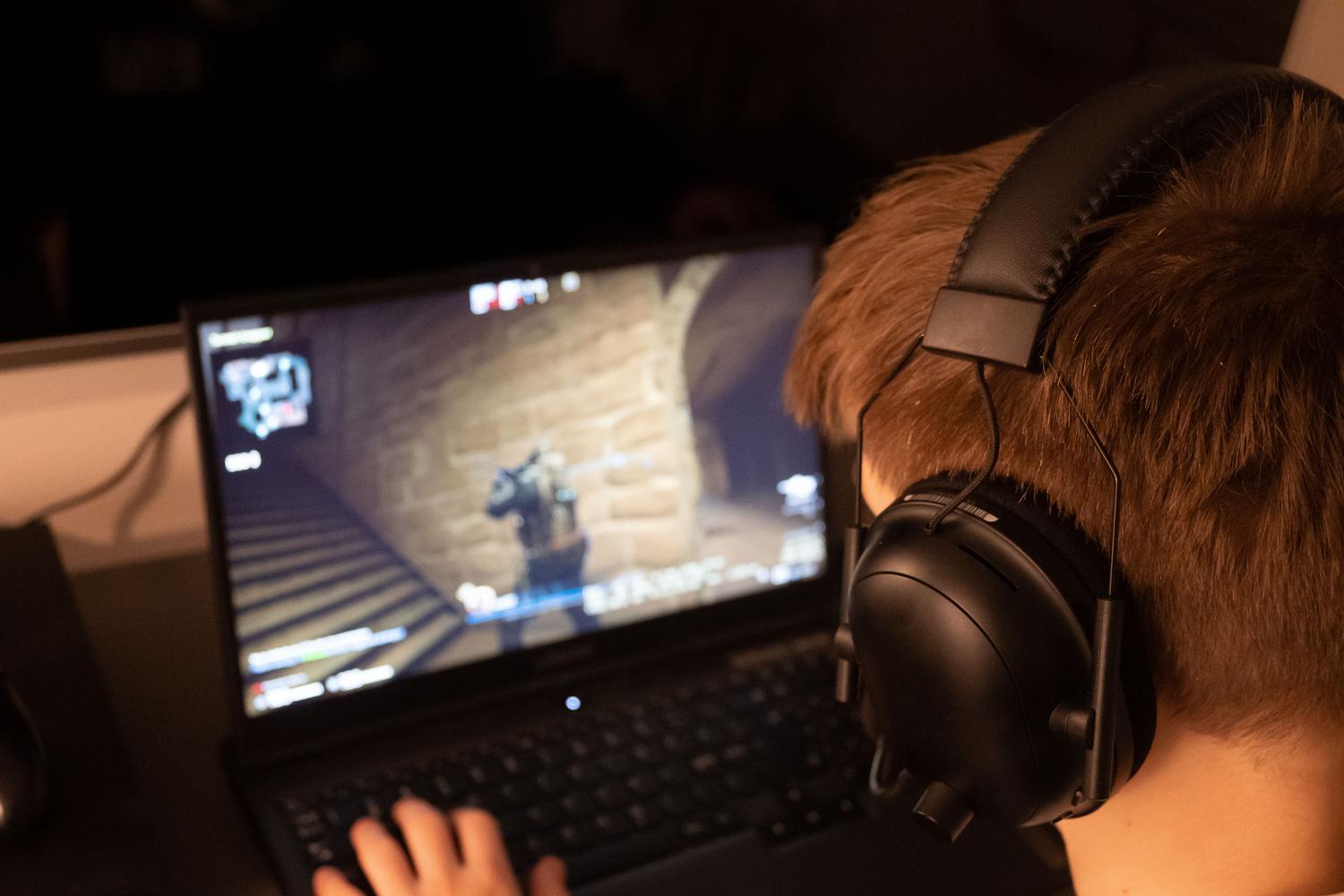
If you're looking for fast-paced, multiplayer action, there are options optimized to run on any computer . The clearest example is League of Legends , a MOBA that remains the king of optimization; it even works on older models like the Intel HD 4600. The same goes for Valorant , which, although it uses Unreal Engine 5, prioritizes smooth gameplay over flashy graphics to ensure no one has a competitive advantage.
- Fortnite: Thanks to its performance modeYou can even play on modest settings by lowering the quality to the minimum.
- Counter Strike: Global Offensive: A classic tactical shooter that asks for almost nothing and delivers vibrant games.
- Dota 2 and Overwatch: Very solid titles that, although they require more than an HD 4000 to run smoothly, work perfectly on a Intel UHD 630 or higher.
- Apex Legends and Paladins: Shooters with unique abilities that, when the resolution is adjusted to 720p, are perfectly playable.
Great adventures and open worlds

Many believe that open-world games are off-limits for integrated graphics, but there are gems that are very well optimized. GTA V is the perfect example: it's a massive game that, thanks to its generational transition, runs on almost anything as long as you don't overdo it with your reflexes. Similarly, Sleeping Dogs , which some call the Chinese GTA, is a delight that runs smoothly at 720p with medium settings.

For fans of action and stealth, Metal Gear Solid V: The Phantom Pain is a technical marvel; it looks incredible and maintains a stable 30 FPS on low settings. If you prefer something more visceral, Mad Max offers a spectacular post-apocalyptic world that runs smoothly in HD. Then there's Fallout 4 , which, although more demanding, is enjoyable if you set the textures to medium and everything else to minimum.
Horror, Role-Playing and Frenetic Action
The horror genre is well-suited to iGPUs. Resident Evil 4 HD and the RE HD Remaster are must-haves and run smoothly at high settings. For something more modern, the RE 2 Remake is surprisingly optimized, although here you'll start to need something more powerful like a Radeon Vega 7 to avoid performance issues. The Evil Within is also a top choice if you're looking for atmosphere and tension.
As for RPGs, Diablo III is a safe bet thanks to its art style, which doesn't rely on complex effects. For fans of pure action, Devil May Cry or the frenetic Metal Gear Rising: Revengeance are ideal, as they prioritize speed and run great in 720p. We can't forget Tomb Raider (2013) , a game that marked a turning point and still looks fantastic on modest hardware.
Indie Gems and Strategy
If you're looking for something simple, 2D games are your refuge. Hollow Knight and the highly anticipated Silksong are masterpieces that run at a stable 60 FPS. Streets of Rage 4 revives the beat 'em up genre with a gorgeous visual style that barely uses any resources. For those who prefer to think, Portal 1 and 2 are a must; they're brilliant puzzle games that run even on a calculator.
- Minecraft: The king of survival. Although the RTX version is for powerful PCs, the Standard version Fly on any integrated device.
- Age of Empires II HD: Pure and simple strategy that allows hours of vice without overheating the processor.
- Among Us and Machinarium: Light, fun titles with a polished aesthetic that don't demand no graphics power.
- Starcraft I and II: Space strategy benchmarks that remain competitive and accessible.

Master tips for gaining FPS
For a smoother experience, the first thing you should do is lower the resolution . Going from 1080p to 720p is the most drastic and positive change you can make; the game will look a bit blurrier, but the frame rate will skyrocket. It's also vital to disable anti-aliasing and shadows , as these are the most resource-intensive settings.
Another trick is to use resolution scaling if the game allows it (like in DOOM 2016), lowering it to 80% or 90% to gain that extra smoothness without image tearing. Also, make sure your drivers are up to date , especially if you have an Intel Iris Xe processor, as updates often bring performance improvements specific to popular games and help you monitor your PC's performance.
Ultimately, playing games with integrated graphics is perfectly viable if you let go of the obsession with ultra settings. Between free competitive shooters, optimized open worlds, and the vast library of indie games, there's enough content for thousands of hours. The key lies in combining hardware with dual-channel RAM, setting the resolution to 720p, and choosing titles that prioritize optimization over raw power.
