- Detailed analysis of the AM4 and AM5 platforms to decide between immediate savings or future investment.
- Comparison of the Ryzen 5, 7 and 9 ranges according to use in gaming, graphic design or professional multitasking.
- Explanation of 3D V-Cache technology and APUs for those who cannot afford a dedicated graphics card.
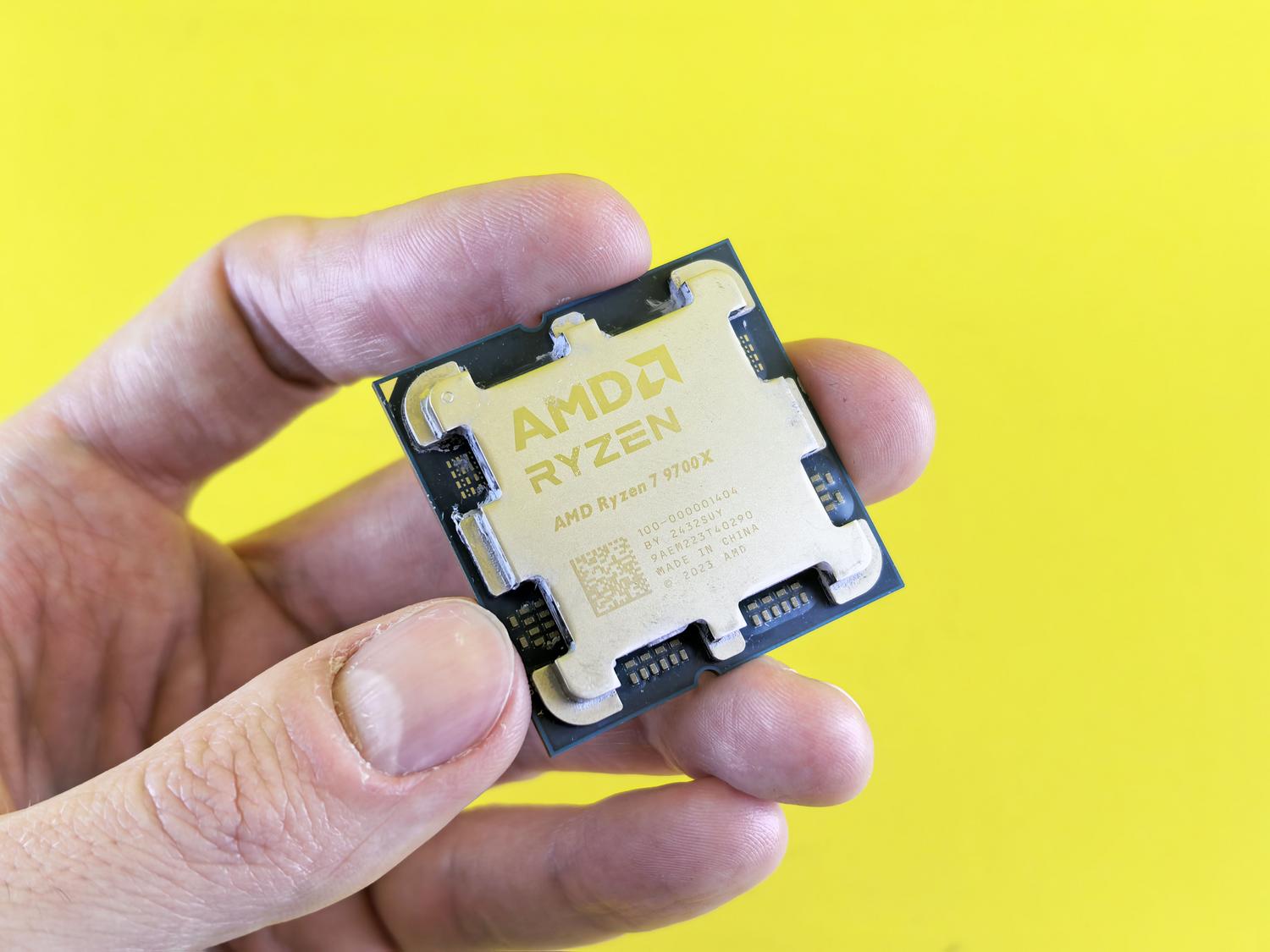
If you're thinking about building a new computer or upgrading your existing one but have no idea which chip to choose, you've come to the right place. The world of processors can seem like a maze of acronyms and numbers, but choosing a well -balanced AMD component is key to avoiding wasting money and getting a machine that flies without breaking the bank.
Depending on what you use your PC for, your needs will vary. Someone who just wants to play occasional games has different needs than a user who spends all day rendering videos or designing in demanding programs. The key is finding that sweet spot where performance is smooth but the price is kept down, preventing the processor from becoming a bottleneck for your graphics card.
Basic concepts to avoid making mistakes
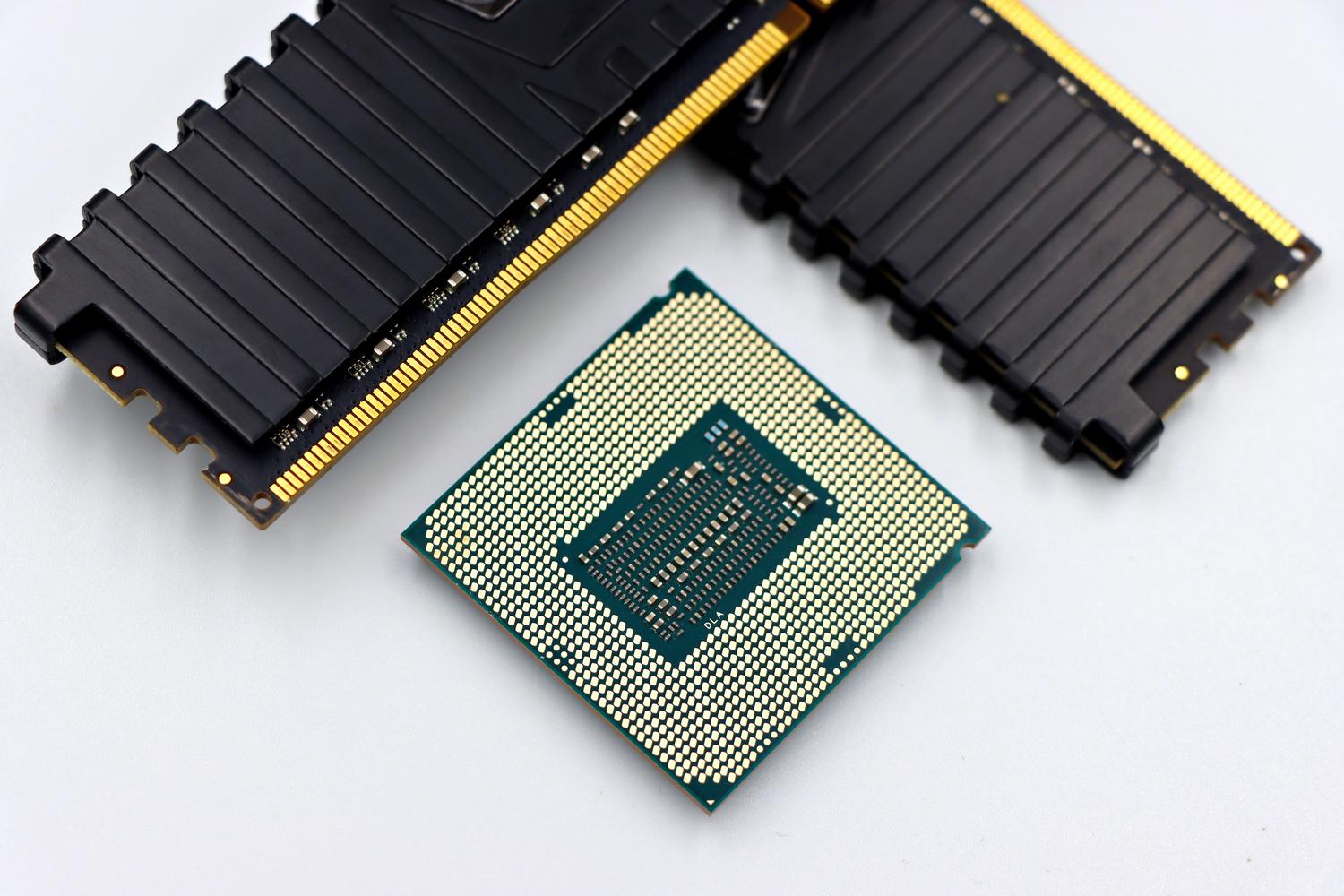
Before we delve into the models, it's important to clarify that performance isn't just about GHz. Internal architecture is what truly matters; that is, how the chip is built internally. Parameters like the processor's cache memory or how many instructions it can process simultaneously have a much greater impact than the turbo frequency you see on the box.
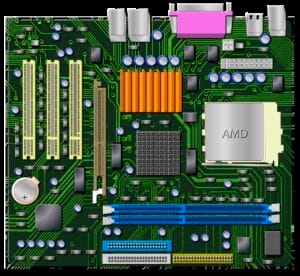
A critical point is the socket, which is where the processor fits into the motherboard. If you're upgrading your computer, you need to check which socket your motherboard uses (like AM4 or AM5) because if they don't match, you simply won't be able to install it. Also, don't forget about cooling; a powerful processor that gets too hot will reduce its speed to avoid overheating, a process known as thermal throttling.

The battle of the platforms: AM4 versus AM5
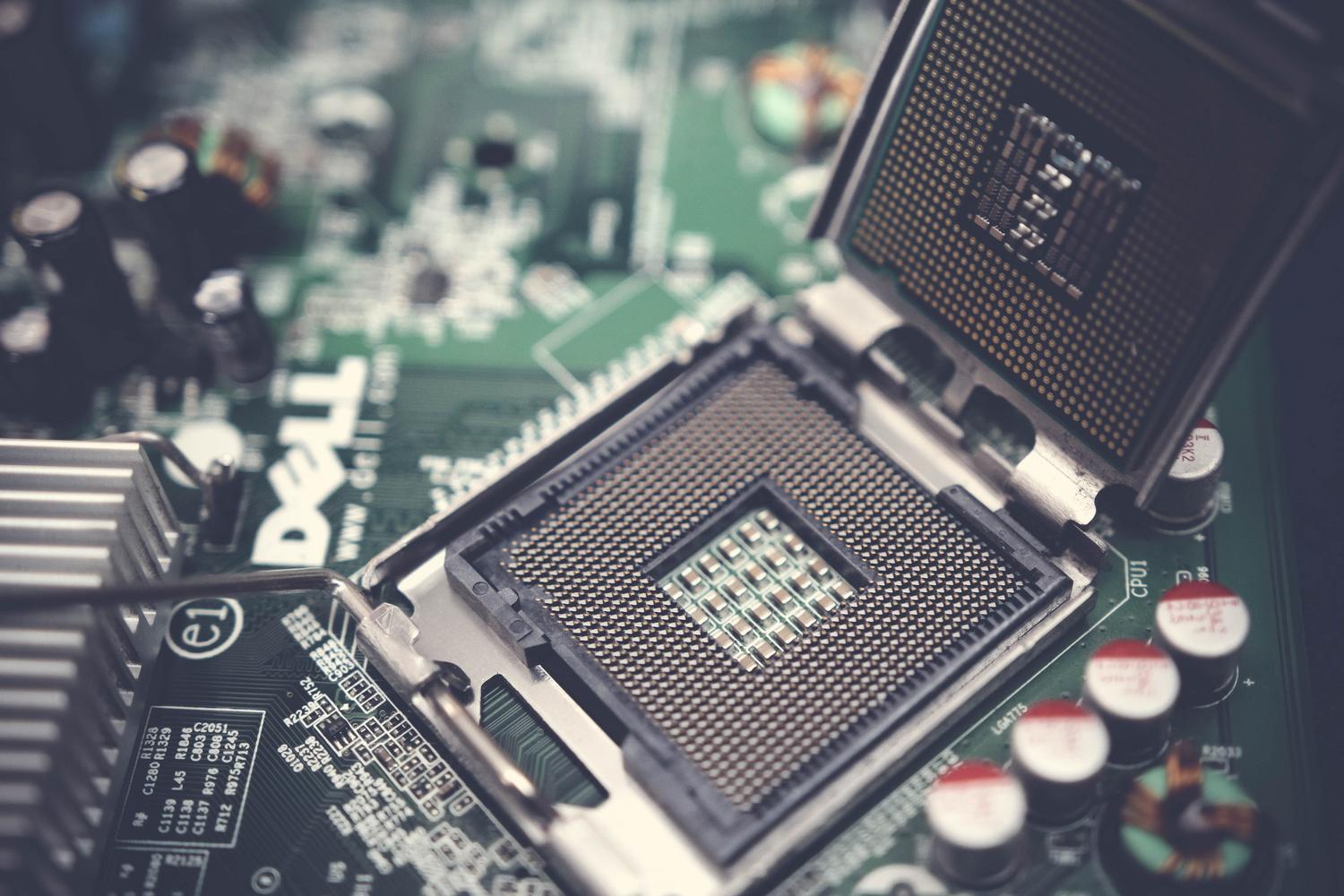
This is where most people hesitate. The AM4 socket is the reliable veteran. It's been around for years and allows you to build very powerful systems for very little money, since it uses DDR4 memory and motherboards that are currently very affordable. It's the ideal option if you're on a tight budget and want something that works perfectly without any hassle.
On the other hand, the AM5 socket is the bet on the future. It uses DDR5 memory and more modern technologies like PCIe 5.0. Although the initial investment is higher because you have to buy new RAM, the big advantage is that you can upgrade the CPU in a few years without having to replace the entire motherboard, something AMD does much better than its competitors.

Options for very tight budgets (Less than €130)
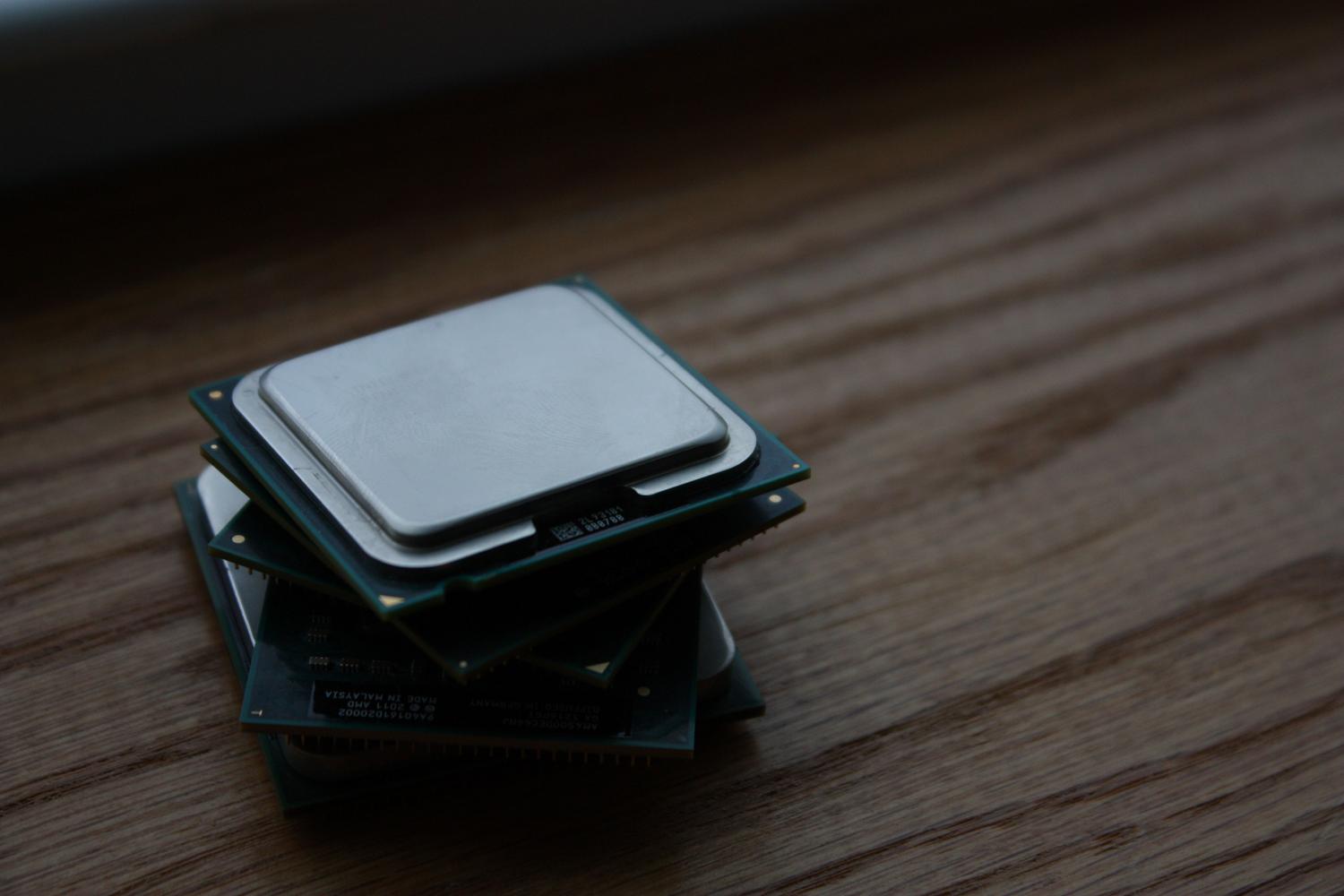
When money is tight, entry-level Ryzen 5 processors are a lifesaver. The Ryzen 5 4500 or 5500 offer unbeatable performance for basic office tasks and 1080p gaming. With 6 cores and 12 threads, they ensure the system doesn't choke when running multiple tabs or simple applications.
If you're looking for something even more basic, the Ryzen 3 4100 might suffice, although these days it's usually wiser to stretch your budget a bit more towards a Ryzen 5 to ensure modern games run smoothly. These chips are perfect when paired with an affordable graphics card , creating a well-balanced system that more than meets the needs of the average user.
Mid-range: The perfect balance (€130 to €300)
If you want to play 2K games or work in design, this is where the magic happens. The Ryzen 5 5600 and 5600X are AM4 legends; they're powerful, efficient, and don't require expensive cooling. They're the logical choice for anyone looking for maximum performance for every euro spent on the older platform.
If you prefer to upgrade to AM5, the Ryzen 5 7600 or 7600X is a real powerhouse. Thanks to the Zen 4 architecture, the performance per core is phenomenal, resulting in significantly higher FPS in most games. For those who need extra versatility, the Ryzen 7 7700X offers 8 cores, making it ideal if you stream while gaming or use productivity tools. Let's analyze the differences between Ryzen 5 and Ryzen 7 processors.

High performance and extreme gaming (Over €300)
For those who demand the best, AMD has a secret weapon: 3D V-Cache technology . Models like the Ryzen 7 9800X3D and 7800X3D stack cache memory on the chip, dramatically boosting gaming performance and even surpassing CPUs with more cores.
However, if your priority is heavy professional work, such as 3D rendering or 4K video editing, the Ryzen 9 9950X3D or 7950X are the beasts you need. With up to 16 physical cores, these CPUs are designed to accelerate complex workflows , although they might be overkill for gaming unless you have a top-of-the-line graphics card like an RTX 5090.
APUs: Playing without a dedicated graphics card
There are cases where we can't buy a dedicated GPU right away. That's where APUs come in—processors that integrate a powerful Radeon graphics card onto the same chip. The Ryzen 8000G series is the latest and allows you to play modern games at low or medium settings without needing to buy a separate graphics card.
Older models like the Ryzen 5 5600G are still perfectly adequate for building mini-PCs or office systems that can handle games like League of Legends or Valorant. Just remember that, lacking dedicated video memory, these CPUs rely heavily on RAM , so using dual-channel modules at high frequencies is essential.

Compatibility and performance summary
- AM4 + DDR4: The savings route. Ideal with Ryzen 5 5600 or Ryzen 7 5700X.
- AM5 + DDR5: Long-term investment. Recommended with Ryzen 5 7600 or Ryzen 7 9800X3D.
- Gaming Use: Prioritize models with the X3D suffix to maximize FPS.
- Professional Use: Opt for the Ryzen 9 series to take advantage of massive multitasking.
Ultimately, the choice depends on whether you prefer to save now with the AM4 platform or secure the future with AM5, knowing that for gaming the smartest thing is to look for a Ryzen 5 or 7 that doesn't limit your graphics card, while for work the number of cores becomes the decisive factor.

Table of Contents
- 1 Basic concepts to avoid making mistakes
- 2 The battle of the platforms: AM4 versus AM5
- 3 Options for very tight budgets (Less than €130)
- 4 Mid-range: The perfect balance (€130 to €300)
- 5 High performance and extreme gaming (Over €300)
- 6 APUs: Playing without a dedicated graphics card
- 7 Compatibility and performance summary