- Internal condensation causes water droplets that generate short circuits and corrosion in the circuits.
- Sudden thermal shock can crack the screen and permanently degrade battery health.
- There are safe methods such as removing the case, using fans, or leaving the equipment in the shade.
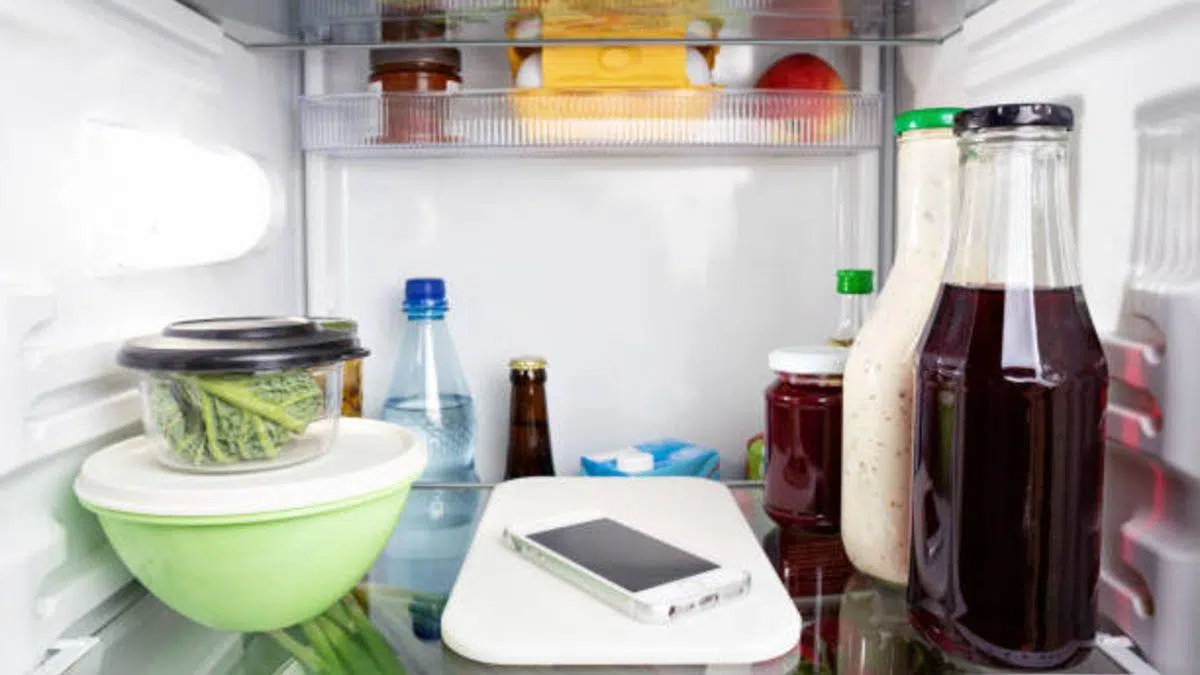
With the arrival of more intense summers and the heat waves that hit Europe, it's normal for our tech gadgets to start overheating. From desktop computers to game consoles and mobile phones, any device that consumes energy ends up generating heat, and when the ambient temperature soars , the ability of these devices to dissipate that heat is seriously compromised.
It's very common that, in the midst of desperation when your phone freezes or its performance drops, someone offers a quick tip on social media. The problem is that on platforms like TikTok or X, anyone can give hardware advice, and lately, the crazy idea of putting your smartphone in the refrigerator or even the freezer to instantly lower its temperature has become fashionable. It seems like a logical solution, but it's a dangerous trap.

The invisible danger: condensation
The main reason this practice is a huge mistake is condensation. When you put a device that's burning hot into a freezing environment, the humid air inside cools down incredibly fast. If the temperature drops below the dew point , tiny water droplets form and can accumulate in critical areas like the speakers, the charging port, or even worse, directly on the motherboard.
But the risk doesn't end when you open the refrigerator door. When you take your phone out, the warm air from outside hits the device's cold surface, causing the same effect we see when a cold water bottle fills with droplets on the outside. This residual moisture inside is the perfect recipe for short circuits and corrosion, which could leave your phone as an expensive paperweight.
Thermal contrast and structural damage
Beyond water damage, there's the problem of thermal shock. Electronic components don't react well to sudden temperature changes. Rapid contraction of the materials can cause the screen or glass to crack , or the seal that makes the phone water-resistant to lose its effectiveness.
The battery is the component that suffers the most in this process. Lithium batteries are extremely sensitive; aggressive cooling can permanently diminish their charge retention capacity . Even if the phone seems to work fine right after being taken out of the refrigerator, the battery's health may have suffered a blow from which it will never recover.
Why do some people do it?
Some users defend this method based on the evolution of devices. Previously, we could remove the battery to let it cool in the open air, but nowadays smartphones are sealed units where the battery is an integral part of the chassis . This leads some people to feel they have no other option than to resort to extreme methods to quickly lower the temperature when the processor reduces its refresh rate or the phone starts to slow down.
There are even more curious theories about signal blocking. Some suggest that putting your phone in the refrigerator, due to the appliance's metal structure, could block the electromagnetic signal and prevent GPS geolocation. However, this is completely unnecessary, since turning the phone off or putting it in airplane mode achieves the same result without risking the hardware.
Safe alternatives to combat the heat
If you notice your device is overheating, the first thing to do is stop the demanding task causing the problem, whether it's exporting a video, playing a resource-intensive game, or using GPS in direct sunlight. There's no need for drastic measures; simply let the device cool down naturally in a cool, shady spot.
To speed up the process safely, you can follow these steps:
- Remove the protective cover, since many act as thermal insulators and trap heat.
- Place the phone on a cold surface, such as a marble tablewhich helps to absorb heat gradually.
- Use a fan to force airflow over the back of the equipment.
- Lower the screen brightness to the minimum and close all applications that are running in the background.
- Avoid charging the device while it is hot, as charging generates additional heat.
To prevent this from happening in the future, it's best to avoid putting your phone in direct sunlight, use dark mode, and be aware that extreme heat damages the processor and reduces the overall lifespan of your smartphone. Avoiding intensive use on the car dashboard or on the beach is also crucial for extending the life of your device.
Maintaining the correct temperature for our devices is vital to prevent performance issues and costly repairs. The smartest approach is to steer clear of hasty advice found online and opt for gradual cooling methods , avoiding at all costs the sudden temperature changes and internal humidity that come with using a refrigerator. This will ensure our smartphone continues to function properly for a long time.