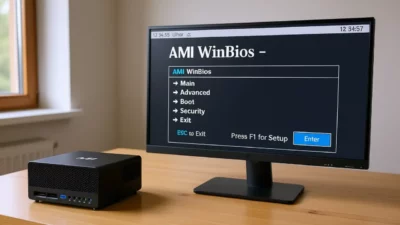
When September rolls around, most people think about notebooks and backpacks, but the reality is that the real driving force behind studying these days is the computer. Whether you need a machine to survive university or want your child to have a decent study space, tuning up your current computer or choosing a new one is essential to avoid spending half the term struggling with a sluggish PC.
It's not just about buying for the sake of buying, but about optimizing every resource for smooth performance, whether you're writing a final paper or just want to play a few games to unwind. From a thorough software cleanup to choosing components that won't become obsolete in six months, here's how to get your computer running smoothly for the semester.
Essential maintenance: Make your PC like new
Before you start spending money, the smartest thing to do is give your existing computer a thorough check . Often, slow performance isn't due to hardware issues, but rather an operating system overloaded with bloatware. The first step is to ensure your system is updated to the latest stable version; using outdated security patches leaves you vulnerable to all sorts of problems.
In Windows, the key tool is Windows Update, although manual catalogs are available for more technical users. In addition, a thorough cleanup of applications and using PC Manager in Windows to remove all the pre-installed bloatware are essential; deleting all of this frees up RAM and storage space, allowing the system to run more smoothly.

Security and data protection
There's nothing more tragic than losing an entire semester's work because your hard drive decided to die or a virus decided to wipe everything out. That's why automating backups is non-negotiable. Don't rely solely on the cloud; having a scheduled backup is a lifesaver in the event of hardware failures or ransomware attacks.
To combat malware, a standard antivirus program isn't enough. It's recommended to perform deep scans, including external drives, and in complex cases, use rescue solutions via USB (Live CD) that clean the system without allowing the virus to interfere from memory. Take this opportunity to also change your passwords, which are often the weakest link in the chain.

Hardware optimization and physical cleaning

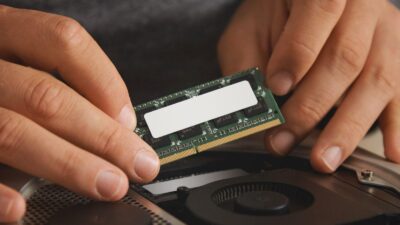
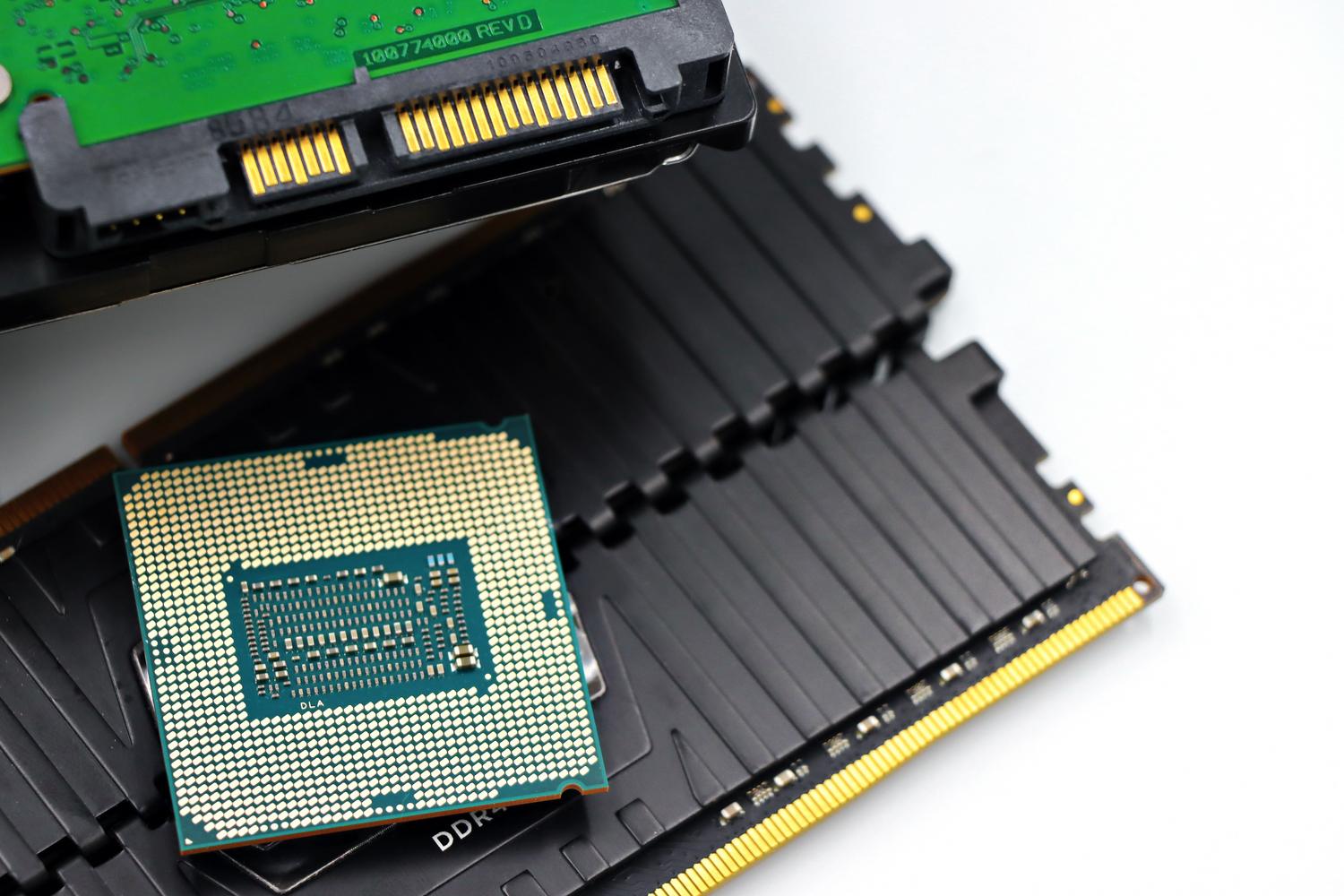
If your PC is still slow after cleaning the software, it might be time to upgrade the components . Replacing a mechanical hard drive with an SSD or optimizing the performance of your existing SSD are the most affordable upgrades with the greatest immediate impact. If your computer is louder than a jet engine taking off, it's likely that the case is full of dust; cleaning the dust from your PC and replacing the thermal paste on the CPU can prevent your computer from shutting down due to overheating.
In the case of laptops, special attention should be paid to battery health . Although batteries wear out, following good charging habits can extend their lifespan and prevent you from constantly relying on a power outlet at the library.

Buyer's guide: Which equipment to choose according to your stage?
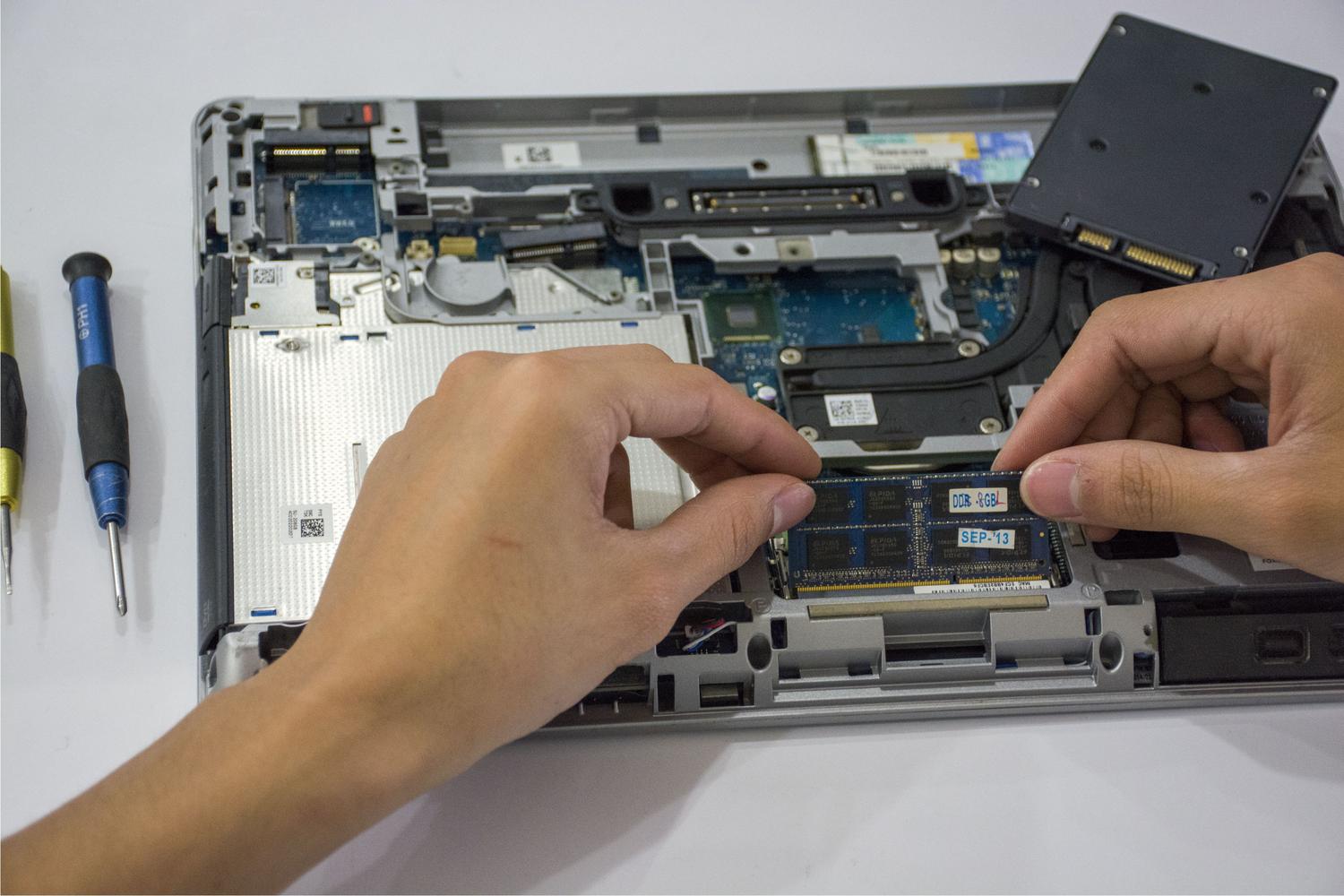
If you decide it's time to upgrade, the first big question is choosing between a laptop and a desktop computer. Laptops are unbeatable for their complete portability , ideal for those who take notes in class or move between classrooms. On the other hand, a desktop computer offers a better price-performance ratio , is much more ergonomic thanks to its larger monitors, and allows you to upgrade components in the future without having to buy a new PC.
Recommendations by academic profile
- Primary and ESO: Reliability is key here. A computer with an efficient Ryzen processor, 16 GB of RAM, and a 1 TB SSD is more than enough to give the student plenty of headroom for several years without any issues.
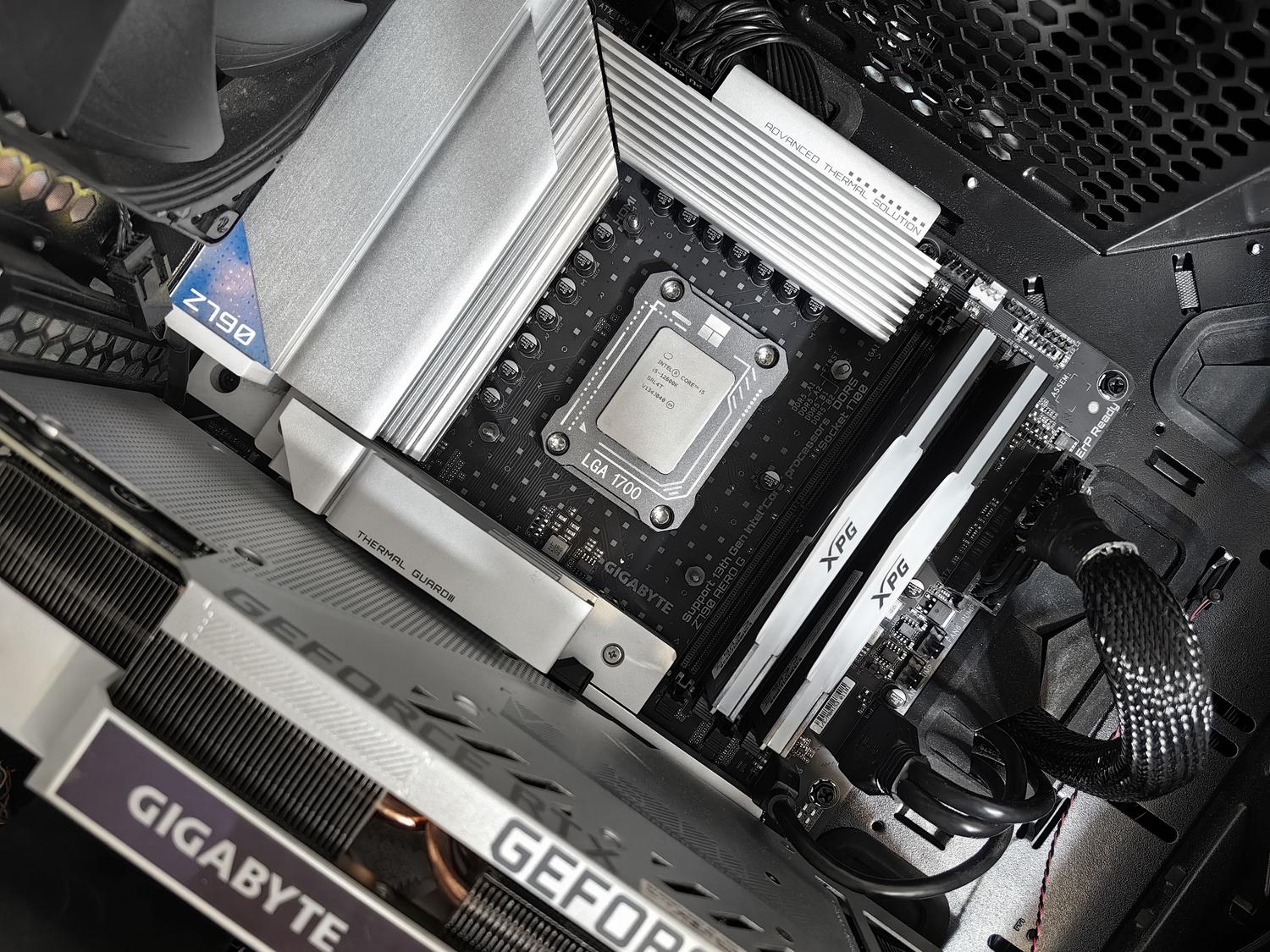
- High school and vocational training: More processing power is becoming necessary for multitasking. Systems with modern i5 processors and RTX 4050-type graphics cards are the sweet spot, allowing you to use graphics applications and browse with dozens of tabs open without bottlenecks.
- College: Depending on your field of study, upgrading to a multi-core i7 or Core Ultra processor with an NPU is recommended for AI tasks. 32 GB of RAM and NVMe drives are essential for those working with demanding software like MATLAB, Blender, or Unreal Engine.
- Creatives and Professionals: For those who edit video or train AI models, the ideal setups are powerful GPUs (RTX 5070 Ti or higher) and displays with high RGB coverage and high brightness to ensure color accuracy.

The balance between studying and gaming
Many students are looking for a computer that can do it all. A gaming PC isn't just for playing games; it's a powerful workstation . A good graphics card isn't just for FPS; it also accelerates video rendering and 3D design. The processor needs to be able to handle Discord, the web browser, and study software simultaneously without breaking a sweat.
Don't forget the monitor. For studying, a Full HD IPS display is the standard, but if you want to optimize the experience, panels with a refresh rate of 144 Hz or higher reduce eye strain and make scrolling through long documents much smoother. Organizing your workspace with good cable management and adequate lighting also helps your brain switch between focus and leisure modes.
Operating system considerations
For those seeking a cleaner system, options like Windows 11 LTSC are appealing because they avoid pre-installed software and offer more stable updates. However, for most users, the Pro version is the safest option due to its full compatibility with all game drivers and launchers like Steam, preventing driver issues that could arise in more restricted versions.
Having an optimized system, whether through software maintenance, internal dust removal, or purchasing well-balanced hardware, ensures that technology is an aid, not a hindrance, throughout the course. Combining processing power with good ergonomics and robust data security is key to successfully tackling both academic demands and gaming sessions.