- Linux manages resources much more efficiently than Windows, allowing outdated hardware to run smoothly again.
- Choosing the desktop environment (XFCE, LXQt or MATE) is crucial to adapting RAM consumption to the computer's capabilities.
- There are specialized distributions such as AntiX, WattOS or Linux Lite that allow you to run secure operating systems on machines with very little memory.
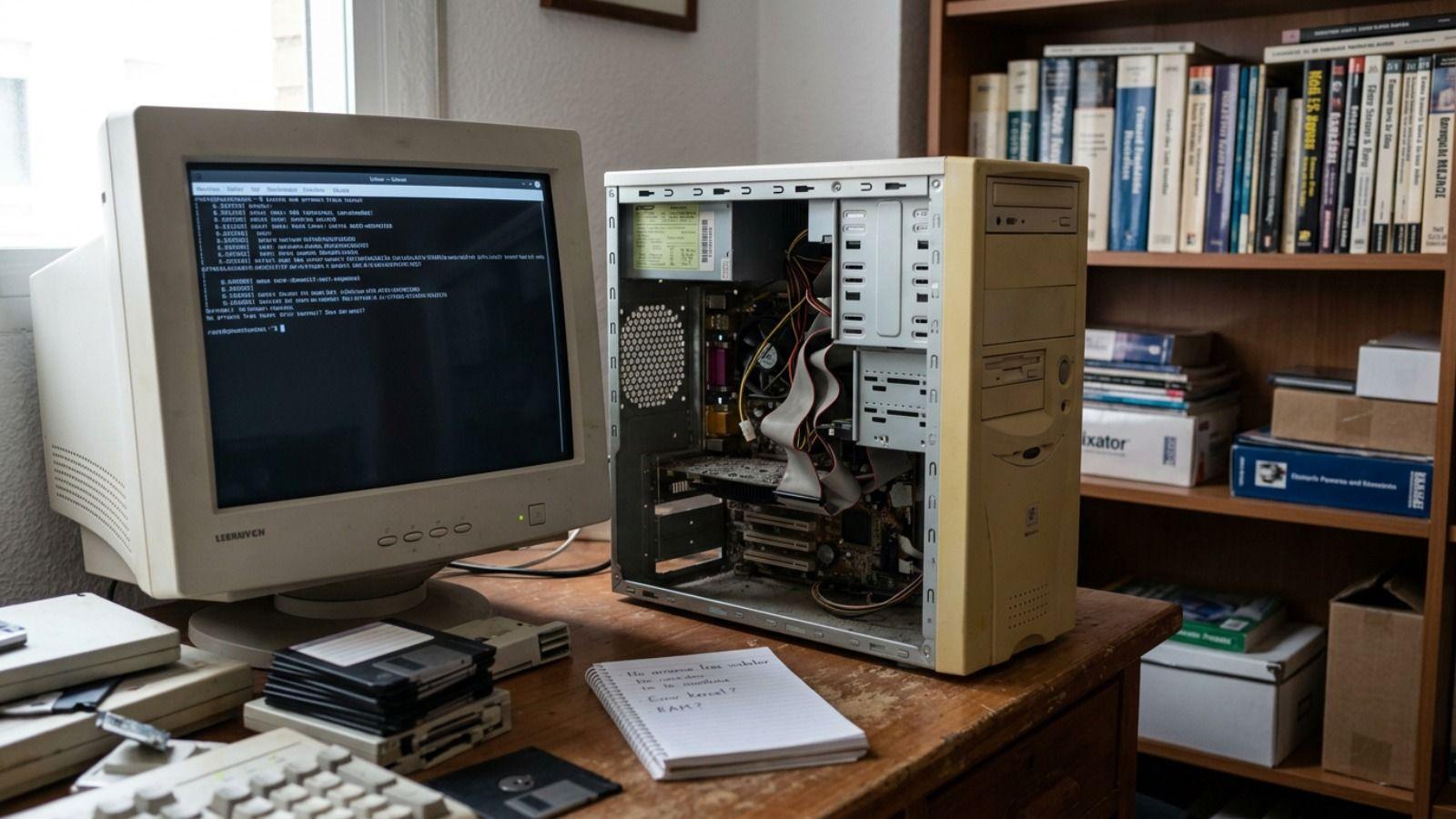
If you have any equipment gathering dust in a drawer or a laptop that takes forever to boot up, don't rush to throw it away. Often the problem isn't that the hardware is dead, but rather that modern operating systems Windows 10 and 11 are resource hogs that can stifle older components. The solution is to switch gears and switch to GNU/Linux, a system capable of making fifteen-year-old machines fly again.
Moving from a heavyweight system to a Easier and more secure Linux distribution It's not just a matter of speed, but also of security and functionalityInstalling up-to-date software prevents your computer from becoming an easy target for viruses and malware, which is critical for versions of Windows that are no longer officially supported. With a little patience and the right Linux distribution, you can transform that "dinosaur" into a useful tool for browsing, studying, or even managing a home server without spending a penny on new hardware.
Why is Linux the salvation for old hardware?
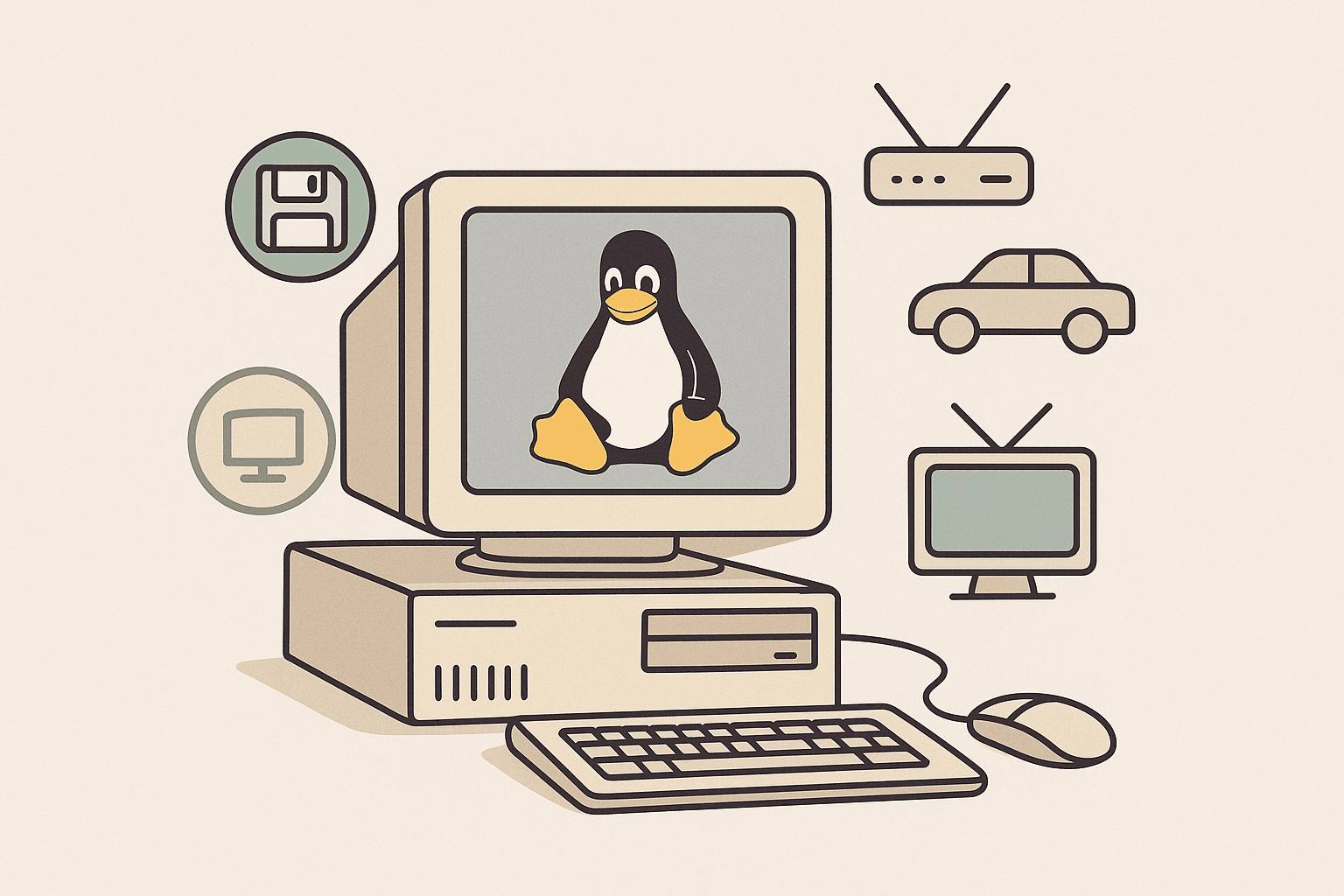
Unlike Microsoft systems, Linux doesn't need to load a huge number of background processes to function. This means that RAM memory consumption It's drastically smaller, and the processor isn't overloaded with invisible tasks. While Windows might require 4 GB or 8 GB to run decently, there are distributions that are comfortable with just 1 GB or even less.
Another key point is modularity. In Linux, the desktop is like a Lego piece that you can rearrange. You're not forced to use an interface full of visual effects; you can choose light graphical environments such as XFCE, LXQt, or MATE, which maintain the classic Windows aesthetic but consume a fraction of the resources. There are even more extreme options like Openbox for truly ancient computers.
Furthermore, the core or linux kernel It includes a huge amount of integrated controllersThis means that your old Wi-Fi card or sound chip is very likely to work right away without you having to struggle with complicated driver installations. By loading only the necessary modules, the system remains responsive and prevents the hard drive from experiencing constant read and write operations.

The best distributions for each "potato" level
Not all lightweight Linux distributions are created equal. If your computer is around 8 to 12 years old and has at least 2 GB of RAM, Linux Mint XFCE It's the perfect balanced option, as it's very intuitive for those coming from Windows. On the other hand, if you're looking for something based on the robustness of Ubuntu but faster, Xubuntu it's a safe bet.
For more critical cases, where RAM is very limited, Lubuntu (based on LXQt) is fantastic, working surprisingly well on very old laptops. If you want a seamless visual transition, Zorin OS Lite offers an interface beautiful and familiar, reminiscent of Windows XP or 7, without slowing down the computer.
When we talk about extreme hardware, such as machines with 512 MB of RAM or very old processors, we must look towards AntiX or MX LinuxThese options can even start without graphics acceleration and are capable of working wonders. There is also Watts, a gem based on LXDE that requires only 192 MB of RAM and 700 MB of disk space, becoming the ultimate lifeline for systems that seem impossible to recover.

How to perform the installation step by step
The first step is to choose the ISO of the distribution that best suits your needs and download it from its official website. It's vital to know if your processor is of 32 or 64 bitIf you're unsure because your PC is very old, the 32-bit version is usually compatible with everything. Once you have the file, you'll need a tool to create the bootable USB drive, such as Rufus or Etcher.
The process with Rufus is simple: connect the USB drive, select the ISO file, and click "Start." Once ready, insert the USB drive into the old laptop and restart. Here's the trick: you must repeatedly press the key starter selector (which is usually F12, F2, F10 or ESC depending on the brand) to tell the computer that boot from usb drive and not from the hard drive.
Most lightweight distros allow you test the system in Live mode without installing anything. If you like how it moves, open the desktop installer. The best option in these cases is to choose the option to erase entire disk To perform a clean installation, removing all traces of Windows and configuring your username and password. Once finished, restart and you'll have a rejuvenated computer.
Extra tips to get the most out of your performance
Even though Linux works wonders, hardware has physical limitations. If you want your laptop to truly fly, the best investment is replacing the old mechanical hard drive with a new one. cheap SSDEven the cheapest model at 20 euros will drastically transform the startup speed and responsiveness of applications.
Another bottleneck is the web browser. We sometimes blame the system, but Firefox or Chrome can hog the CPU just by opening a couple of tabs. To combat this, you can try ultra-lightweight browsers such as Pale Moon, Midori or Falkon, which manage memory much better on computers with little RAM.
Depending on your needs, you can use this PC for various purposes: from an office computer with LibreOffice to turning it into a personal media server using Plex or Jellyfin, or even a safe environment for children to learn to program in Python without the risk of breaking the main computer at home.
Owning an old computer doesn't mean it has to end up in an electronics dump. Thanks to the flexibility of environments like XFCE or LXQt and the efficiency of optimized kernels, it's possible to restore the usefulness of any laptop with a clean Linux installation, optimizing the browser and, if possible, upgrading storage to ensure a smooth and secure experience for many more years.
