- The failure of the unintentional double click is usually caused by physical wear of the internal microswitch or by incorrect system configurations.
- Solutions range from software adjustments and deep cleaning to technical replacement of electronic components.
- Adopting optical switches is the most effective measure to prevent this problem from recurring in the future.
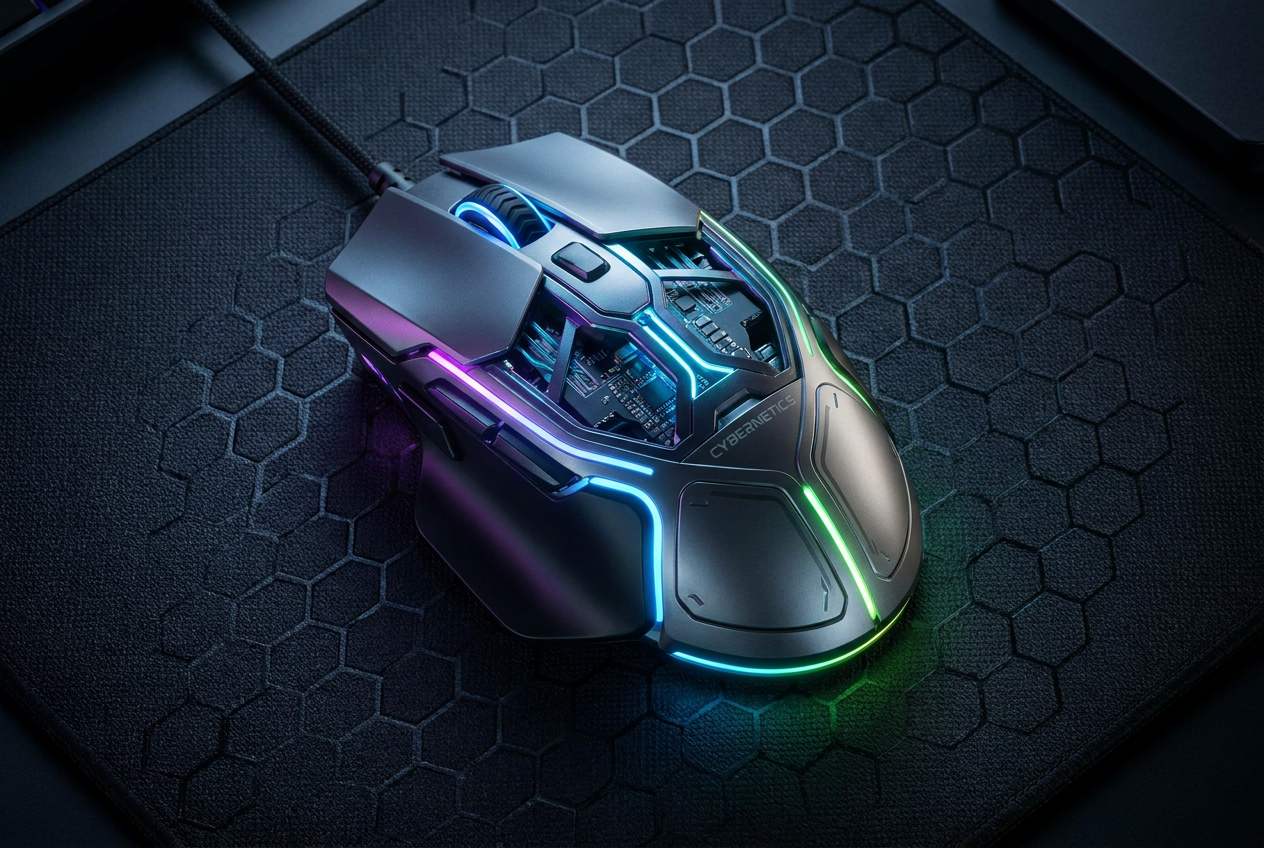
Nothing drives a PC user, and even more so a gamer, crazier than when the mouse starts making noise. ghost clicksYou're in the middle of an intense game or trying to organize your folders, and suddenly the device registers two taps when you only tapped once. This situation is not only irritating, but it can also be dangerous if you accidentally delete a file or if your in-game character does something you didn't intend, turning the user experience into a real ordeal.
Lo primero que hay que tener claro es que este problema puede venir por dos vías totalmente distintas: un software glitch or mechanical wearDepending on the culprit, the solution can be as simple as adjusting a setting in Windows or as complex as getting out the soldering iron to replace a part. Either way, there are several ways to try and revive the device before giving up on it and having to buy a new one.

Software settings: The first line of defense
Antes de abrir el ratón y arriesgarse a romper algo, lo más sensato es revisar que Windows no esté jugando una mala pasada. A veces, por error, activamos opciones que cambian la forma en que el sistema interpreta nuestras pulsaciones. Para comprobarlo, abre el Explorador de Archivos y entra en la pestaña de Vista y luego en Folder optionsMake sure the box is checked. Double-click to openIf you have the single-click option selected, the mouse will behave strangely and appear to malfunction, when in reality it is just a file management settings in Windows.
Another twist is the double-click speedIf the time threshold is set too slow, the system may interpret two separate, closely spaced clicks as one, or vice versa. You can adjust this in the Control Panel, by going to Devices and then to the Additional mouse optionsPlay around with the slider and try the folder icon that appears next to it to see if the response matches your natural tapping rhythm.
For those using high-end mice, it is essential to check the proprietary software (such as Razer Synapse or Logitech G Hub). Some models allow you to adjust the response time or click sensitivity. If you've lowered the response time too much to gain performance, you might be causing the software to misinterpret false double clicksIncrease the values slightly until the behavior is stable.
Driver and malware problems
If the basic adjustments don't work, the problem could lie in the communication between the hardware and the system. A classic solution is reinstall the driversGo to Device Manager, find the Mice section, right-click on your device and select uninstall the deviceWhen you restart your computer, Windows will automatically load the cleanest version of the driver, eliminating potential errors from corrupted configurations.
Although it is much less frequent, we cannot rule out that some malware or virus It may be interfering with input devices. There are malicious programs that simulate keystrokes to annoy you or perform unwanted actions. Run a thorough scan with tools like Malwarebytes It's a good idea if you notice that the problem persists even when testing the mouse on a different computer.
The mechanical culprit: The microswitch
When the software is clean and the problem persists, we enter the realm of hardware. The heart of the button is the microswitchA mechanical part containing a small metal leaf spring. With intensive use, this metal undergoes what is called material fatigueThe spring loses its elasticity and, instead of making a clean snap, begins to vibrate or bounce when released.
This phenomenon, known as bouncing or electrical reboundThis happens in milliseconds. Your finger has already released the button, but the metal plate vibrates and touches the electrical contact once more. The PC, which is infinitely faster than a human, registers this as a second involuntary clickThis is where debounce software programs act as a patch, ignoring overly rapid clicks, but they don't fix the broken part and can introduce problems. input lag, algo inaceptable para cualquier jugador.
Cleaning and physical maintenance
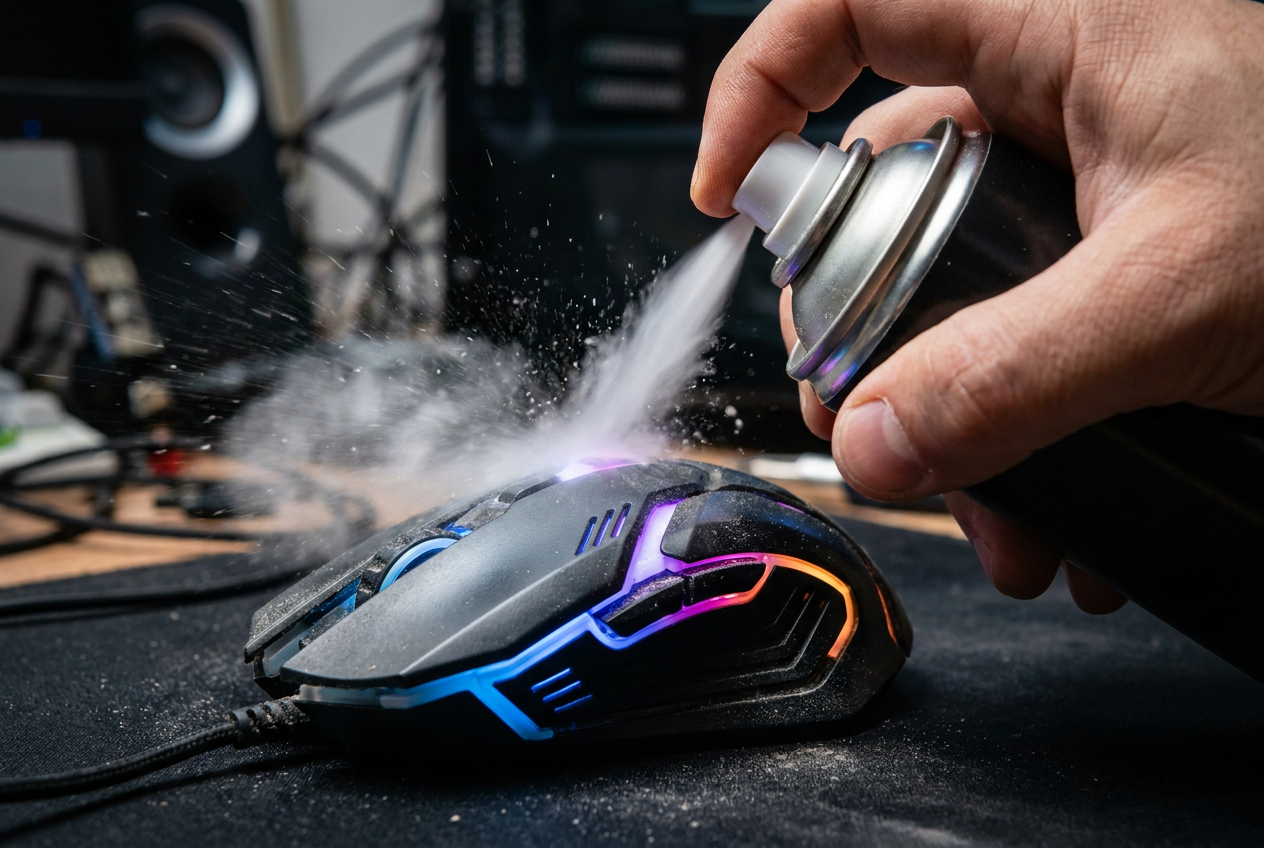
Sometimes, the problem isn't wear and tear, but that the mouse has accumulated dust, grease or crumbs inside the mechanism. Dirt can interfere with the plunger's pulsation. Ideally, use a container of compressed air pointed towards the button slot to expel debris. If you're feeling more adventurous, you can disassemble the mouse (being careful with the warranty) and clean the switch with a cotton swab and isopropyl alcohol.
To prevent this from happening, it's best to keep the play area clean. Wash your hands before playing, avoid eating greasy snacks at your desk, and use a... alfombrilla limpia It helps prevent dirt from entering the mouse's chassis. Weekly maintenance with a microfiber cloth can significantly extend the lifespan of the components.
Advanced repair and renovation
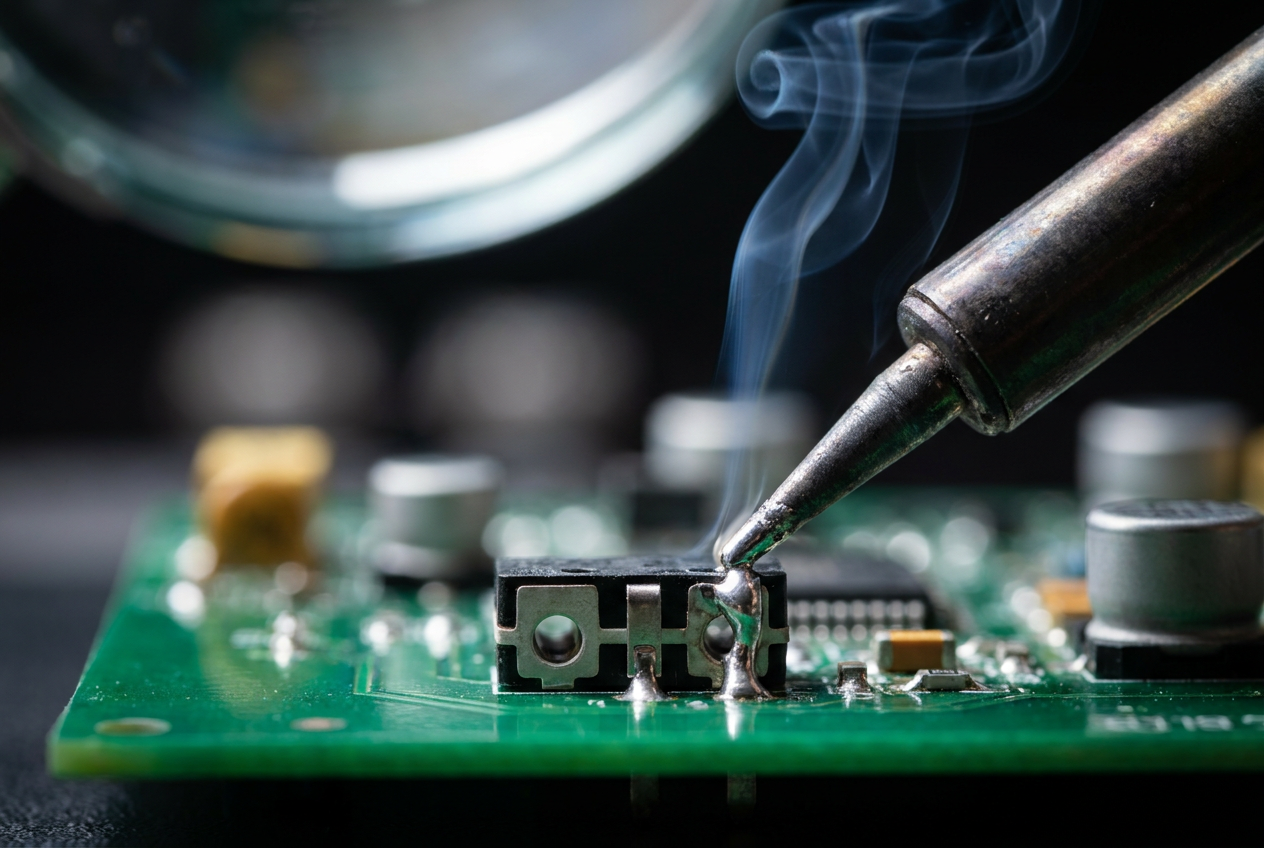
If none of the above has worked and the mouse is high-end, the definitive solution is change the switchThis involves desoldering the faulty part from the PCB and soldering a new switch (such as the well-known Omron or Kailh brands). It's a task for someone comfortable with the process. tin soldering ironIf the mouse is inexpensive, the cost and time of the repair are not worth it, and the most practical thing to do is buy a new one.
Si decides renovar tu equipo, busca ratones que utilicen optical switchesUnlike mechanical ones, these use a beam of light to register the pulse, so there is no physical contact between metals and, therefore, There is no wear and tear por fatiga ni el efecto rebote. Es la única forma real de olvidarse para siempre de los clics fantasma.
To diagnose the problem, the most effective approach is to test the device on another computer. If the error persists, the issue is physical. Options range from adjusting the click speed in Windows and cleaning internal dust to reinstalling drivers or technically replacing the switch. In extreme cases, investing in a mouse with optical technology guarantees significantly greater durability by eliminating mechanical friction.