- Prioritize professional-grade equipment with modern processors and SSD drives to ensure compatibility with Windows 11.
- Verify that the seller offers a genuine warranty of at least one year and has its own technical service.
- Evaluate the battery status of laptops and the aesthetic rating of the equipment to adjust the budget.
For those who wouldn't mind saving a few euros, the idea of buying a refurbished computer often sounds very tempting, but it's normal to have doubts. Am I buying someone else's junk? Will it break down after two months? The truth is, if you know where to look and what to ask, it's one of the smartest decisions you can make today, as it allows you to access powerful machines that originally cost a fortune for a fraction of the price.
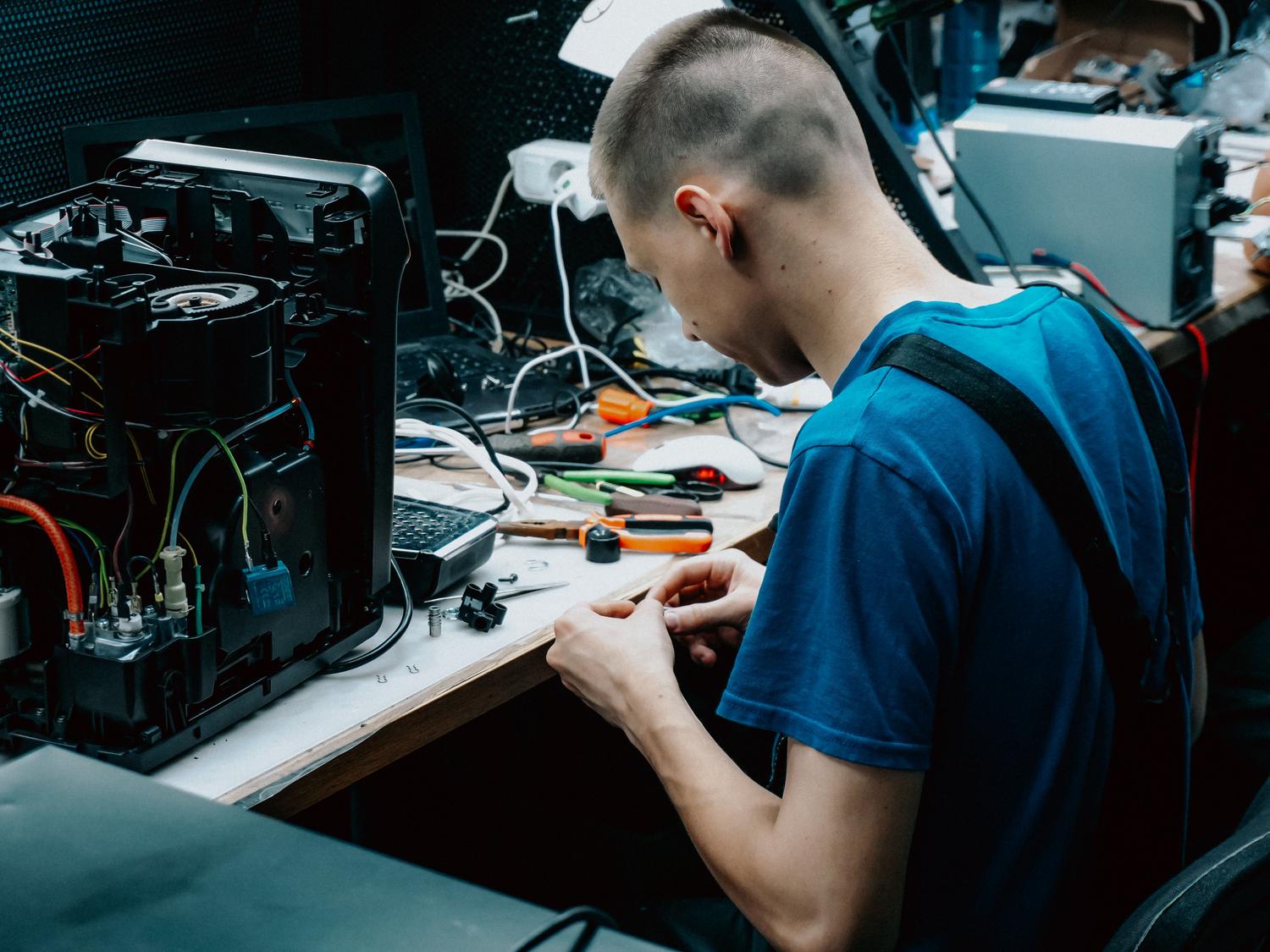
We shouldn't confuse the concept of refurbished with buying something secondhand from a private seller on an online classifieds platform. While the latter is a gamble with no guarantees, a professionally refurbished device has undergone a technical audit , cleaning, and fine-tuning process to function like new, but with a much lower environmental impact on consumer electronics and a much more affordable price.

The critical factor: Compatibility with current software

There's one crucial detail you can't overlook: Microsoft support. With the end of support for Windows 10, any computer that can't upgrade to Windows 11 will become a security risk , vulnerable to viruses and technical issues. Generally, computers manufactured before 2018 tend to have problems with this upgrade, making it essential to understand what TPM 2.0 is to ensure compatibility.
To avoid a major disappointment, look for 10th generation Intel Core processors or higher . This guarantees a lightning-fast operating system and means you won't need to replace your machine anytime soon. Don't be fooled by brand new laptops that are practically worthless for around €300; they often come with Celeron or Pentium processors that are incredibly slow and will have you cursing every time you open three tabs in your browser.

Professional Range vs. Domestic Range
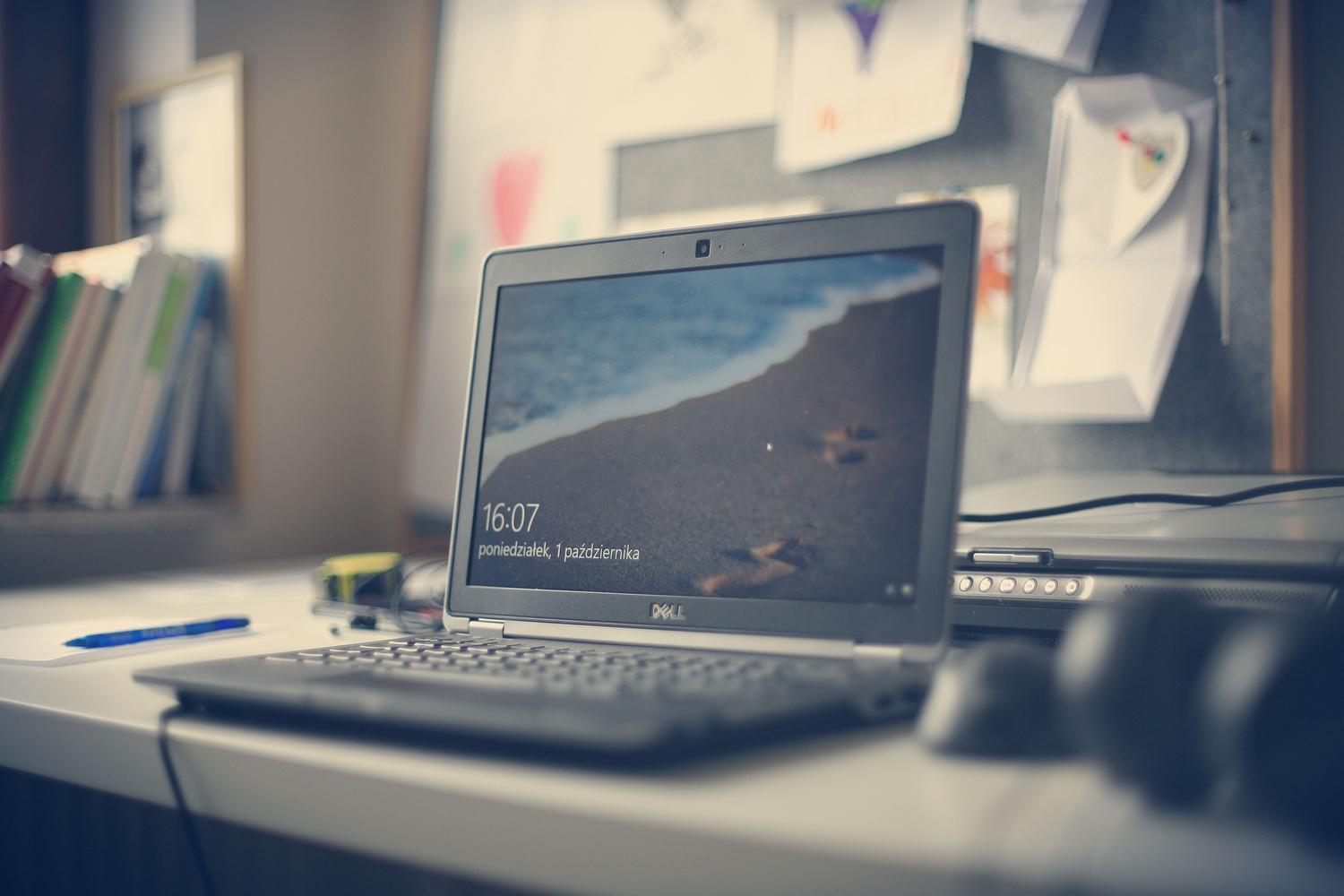
Here's the real trick. For the same price as a basic plastic laptop at a department store, you can buy a business-grade machine (like the Dell Latitude, HP EliteBook, or Lenovo ThinkPad). These machines are designed for heavy office use, so their aluminum chassis and internal components are much more robust and durable than those of a home PC, especially if you compare a desktop computer versus a laptop based on your needs.
These professional-grade models not only withstand more wear and tear, but they often come with Windows Pro licenses and sometimes even include Office, which represents a considerable extra saving if you don't want to resort to pirated software. It's the difference between buying an inexpensive city car and a high-end vehicle that has been mechanically inspected.
Technical checklist: What to look for before paying?
To ensure the transaction goes smoothly, there are several technical points you must thoroughly check before finalizing the purchase:
- Storage and RAM: Forget about mechanical HDDs; the SSD drive is required To prevent your PC from running slowly, you should ideally start with 256 GB of storage space. As for RAM, 8 GB is the minimum to get by, although 16 GB is the sweet spot for smooth performance.
- Battery health: In laptops, this is the weak point. A reputable seller will tell you the percentage of remaining battery life; look for one that retains at least a 70% of its original capacityRemember that in professional ranges the battery is usually replaceable.
- Screen and ports: Check for dead pixels and that the hinges close firmly. Verify that all USB ports, HDMI, and the webcam are working, especially if you'll be working remotely, and remember How to properly clean PC ports to keep them in optimal condition.
- Aesthetic condition: Stores typically use grades (A, B, or C). Grade A is nearly new, while Grade B or C have visual markings but they work perfectlyIf you don't mind a scratch on the casing, the lower grades are where the real bargains are.

The importance of the guarantee and the origin

The warranty is what separates a safe purchase from a risky gamble. Don't accept anything that doesn't have at least a one-year warranty, although two or three years of coverage is ideal . But be aware, a warranty managed by a marketplace is not the same as an in-house technical service with certified professionals who know how to repair the machine in their own workshop.
Always ask where the equipment comes from. The most reliable options are those from European corporate rentals or manufacturer's showroom units. This equipment has a clear history and has been maintained to professional standards, unlike equipment collected from private individuals, which may have hidden defects.
Accessories: The case of monitors
If you're also thinking about upgrading your screen, refurbished monitors are a fantastic option. The most important factors here are connectivity and resolution . Make sure it has the ports you need (HDMI, DisplayPort, or USB-C) and is VESA compatible if you plan to use an articulating arm.
Depending on your needs, Full HD resolution will suffice for office work, but if you design or edit video, look for QHD or 4K options . Just like with PCs, there are outlet sections with minor cosmetic defects that don't affect the image but significantly reduce the price.
Investing in refurbished technology allows you to achieve high-end performance without breaking the bank, provided you prioritize professional-grade components, Windows 11 compatibility, and solid technical support. By choosing a computer with an SSD, ample RAM, and a genuine warranty, you transform what could be a risk into a smart, sustainable, and efficient purchase for any type of user.
