- Thermal paste loses effectiveness as it dries out, causing the CPU to reach dangerous temperatures that degrade the hardware.
- Isopropyl alcohol and specialized cleaners are the only safe products for removing residue without corroding components.
- Annual preventative maintenance avoids thermal throttling and ensures that the heat sink works at maximum efficiency.
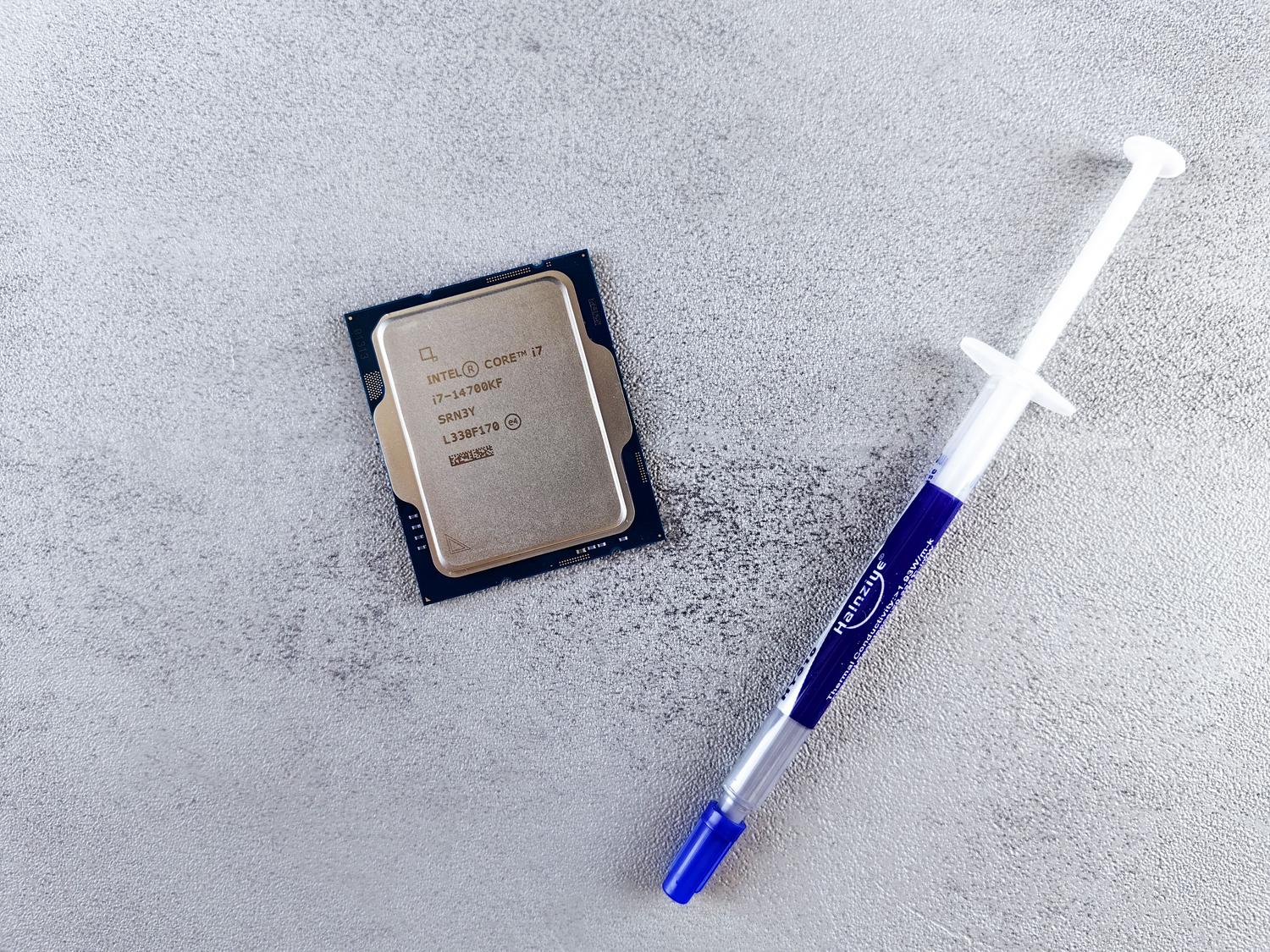
The processor is essentially the brain of our computer. All information flows through it, and if we want the computer to respond smoothly, especially when we're pushing it with AAA games or demanding programs, we need to take good care of it. The problem is that, when working at full capacity, it generates a massive amount of heat that must be dissipated quickly to prevent the system from crashing or, even worse, shutting down due to safety concerns.
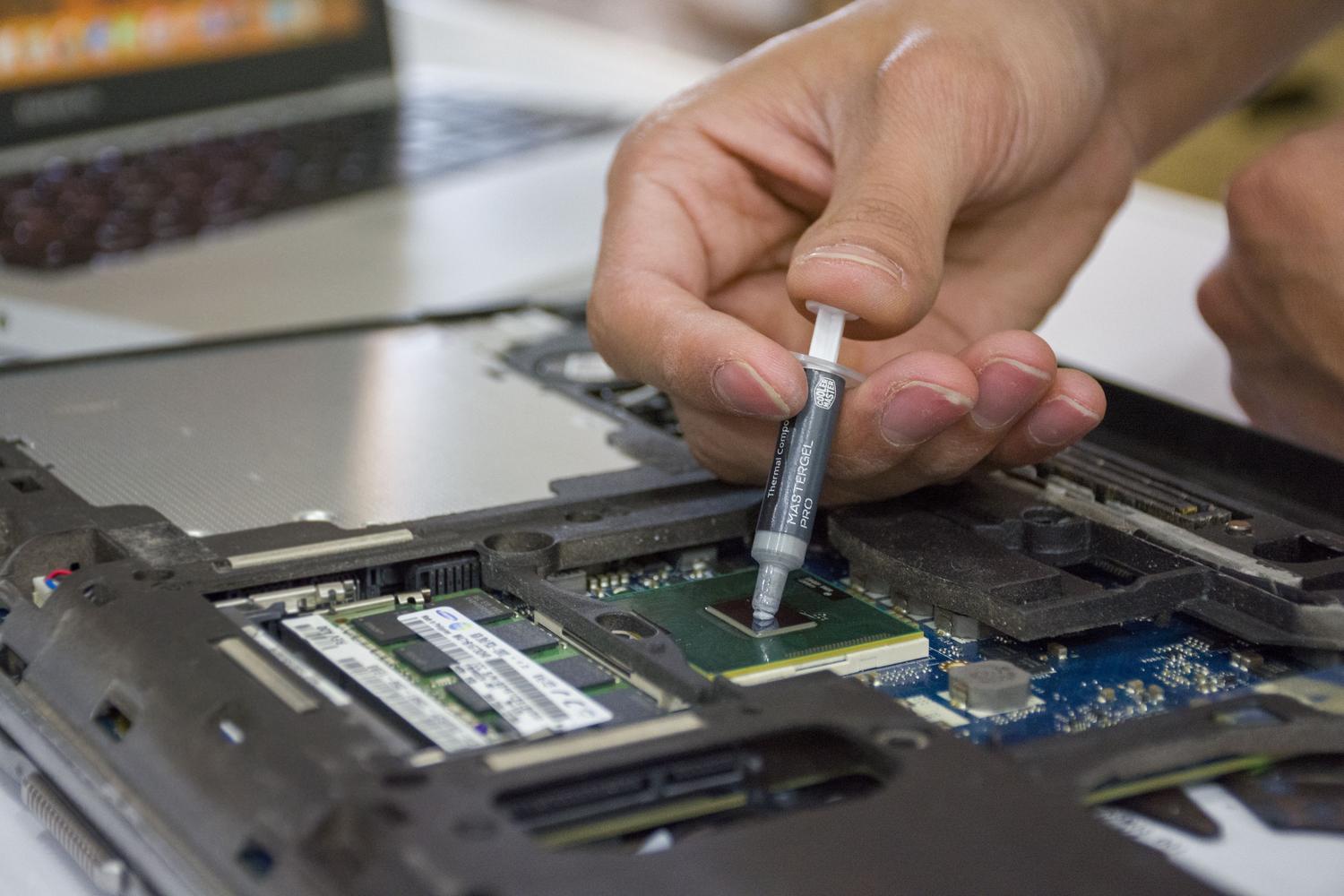
For effective heat transfer, we use PC thermal paste , a substance that fills the microscopic gaps between the processor's IHS and the heatsink. However, over time, this compound dries out and cracks, ceasing to work its magic. Knowing how to clean off dried-out paste and reapply it is a simple but delicate process, where carelessness can be costly, so let's see how to do it without making a mistake.
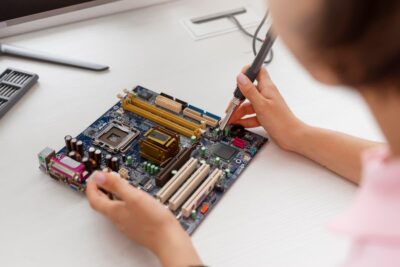
When is it time to change the thermal paste?
There's no need to panic, but there are clear signs that it's time to take action. The most obvious is when you notice your processor temperatures rising higher than usual, even without running demanding tasks. As a general rule, it's recommended to replace your CPU every two years, although if you live in a dusty or extremely hot environment, it's best to monitor your PC's temperature in warm areas to shorten that period to one year.
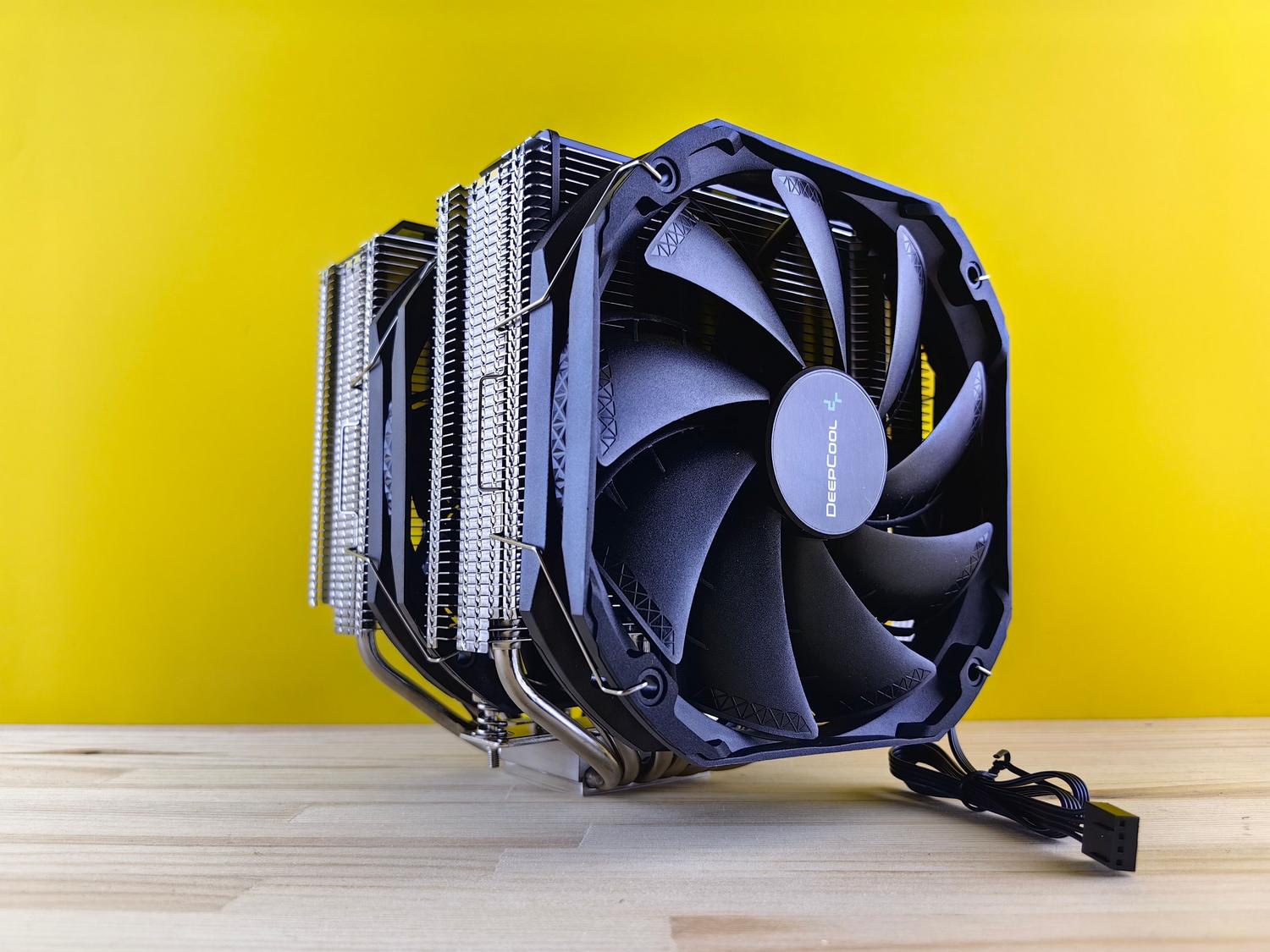
This process is also mandatory whenever you decide to replace the heatsink or water block with a new one. A trick to keep your PC in top condition is to use a gaming PC maintenance guide (which should be followed once or twice a year) to replace the thermal paste and ensure the entire cooling system functions like new.
Recommended tools and products
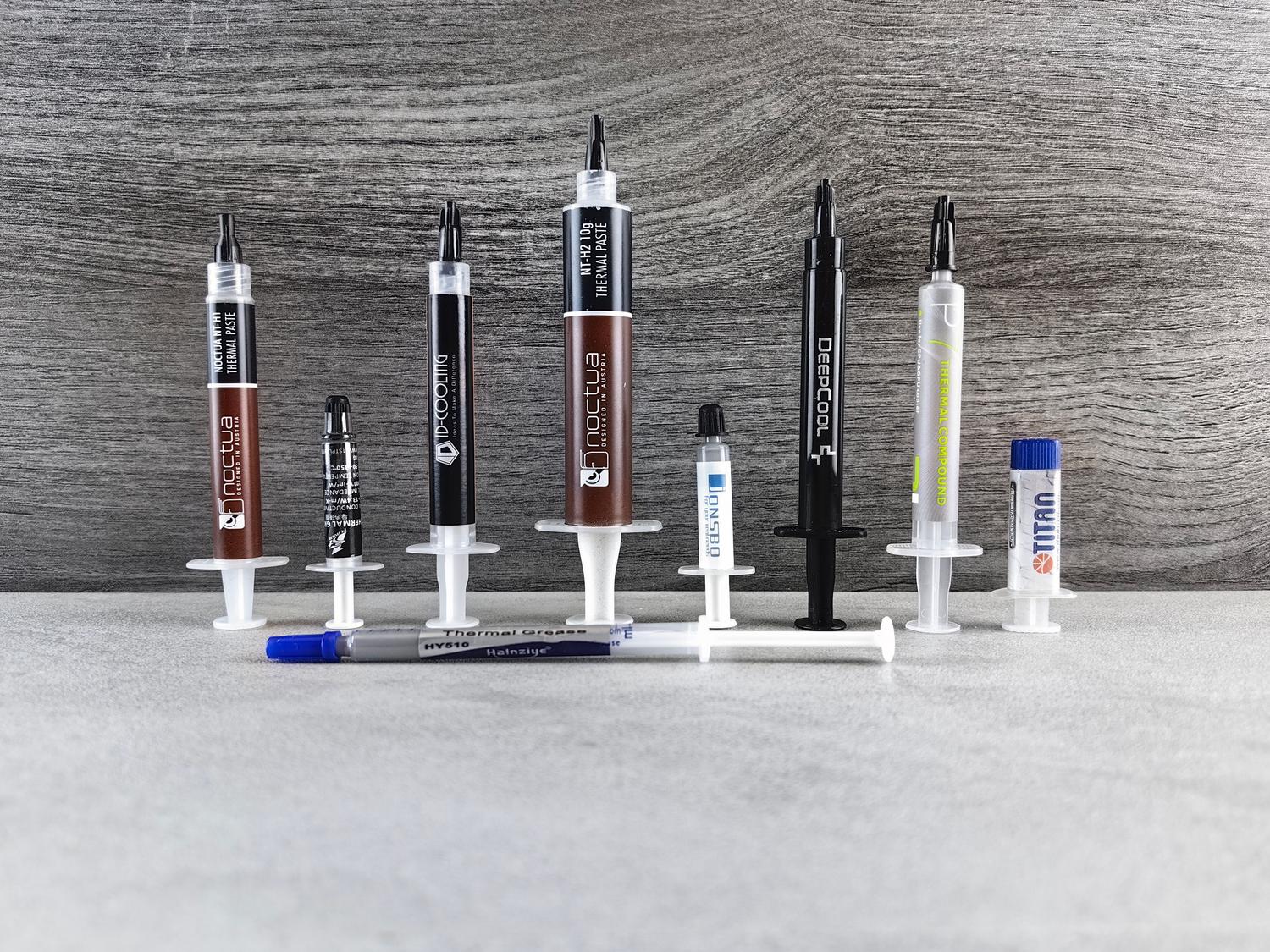
Not just any liquid will do when cleaning surfaces. The most common and effective option is 96% isopropyl alcohol , as it evaporates very quickly and leaves no residue. However, it must be handled with care because it is flammable and toxic if ingested. For those seeking a more professional solution, there are kits like ArcticClean, which uses a two-step system to dissolve grease and then purify the surface.
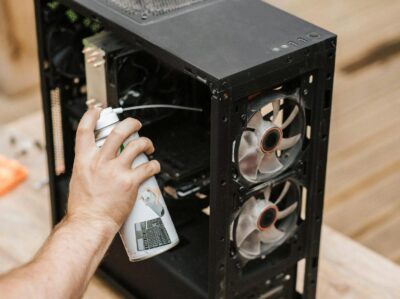
Another very convenient option is pre-moistened wipes , such as those from Noctua or Arctic, which are ideal for quick and regular cleanings. As for cleaning tools, it's best to use microfiber cloths or lint-free toilet paper, and cotton swabs to reach those hard-to-reach corners where toothpaste accumulates around the edges.
What you should NEVER do
This is where many people go wrong by following dubious advice from the internet. Under no circumstances should you use lemon juice or any acidic product. Citric acid is corrosive to the nickel in the IHS and can cause permanent microscopic damage that ruins heat transfer. This is a huge mistake that can render your hardware unusable.
Don't try to scrape off dried thermal paste with rigid objects like metal spatulas, knives, or credit cards. If the paste is hardened, you could scratch the surface or, worse, cause pieces to fly off into the motherboard socket. The key is patience: soften the paste with the appropriate solvent and remove it gently.
Step-by-step guide for safe cleaning
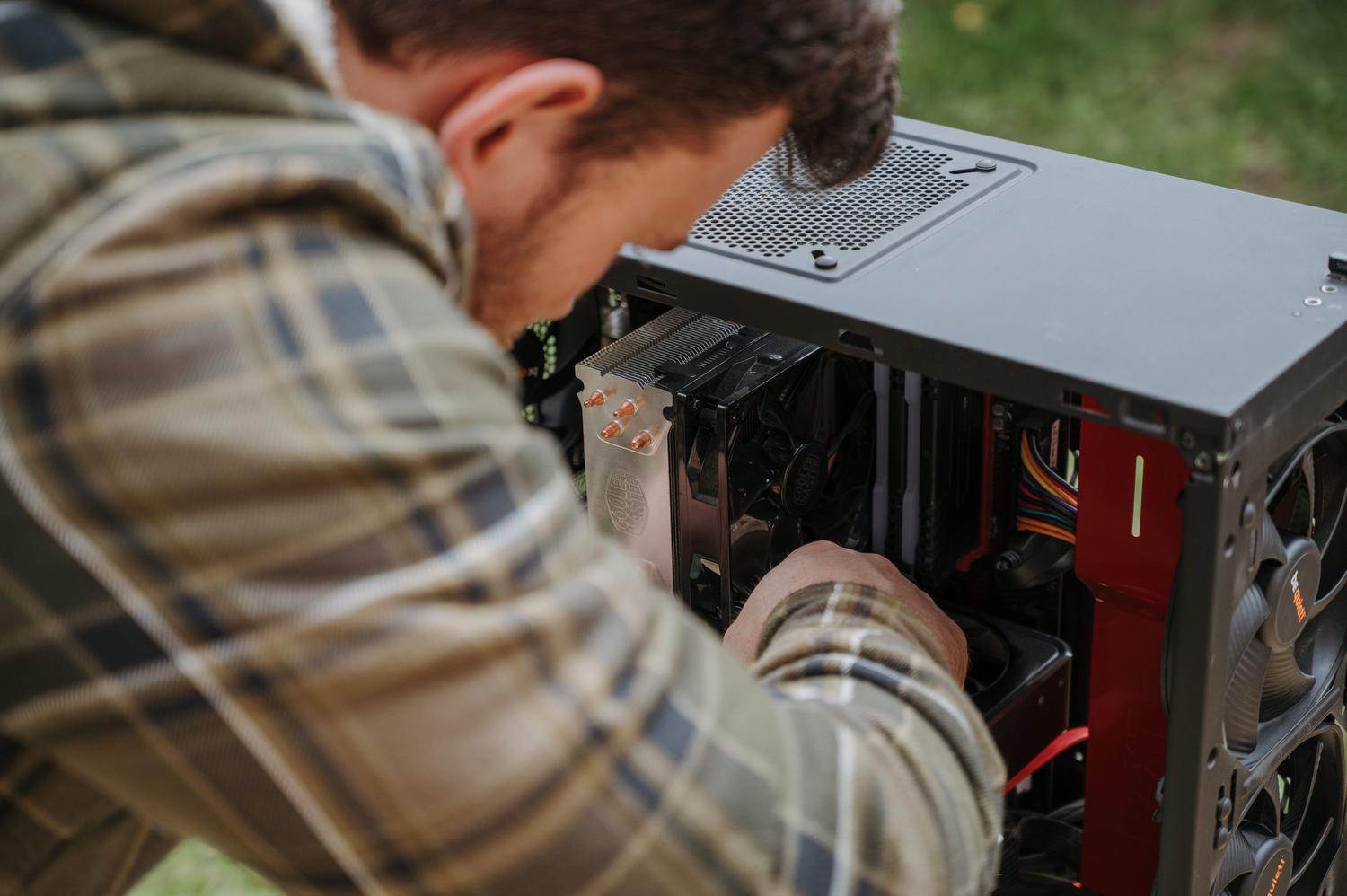
Before touching anything, it's essential to disconnect the PC from the power source and touch the metal chassis to discharge any static electricity from your body. Then, remove the heatsink in a crisscross pattern when loosening the screws; this prevents uneven pressure on the processor, which could damage the motherboard, thus avoiding the most common mistakes when building a PC.
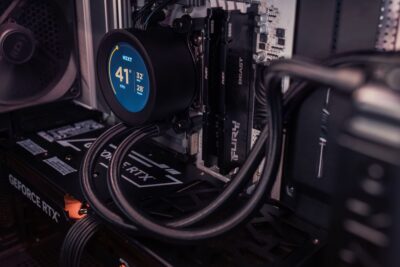
If the processor is stuck to the heatsink due to dried thermal paste, don't pull forcefully. Use gentle side-to-side movements until it comes loose. Once removed, you can clean the processor either while it's still installed in the socket (with the retention system securely closed) or by removing it completely, although the latter requires more care to avoid bending the pins.
To clean, apply alcohol or cleaner and let it sit for a few seconds. Wipe with a microfiber cloth, removing as much material as possible with each pass. For the edges of the IHS and crevices of the heatsink, use a cotton swab dipped in alcohol. Ensure the surface is shiny and free of any grease before applying the new thermal paste.
Application of the new paste and assembly
Once everything is spotless and dry, it's time to apply the new compound. The rule of thumb is to put a pea-sized amount right in the center of the processor. Don't overdo it, as excess paste can spill onto nearby components or create an overly thick layer that, ironically, acts as a thermal insulator.
When installing the heatsink, do so carefully to avoid disturbing the thermal paste. Tighten the screws again in an X or diagonal pattern to ensure even pressure and that the paste spreads evenly across the entire surface. Finally, connect the fan to the motherboard and monitor the temperatures using specialized software to confirm that the overheating problem has been resolved.

Advanced alternatives: Liquid Metal and Phase Change Pads
For the most demanding users or those who overclock, there's liquid metal. This gallium-based compound has a thermal conductivity far superior to silicon. However, it's extremely dangerous because it conducts electricity; a single misplaced drop can cause a fatal short circuit. Cleaning it is more complex and requires siphoning the excess with a syringe before cleaning with alcohol, similar to some delidding and custom liquid cooling techniques.
On the other hand, there are phase change mats (PCMs). These are solid sheets that become liquid when they exceed 45°C. The great advantage is that they last up to 5 years without degrading and eliminate the risk of improper paste application. Although they are more expensive, they avoid frequent maintenance and offer very stable performance.
Proper thermal management of the processor involves choosing the right solvent, avoiding corrosive products, and respecting the compound's replacement intervals. Whether opting for classic isopropyl alcohol, professional cleaners, or modern solutions like phase-change pads, the key is to keep the IHS surface and heatsink completely free of old residue to ensure unimpeded heat flow and long-term hardware health.