- Peripherals are divided into input, output, storage, and communication, and all have evolved in quality, connectivity, and functions.
- Modern mice, keyboards, monitors, and audio systems offer greater precision, ergonomics, and multimedia experience, with specific options for gaming.
- Storage (HDD, SSD, optical and tape) is not eternal, so combining media and backups is key to protecting data.
- New peripherals such as biometrics, virtual reality, and capture devices expand the security, immersion, and creative possibilities of the PC.
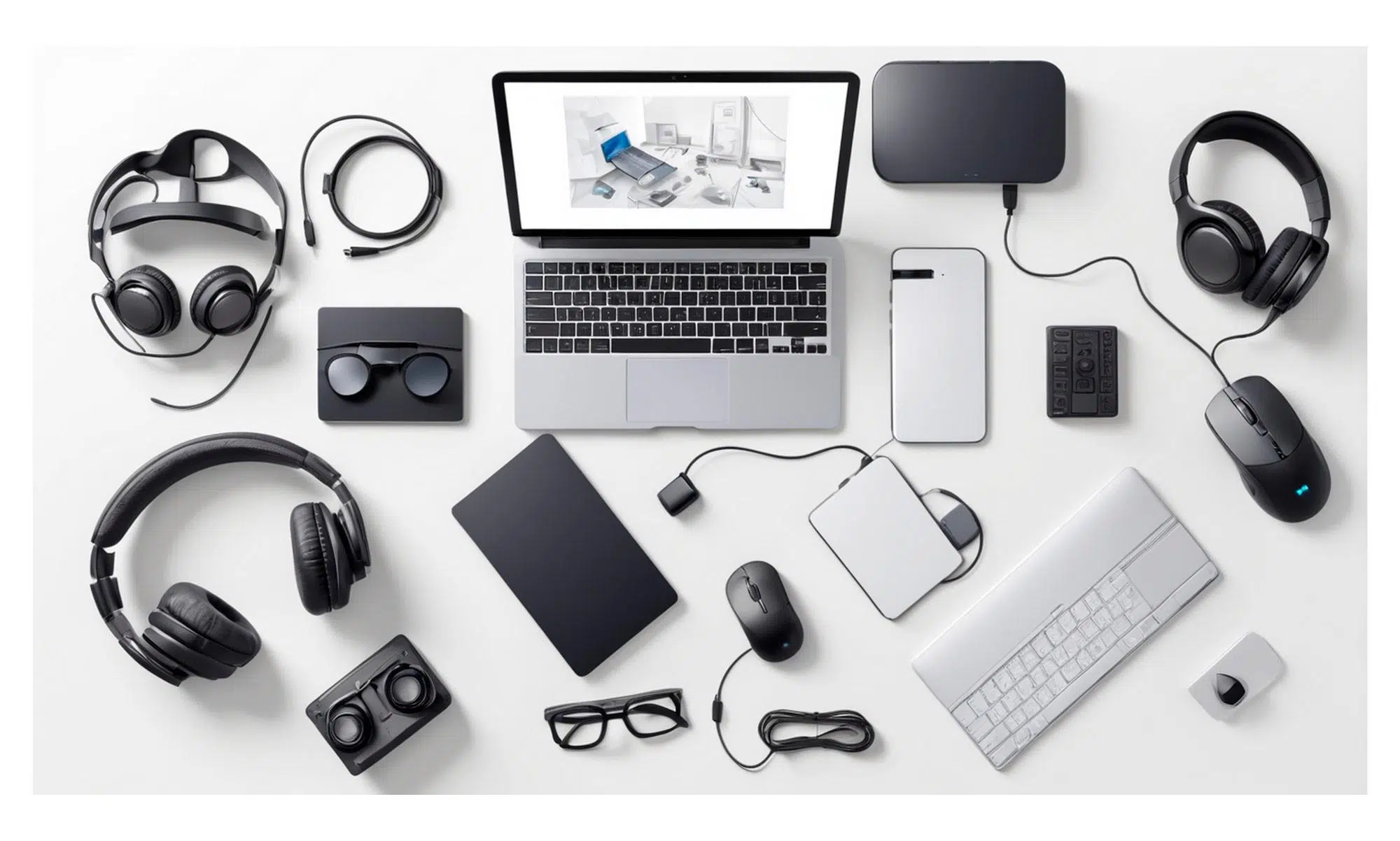
The world of computer peripherals and accessories is constantly evolving: new mice, keyboards, monitors, headphones, and storage systems are released regularly, completely changing how we use our PCs. Whether you're someone who just browses and works or a hardcore gamer, it's worth staying up-to-date because the improvements in comfort, performance, and security are becoming increasingly significant.
Furthermore, beneath the surface lies a wealth of technical expertise: from increasingly faster and more reliable storage, biometric identification , virtual reality, and multichannel audio , to small details like a better-designed mousepad or the monitor's panel type. All of this contributes to a smooth, immersive, and, dare I say, much more enjoyable experience.
The evolution of peripherals: from basic to ultra-specialized
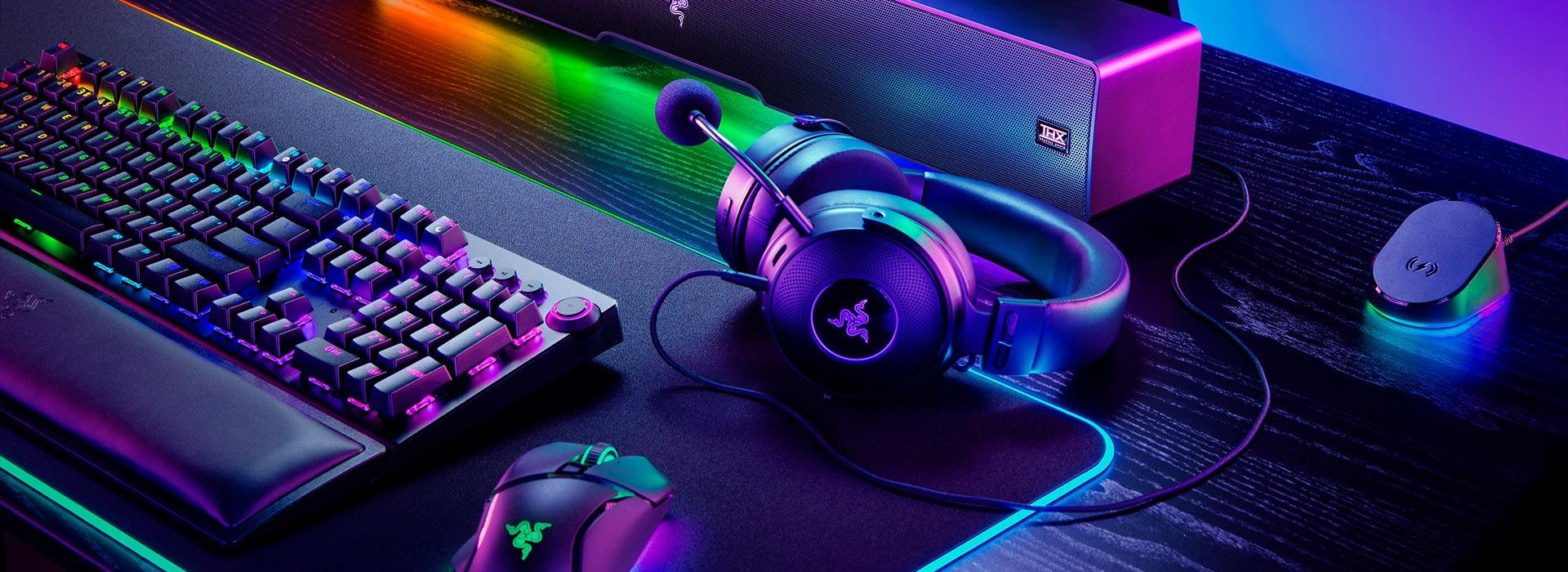
In just a few decades, we've gone from having very simple peripherals to having mice, keyboards, monitors, and speakers packed with technology that we previously only saw in professional settings. The curious thing is that many of these accessories have ended up being almost indispensable, even though at first they seemed like mere luxuries.
Looking back, traditional peripherals focused on four main components: mouse, keyboard, monitor, and audio . Today, we still use that same combination, but with a significant difference: now almost everything connects via the same type of port, usually USB or USB-C , which has simplified installation and eliminated those awkward connectors for mice, keyboards, and printers.
Another major leap forward has been in how these devices communicate with the PC. Mice have abandoned the old mechanical balls and adopted high-precision optical and laser systems, with high-resolution sensors and ergonomic designs intended for hours of use without hand fatigue. Even their firmware has improved, with features that help draw straighter lines or better interpret rapid movements.
Keyboards have also been completely transformed: they've gone from being mere tools for typing text on a console to becoming control centers with multimedia keys, customizable macros, and advanced lighting . The popularization of mechanical keyboards has brought back the classic keystroke feel, while analog keyboards have opened the door to registering the force or depth of the keystroke for much finer control.
As for monitors, the difference compared to the first models is staggering. The old low-resolution monochrome screens have been replaced by panels capable of displaying extremely high pixel densities and dynamic ranges that make colors much more vibrant . HDR content is displayed with a level of detail and contrast that was unthinkable on a home computer just a few years ago.
The sound hasn't been left behind either. The iconic squeak of the internal speaker has been replaced by external speakers and systems capable of reproducing high-quality audio across multiple channels . The improvement might seem subtle on paper, but in everyday use it makes a huge difference when watching movies, playing games, or listening to music.
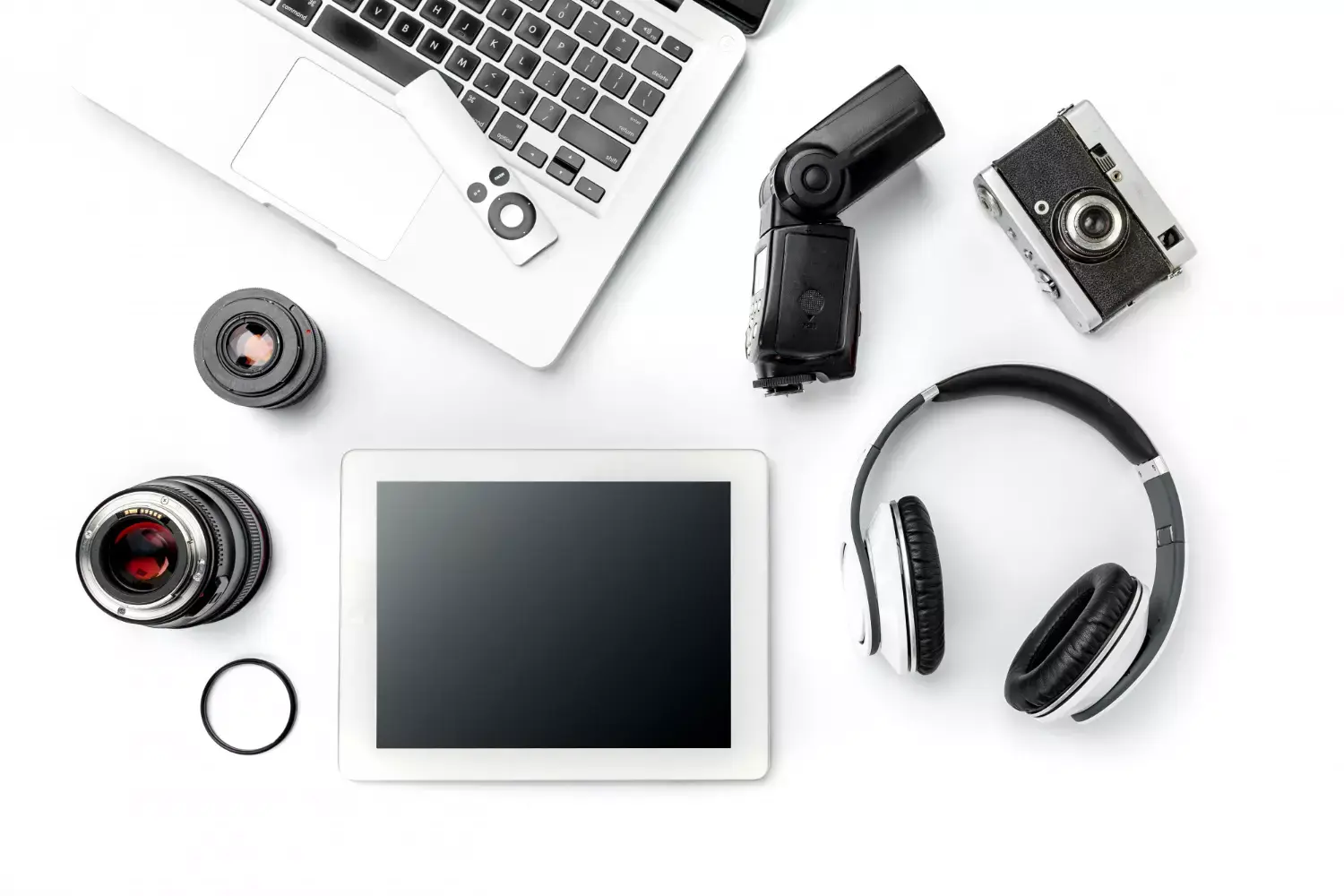
The rise in home entertainment has made it commonplace to see 5.1 or 7.1 surround sound systems at reasonable prices, in addition to high-quality 2.1 systems . These latter systems offer more powerful bass and a more balanced experience without breaking the bank, making them a very popular choice.
What is a computer peripheral and how are they classified?
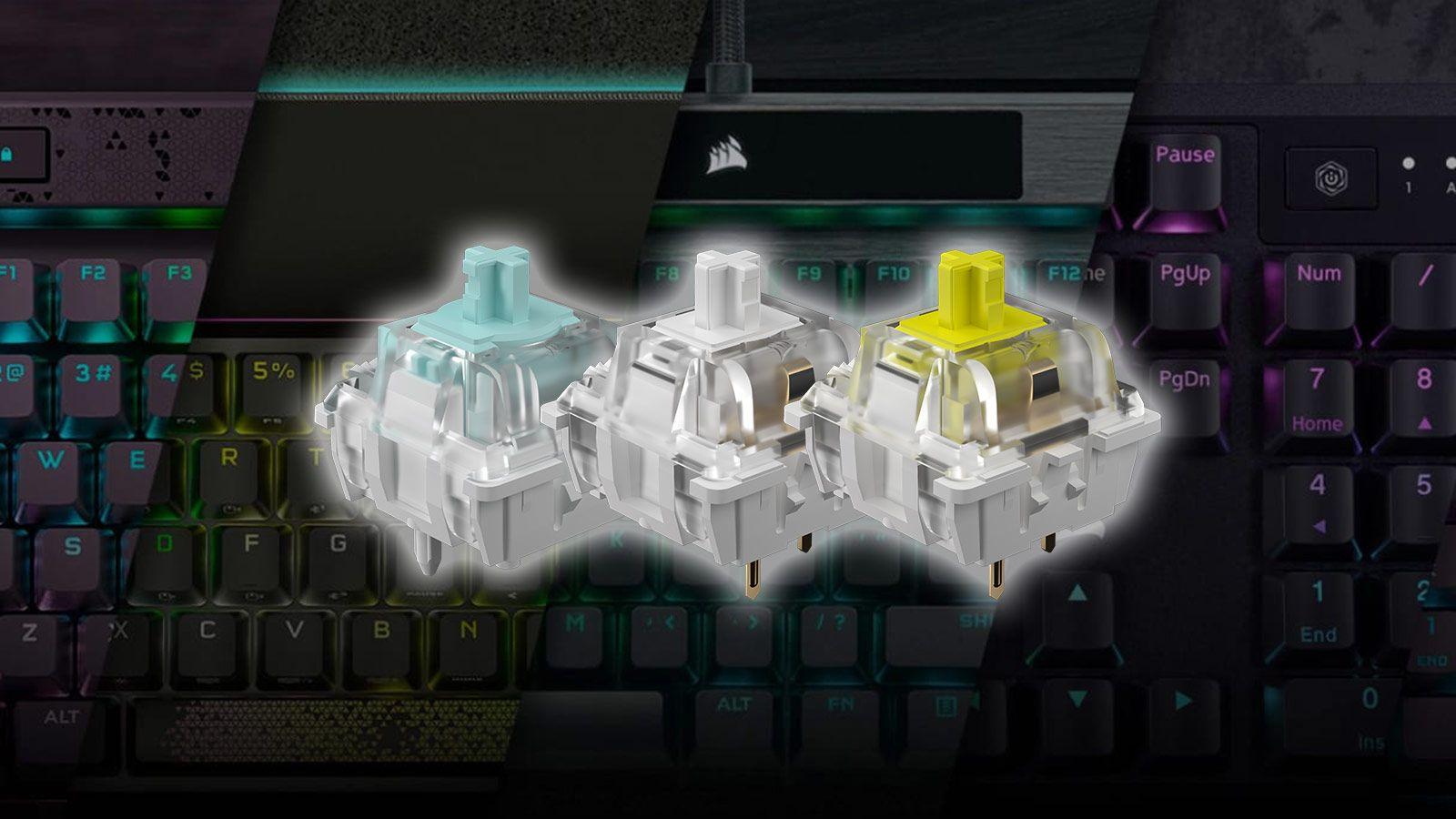
When we talk about peripherals, we're essentially referring to external devices that connect to the PC's motherboard to allow the input, output, storage, or exchange of information . They are independent hardware components that can be changed or expanded without altering the computer's internal components beyond the ports.
These devices are typically divided into input, output, storage, and communication peripherals . Each group fulfills a specific function, although some devices may fit into more than one category depending on their use.
Input devices are used to enter data or instructions into the system. This group includes the keyboard and mouse, but also scanners, webcams, and microphones, which allow you to digitize documents, capture images in real time, or record sound.
Output devices, on the other hand, are responsible for displaying the information processed by the PC in a way that is understandable to us. These include the monitor, speakers, headphones, and printer, all designed to allow us to see, hear, or print out what the computer is doing.
Another important group is storage peripherals , whose purpose is to store data more or less permanently. This category includes hard drives (HDD or SSD), USB flash drives, CD-ROMs, and other similar formats, which allow you to store files, backups, or software.
Finally, there are communication peripherals , which allow two or more devices to exchange information remotely. These include network cards, routers, and modems, essential for connecting to the internet or local networks.
Storage: HDDs, SSDs, optical drives and their actual reliability
Although often overlooked, storage devices are a cornerstone of the system, as they hold all the information we want to preserve: documents, games, photos, videos, and backups . Among the most common are mechanical hard drives (HDDs), solid-state drives (SSDs) , optical media, and tape drives.
HDDs and SSDs allow you to store large volumes of data with relative ease, but it's important to understand that no storage medium lasts forever and all suffer wear and tear over time . Hard drives with mechanical parts are subject to physical wear and tear and potential impacts; SSDs, although they have no moving parts, also have a limited number of write cycles.
Something similar happens with optical drives and traditional tape systems . These media have been very popular for archiving and backups, but they also don't guarantee that data will remain intact forever. Degradation of the physical material or storage conditions can render information unreadable over time.
The practical conclusion is clear: however modern the storage units are, it's advisable to maintain redundant backups and regularly review important data . Combining HDDs, SSDs, and external backups (for example, in the cloud) minimizes the risk of irreversible file loss.
Security and biometrics: peripherals to protect your data
Security has also become a key focus in the world of peripherals, especially with the rise of biometric identification using fingerprint readers or retinal scanners . These systems allow for quick and, generally, much more difficult verification of a user's identity than a simple password.
Biometric authentication is currently considered one of the most secure ways to validate access to devices, accounts, and services , as it is based on each person's unique physical characteristics. However, this does not mean it is infallible: like any technology, vulnerabilities or attack methods that exploit design or implementation flaws can emerge.
For this reason, in addition to using these types of peripherals, it is essential to keep security systems, firmware, and associated software up to date . Doing so minimizes the possibility of exploiting known vulnerabilities and better protects the data managed by the device.
Monitors: panel types and keys to choosing the right one
The monitor is arguably the peripheral that most influences the daily user experience, because everything that happens on the PC passes through it. Today we can choose between different panel technologies such as OLED, IPS, VA, and TN, each with its advantages and disadvantages , as well as different resolutions, refresh rates, and formats.
Generally speaking, a monitor is the primary output device that displays the information processed by the graphics card , whether it's a dedicated GPU or one integrated into the processor. The quality of the monitor determines the sharpness, color, and smoothness with which we view games, videos, or professional applications.
IPS monitors have gained immense popularity thanks to their wide viewing angles and accurate color reproduction . They are especially recommended for photo editing, graphic design, video production, and generally for anyone seeking high image quality. Furthermore, they typically offer competitive response times, making them excellent for gaming as well.
VA panels , on the other hand, stand out for offering superior contrast, with deeper blacks and more vibrant colors . This makes them especially enjoyable for watching movies and TV series, particularly in low-light environments. However, viewing angles are generally more limited than with IPS panels, and depending on the model, there may be more ghosting in fast-moving scenes.
In the case of OLED monitors , image quality takes a remarkable leap: by being able to turn off each pixel independently, you get near-perfect contrast, very low response times, and very thin and lightweight designs . The main problem remains the price, which is usually higher, and the need for certain precautions to reduce the risk of image retention or burn-in with static images.
TN panels have been the go-to budget option for years. They generally offer a lower cost and acceptable image quality for basic use , although in return they have narrower viewing angles and lower contrast compared to IPS or VA panels. They can work for tight budgets, but they are increasingly competing with other technologies that have also become more affordable.
When choosing a gaming monitor, it's worth considering the resolution, refresh rate, panel type, and, if possible, technologies like adaptive sync . A good balance between these elements can make a huge difference in smoothness and immersion.
Keyboards, mice and mousepads: precision and comfort at the service of the user
The keyboard remains one of the most important PC peripherals, as we constantly use it to input commands, text, and shortcuts . The current selection is enormous, with models designed for writing, gaming, or mixed use, each with its own unique characteristics.
Today, we can find mechanical, membrane, hybrid, and ergonomic keyboards , among others. Mechanical keyboards are known for their crisp keystrokes, durability, and variety of switches (linear, tactile, audible, etc.), while membrane keyboards are usually quieter and more affordable. Hybrid keyboards combine features of both, and ergonomic keyboards are designed to reduce strain on wrists and hands during long typing sessions.
In the case of the mouse, we are dealing with a manual input device that allows precise control of the cursor on the screen . There are wired and wireless models, with optical or laser technology, and solutions for controlling multiple computers with a single keyboard and mouse . They are designed for office use, gaming, or design, and their shapes are intended to adapt to different grip styles to improve ergonomics.
Modern mice typically include high-resolution sensors, programmable buttons, and software for customizing profiles . The major advantage over older models is that they no longer rely on a physical ball that gets dirty, but instead use a light beam that detects movement across the surface.
For the sensor to function properly, it's recommended to use the mouse on a smooth, opaque surface. This is why mousepads have become an essential accessory for improving precision and stability . In the gaming world, they've also evolved in size, thickness, and texture, and some even include integrated RGB lighting to complement other peripherals.
Headphones, microphones and surround sound
Audio has become central with the rise of multimedia content, video calls, and online gaming. Today's headphones offer a huge variety of brands, connection types, and physical formats , so there's practically a model for every type of user.
Among the well-known brands are names like Acer, Apple, ASUS, and Corsair , which compete with many other specialized manufacturers. As for connectivity, we can choose from wireless, Bluetooth , USB, or analog jack models, each with its own combination of convenience, latency, and sound quality.
Design also greatly influences comfort and isolation. There are on-ear, in-ear, circumaural, and in-ear headphones , allowing you to choose between something very lightweight, something that isolates a lot of outside noise, or something in between. Beyond appearance, it's worth considering the frequency response, the integrated microphone, and whether they have virtual multi-channel sound for gaming and movies.
On the other hand, external microphones have become almost indispensable for those who play online games, make work video calls, or create content . They offer much higher capture quality than the microphones built into laptops or basic headphones, and facilitate the use of voice recognition systems and clear communication with other users.
In speaker systems, the trend has been to move from basic stereo sound to 2.1 systems with subwoofers or 5.1 and 7.1 configurations , which provide much more precise positioning in games and movies. This leap has been made possible by cheaper hardware and the increasing prevalence of multichannel content.
Virtual, augmented and mixed reality: new forms of interaction
Among the most striking innovations of recent years are virtual, augmented, and mixed reality headsets , which have gone from being experimental to relatively affordable peripherals. Once worn, these devices can completely immerse us in virtual worlds or overlay digital information onto our real-world surroundings.
The system works by using a screen for each eye along with special lenses that allow images to be viewed correctly , so the brain perceives depth and volume. In addition, a tracking system monitors the position of the head and, in many cases, the hands using additional controllers or sensors.
Thanks to this tracking, the system can import and reflect our movements within the virtual environment, greatly increasing the feeling of presence . In the case of video games, this translates into a level of immersion far superior to that offered by a traditional screen, but it is also finding its place in fields such as training, design, and project visualization.
In augmented and mixed reality, the approach is slightly different: instead of completely isolating us, the real world is blended with interactive digital elements . This opens the door to a wide variety of applications, from real-time repair manuals to educational and collaborative experiences.
Other key peripherals: webcams, printers, scanners, and more
Beyond the classics, the PC accessories ecosystem includes a good collection of devices that make life easier at home and in the office. These include webcams, printers, scanners, joysticks, and video capture and editing equipment , among others.
Webcams have gone from being an extra to becoming almost essential if you frequently make video calls. Higher resolutions, better low-light performance, and quality built-in microphones have made it much easier to project a professional image without too much hassle.
Printers and scanners remain essential in many work and study environments. Color printing, multifunction models, and network or Wi-Fi connectivity have simplified their integration into daily life, while scanners allow for the quick and high-quality digitization of documents and photographs.
In the realm of leisure and gaming, joysticks, steering wheels, and gamepads expand the possibilities beyond the keyboard and mouse. These peripherals offer much more natural control in driving, flight, or sports simulators, and allow you to get the most out of titles specifically designed for controllers.
Video capture and editing devices are also very useful , facilitating gameplay recording, streaming content creation, or digitizing external sources. Along with a good camera and microphone, they form the foundation of any creator's setup.
Gaming peripherals: performance, customization and immersion
The gaming keyboard is a prime example. Beyond aesthetics, it offers enhanced performance, programmable additional keys, extensive customization options, and spectacular lighting effects . The idea is that each user can adapt the key layout and behavior to their playing style, reducing reaction times and preventing errors.
When it comes to gaming mice, the most important factors are precision, adjustability, and ergonomics . Many models allow you to adjust sensitivity on the fly, configure macros on side buttons, and save profiles for different games. The goal is for every movement to be accurately translated on screen and for the grip to be comfortable during long gaming sessions.
Mousepads take center stage here: they're not just for resting the mouse, but for providing a surface with just the right amount of friction to control speed and precision . There are rigid models, textile ones, XL ones for keyboard and mouse, and even RGB lighting options that integrate seamlessly with the rest of your setup.
Gaming monitors typically feature larger screens, higher resolutions, and higher refresh rates to ensure the smoothest possible on-screen movement. Combining a good display with immersive sound via suitable speakers or headphones completes the experience.
Among the essential accessories for many gamers are gamepads, joysticks, and steering wheels with pedals , which provide much more intuitive control in certain genres. Along with specialized chairs, stands, and other extras, they complete setups that rival those of professional esports.
The current landscape of peripherals and accessories demonstrates that there's a device for almost every need and budget: from those who only need a basic keyboard to those seeking more secure storage, monitors with better color, multichannel audio, and even virtual reality . Keeping up with these innovations allows you to get much more out of your PC and adapt your work or gaming environment to the way you actually use technology.
