- DreamScene enabled video backgrounds in Vista; now it's back in Windows 11.
- Simple setup: Personalization > Background, with MP4, MOV, AVI, WMV, M4V and MKV formats.
- Controlled resource impact with pause as it is not visible and possible battery optimization.
- Alternatives like Wallpaper Engine will continue to provide advanced effects and large libraries.
If the idea of having a video moving on your desktop sounds familiar, it's not a new effect or black magic: it's the concept Microsoft launched with Windows Vista under the name DreamScene, and it's now making a comeback in Windows 11. The latest beta versions have shown native support for using video files as wallpaper , without relying on external utilities.
The possibility is already circulating among Insiders and reputable leakers, but there's still no official announcement. Even so, tests show direct integration into the Personalization menu, with support for common formats and looping playback upon returning to the desktop. In the following lines, we'll tell you exactly what Windows DreamScene was , how it worked, why it disappeared, and what's currently in the works for Windows 11.
What is Windows DreamScene and how it was born
Windows DreamScene was one of the "Ultimate Extras" included in Windows Vista Ultimate, released to give that edition an exclusive edge. The feature allowed users to set videos as animated desktop backgrounds instead of the traditional static images, a groundbreaking innovation in the Windows ecosystem in 2007.
Vista arrived with a reputation for being resource-intensive due to its requirements and overly insistent User Account Control (UAC), but it also represented a visual and technological leap forward with Aero and the Desktop Window Manager. DreamScene relied precisely on GPU acceleration and DWM to move backgrounds, offloading work from the processor whenever possible and pausing playback when a window was maximized.
Back then, DreamScene allowed content in formats like WMV and MPG/MP4, including both official materials (with animations like "Aurora" and images from the Discovery Channel) and user-submitted videos . The idea was simple: load a clip and let it loop on the desktop, with options to stop it manually if needed.
Problems? The impact on laptops. Microsoft anticipated that, when working on battery power, continuous video playback could negatively impact battery life, so in certain scenarios the system could display a static background to save energy. Nevertheless, the feature was visually appealing, attracted customization enthusiasts , and made a lasting impression on the community.
Despite its novelty, its lifespan was short. With Windows 7, DreamScene was natively disabled (although traces of it remained in the system, and some reactivated it using workarounds), and with Windows 8, it disappeared completely. From then on, the baton was passed to third-party solutions like Stardock's DeskScapes or Wallpaper Engine , which kept the concept alive with advanced libraries and effects.
From Vista to Windows 11: The Return of Animated Backgrounds
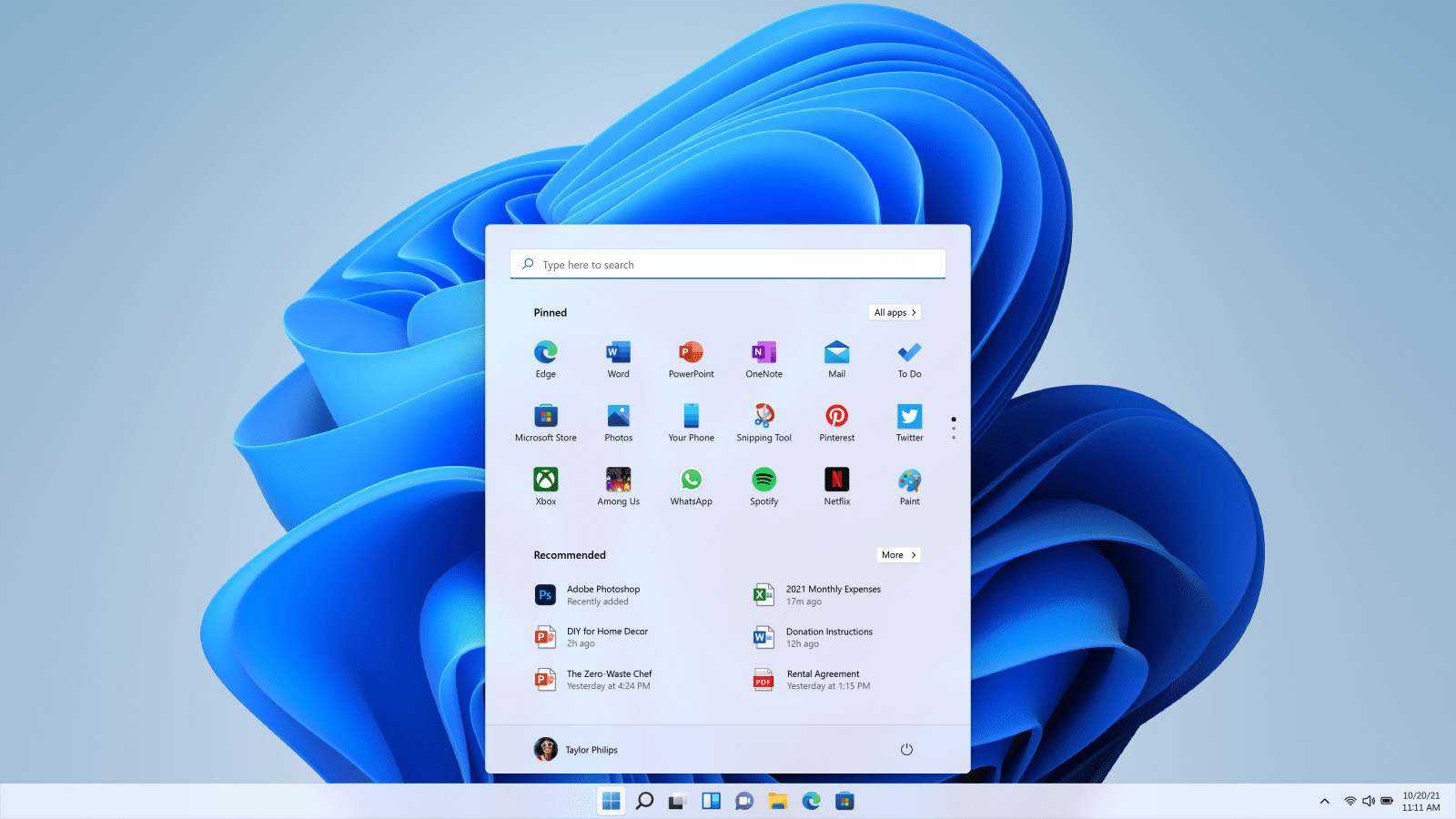
Hidden support for setting videos as a background has been discovered in recent Windows 11 Dev/Beta builds. Leakers like @phantomofearth have shared screenshots and clips showing the feature in build 26x20.6690, indicating that the system accepts formats such as MP4, MOV, AVI, WMV, M4V, and MKV.
The observed behavior is very straightforward: upon returning to the desktop—whether by minimizing windows, closing applications, or clicking "Show desktop"—the video loops over the background. For now, this only affects the desktop, not the lock screen, and is integrated into the existing background selector, without requiring separate tools.
There's no official announcement from Microsoft, so the feature could change or even not make it to the stable version, something that often happens with certain Insider program tests. Even so, the tests show direct integration with the background selector, which aligns with Windows 11's focus on native customization without constant reliance on external apps.
Meanwhile, the company is focusing its efforts on Windows 11 as Windows 10 enters its phased retirement, with an end-of-support date marked on the calendar. This strategy aligns with the addition of small visual details that modernize the desktop and add dynamism without overburdening the system.
Another important clue: some Insiders have pointed out that the option is behind an internal flag and can be activated with utilities like ViveTool, suggesting that Microsoft is already seriously testing it in preparation for its future release.
How to activate and use it in Windows 11

Activation, as seen in the test builds, would be done from the Settings app, within the personalization section. There's nothing new to learn: the process is virtually the same as when you change a background image. The idea is that you choose a compatible video file and the system applies it as an animated wallpaper immediately.
- Open Settings of Windows.
- Sign in Personalization..
- Accede to Background.
- Click on the option to browse files (the “Browse Photos” button).
- Select a Supported video (MP4, MOV, AVI, WMV, M4V or MKV) and apply it.
Once applied, the video will play every time you view the desktop, and will pause when it's not relevant to watch it (for example, with maximized windows or in full screen). This behavior is reminiscent of the original DreamScene design, which prioritized minimizing resource consumption when the background wasn't visible.
For advanced users of the Insider program, it has been reported that the feature is protected by a flag and can be unlocked using ViveTool and feature ID 57645315. Modifying internal flags always involves risks: internal options are not finished, they can fail, change, or disappear, and it is only recommended if you know exactly what you are doing.
It's worth noting that a large library of pre-installed videos isn't expected. The native solution would have a basic but convenient approach: you provide the file or create it , and the system integrates it. For those looking for "simple yet effective" solutions, this integration may be sufficient for everyday use.
If Microsoft adds parameters later, it wouldn't be surprising to see settings for loop playback, volume (initially without audio), scaling, or even smart pausing when it detects foreground windows, fine-tuning the experience to be discreet and efficient.
Performance, battery life, and format compatibility
The age-old question: what about resources? Playing video on your desktop isn't free. While modern decoding and GPU acceleration help, keeping a clip looping can have measurable effects on battery life and performance , especially on laptops or computers with modest hardware.
The historically sound technical approach is to leverage the GPU for rendering and pause or reduce the load when the background is not visible. It was already understood that, when working on battery power, a static background is ideal for saving energy , and it wouldn't be surprising if Windows 11 incorporates similar or even better mechanisms.
At the moment, there's no confirmation regarding restrictions on video resolution, duration, or bitrate. These are key parameters for consumption: very long clips or those with a high bitrate can increase the workload. In the absence of official details, the prudent approach is to opt for short videos, compressed with reasonable quality and at resolutions appropriate for your monitor.
Regarding compatibility, the tests mention MP4, MOV, AVI, WMV, M4V, and MKV, a sufficiently broad list for most users. MP4 with common codecs (H.264) is usually the most stable and efficient option nowadays, so it's likely to be the preferred choice in practice.
Another question that remains is how it will handle multiple monitors: will it display the same video on all of them, a different video on each screen, or a single extended instance? Microsoft hasn't provided any details on this, so we'll have to wait for the company to publish official specifications or for new leaks that reveal more settings.
Current alternatives: Wallpaper Engine, Lively and company
While we wait for a native feature, the third-party ecosystem remains very much alive. On Steam, Wallpaper Engine has become essential for thousands of users: it costs €4,99, has a huge community that contributes wallpapers, and allows for everything from 2D videos to 3D and interactive scenes that react to mouse or keyboard input.
Another popular option is Lively Wallpaper , which is free and has a lighter focus. It allows you to use videos, websites, or shaders as your background, with performance profiles to pause or lower the frame rate when running on battery power. For those who want something more traditional, Stardock DeskScapes offers specific effects and formats (.dream), inheriting some of DreamScene's legacy with a polished interface.
The main difference compared to what Microsoft is preparing is the scope: these tools offer vast catalogs and advanced effects , but in return, they consume more resources and require managing libraries and extra options. Windows 11's native integration promises to be minimalist: you choose a file and that's it, no frills, ideal for those looking for a straightforward and stable solution.
What will happen to these apps if Windows 11 integrates them? They'll still have their place. Users who want transitions, interactive scenes, 3D model import, or real-time filters will still prefer third-party solutions . But for the general public, native support can cover 80% of cases with zero hassle.
It's also worth remembering that Windows 7 replaced DreamScene with a desktop slideshow of images, not video. Its return in Windows 11 doesn't invalidate the photo carousel; it simply adds another tool to the system's customization toolbox for those who want a more dynamic desktop.
Changes in the Windows ecosystem and what to expect
Microsoft is accelerating the pace of visual updates in Windows 11 as Windows 10 loses prominence and nears its end of support. Bringing back the DreamScene concept fits with this narrative: modern, more flexible options that are easier to activate from Settings, all with an eye toward efficiency to avoid repeating the shortcomings of Vista.
The typical roadmap for these features is clear: they appear in Dev/Beta, receive improvements, go through Insider feedback, and, if everything clicks, land in a public update. No one can guarantee a date, but the fact that it's already functional in test builds suggests that this isn't just a theoretical experiment , but something that could actually materialize.
If it is eventually released, there are several features we'd like to see: automatic pausing when foreground apps are detected, quality and performance controls (for example, limiting FPS or resolution on battery life), and laptop profiles that change behavior without user intervention. With these features, the function could be popular without sacrificing battery life.
In practical terms, everything suggests the learning curve will be nonexistent: you'll go to Personalization > Background, choose your preferred clip, and it will be up and running in seconds. For millions of users who just want to "add a video and be done with it," this simplicity is the biggest advantage over powerful but more complex alternatives.
There's also a touch of nostalgia. Vista wasn't the most beloved system, but its commitment to a visual leap forward defined an era. Now, Windows 11 reviving the DreamScene concept, with today's hardware and efficiency, feels like a well-deserved revenge : what was once a demanding whim could become an elegant and achievable feature for any modern computer.
It remains to be seen whether Microsoft will extend this concept to the lock screen, similar to the "dynamic wallpapers" seen on other systems. For now, testing is limited to the desktop, which already opens the door to a wave of live desktops that, if properly implemented, shouldn't be overly intrusive or distracting.
It's worth remembering that every work environment is different. If you're using a laptop that you travel with and that drains the battery quickly, you might prefer to save video backgrounds for when you're working plugged in. If you're using a desktop computer with a decent GPU, the impact should be minimal, especially with optimized, short clips . In any case, there will be options for everyone.
All this activity confirms that Windows 11 is reinforcing customization thoughtfully: without reinventing the wheel, it revives a beloved user experience and integrates it where it makes sense. Between broad format compatibility, simple activation, potential battery optimization, and seamless integration with third-party tools, the return of the DreamScene spirit looks like a small but welcome improvement for those who want a vibrant desktop.
