- Professional diagnostic tool capable of monitoring sensors, performing benchmarks, and analyzing hardware in real time.
- Availability of multiple versions adapted to home users, specialized technicians and business environments.
- Comprehensive support for modern architectures, including the latest generation processors, DDR5 memory, and 64-bit Windows operating systems.
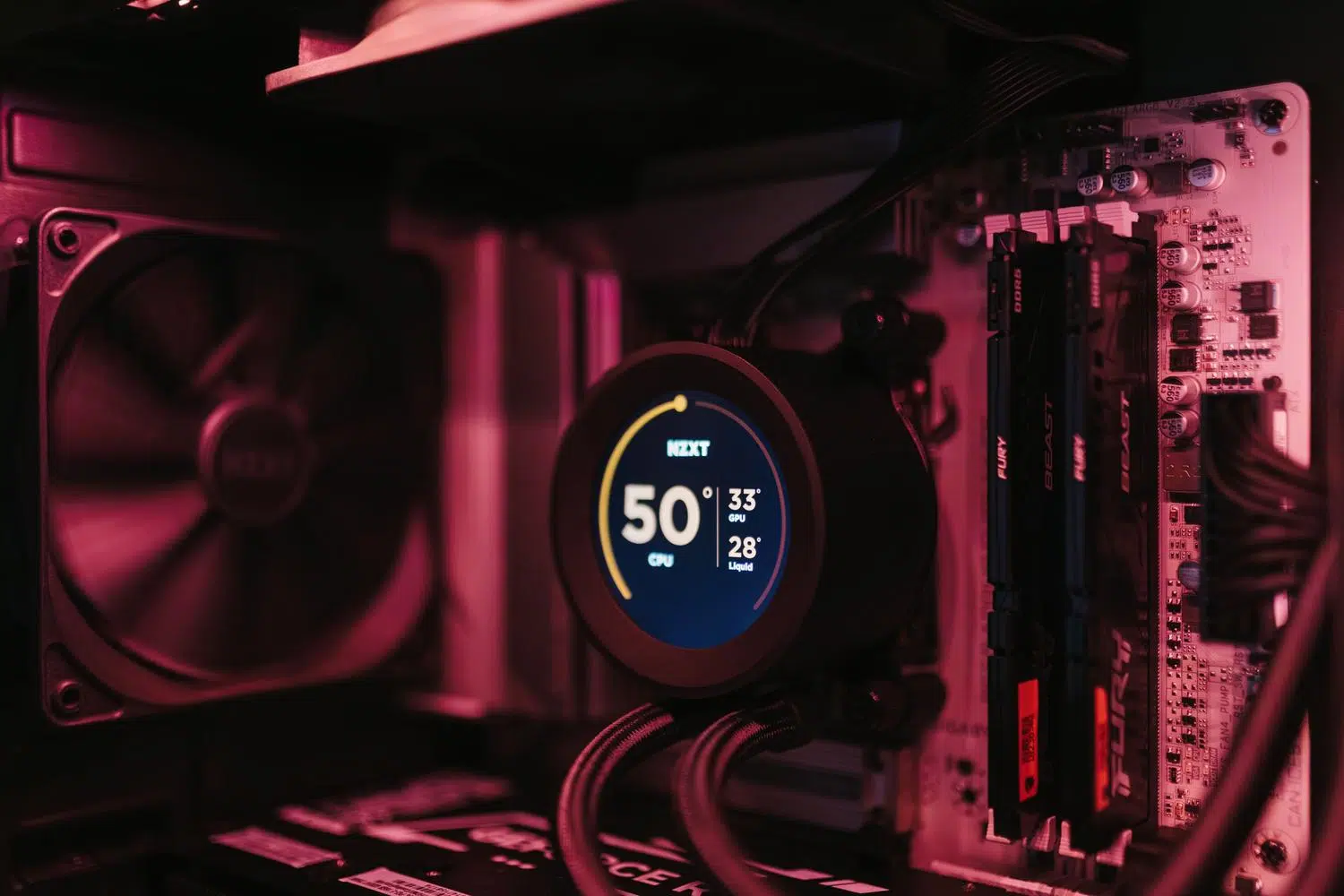
If you've ever wondered what exactly is inside your tower or whether your computer is performing as it should, you've probably come across AIDA64. This tool is practically the gold standard for hardware diagnostics , allowing us to peer into the inner workings of our PC without having to open the case or touch a single cable, offering a comprehensive overview of every installed component.
What began as a modest project decades ago has transformed into a massive ecosystem for technical analysis . Whether you're an enthusiast looking to overclock to gain a few FPS in your games, or a system administrator needing to audit an entire network of computers, this software has an answer for every need, adapting to the constant evolution of computer technology.

A journey from ASMDEMO to the 64-bit era
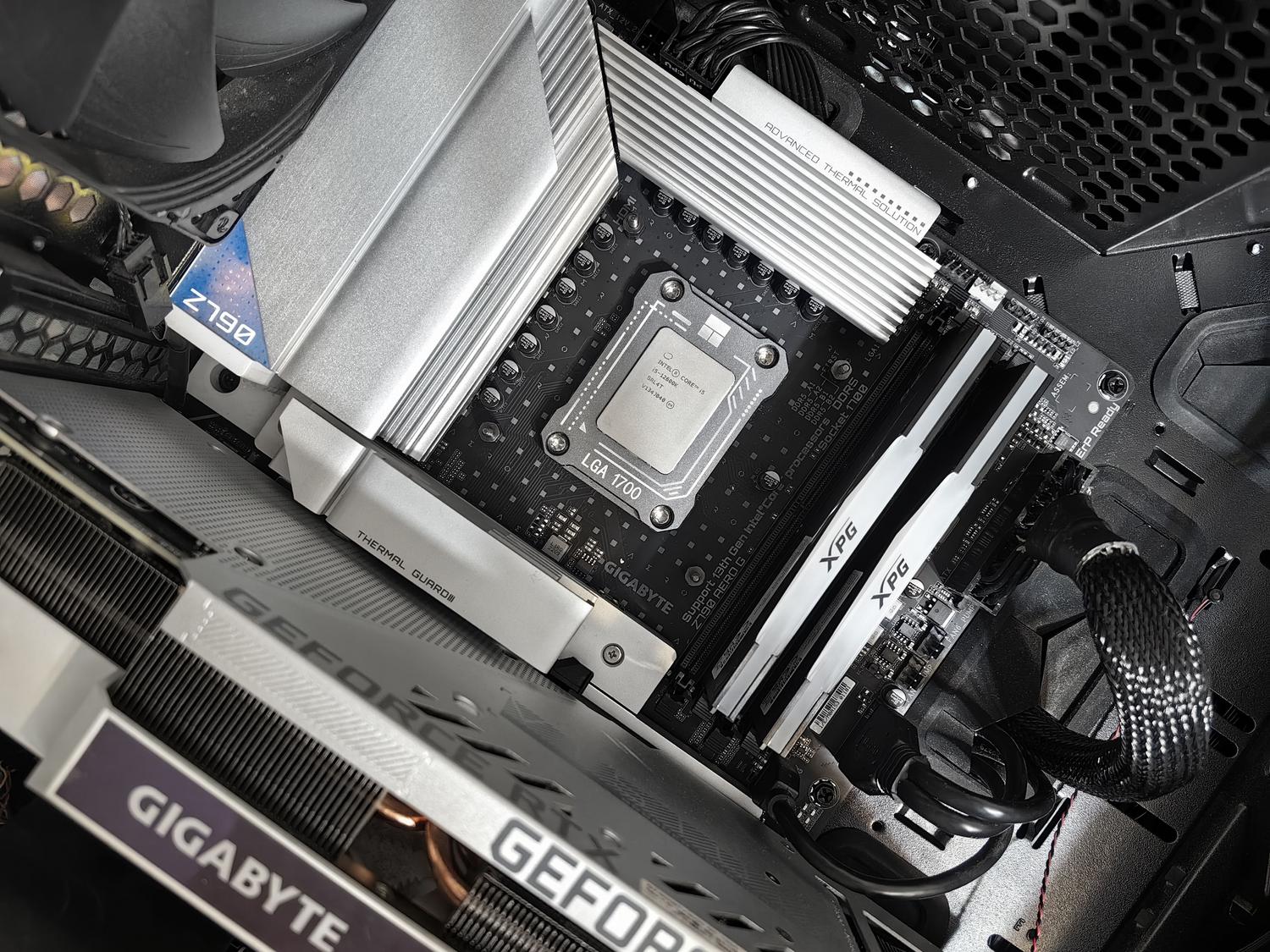
The history of this program is curious and reflects the evolution of the PC. It all started in 1995 with ASMDEMO, a 16-bit utility designed for the old MS-DOS. With the passage of time and the arrival of new architectures, we saw the birth of AIDA in 2000, followed by AIDA32 in 2001. For many of us, the most memorable name was Everest, released in 2004 , which carried the torch until FinalWire acquired Lavalys' assets and decided to unify everything under the current AIDA64 brand.
In its most recent versions, the software has taken a significant leap forward. Starting with version 8.00, it implemented the use of native 64-bit binaries and a new compiler, resulting in a much faster startup time and greater efficiency, although this meant dropping support for outdated systems like Windows XP and 32-bit versions. Furthermore, it features an optimized kernel driver developed in collaboration with Microsoft to prevent blue screens and improve stability.

Available versions: Which one to choose based on your profile?
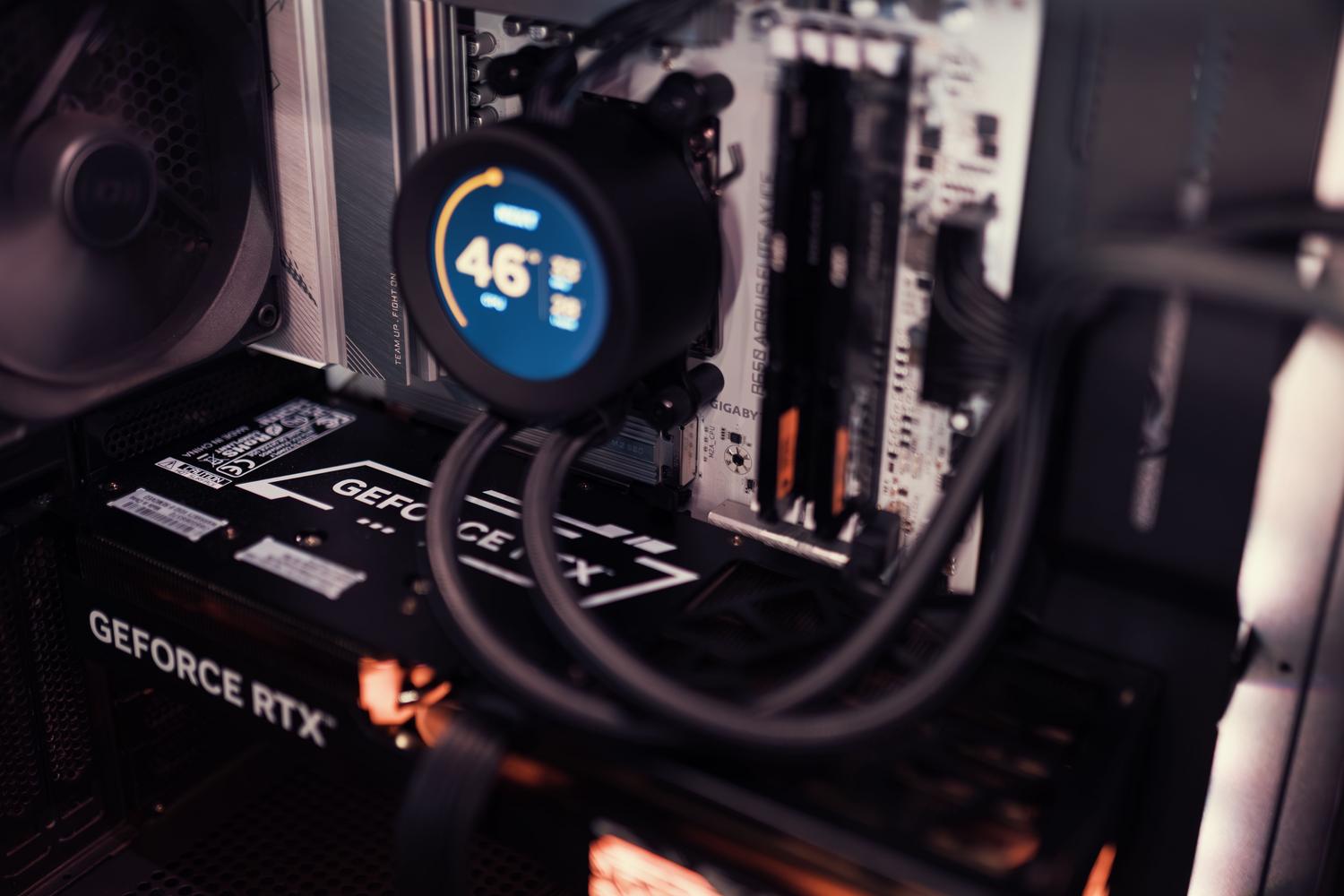
Not everyone needs the same level of analytical power, which is why FinalWire offers different versions of the program. For the average user or hardware enthusiast , the Extreme version is ideal, as it allows for easy sensor monitoring and benchmarking. If you're a technician working in support, the Engineer edition adds specific features for professional diagnostics of workstations and servers.
For those managing larger infrastructures, there's the Business version, focused on managing IT and software assets in medium-sized businesses, and the Network Audit version, which is essentially a tool for creating automated network inventories, although the latter omits some stress tests. Additionally, for those who want to carry the information on their phone, there are apps for Android, iOS, Sailfish OS, and Ubuntu Touch , although the latter have more limited development.

Exploring the interface and its functions
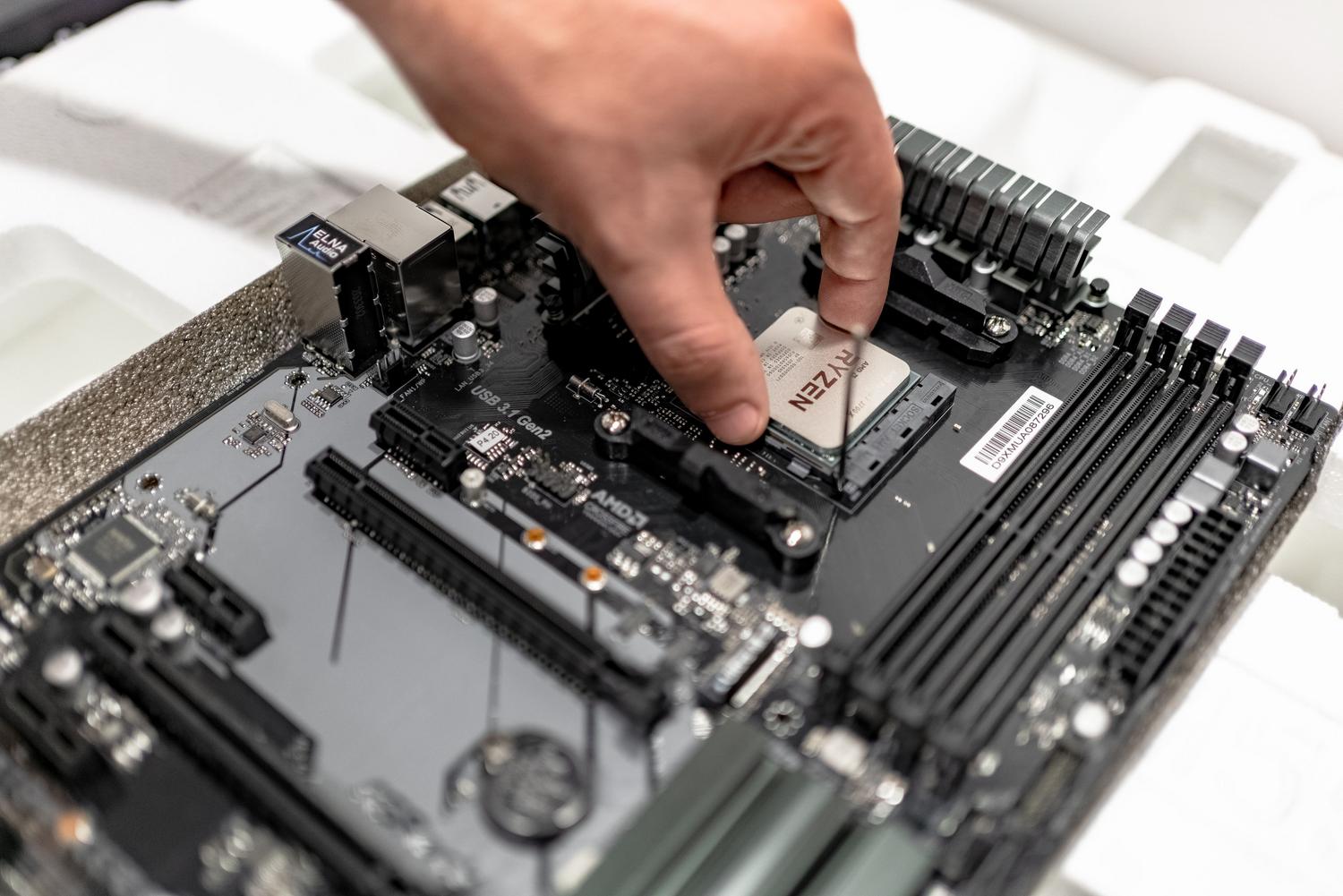
Navigating AIDA64 is quite intuitive thanks to its tree structure on the left. In the Equipment section , you can get a quick overview of the hardware or check the temperature and power sensors. If you want to delve deeper, the Motherboard section breaks down absolutely everything about the CPU, chipset, and BIOS, providing a wealth of data that would leave anyone speechless.
The software doesn't stop there; the Operating System section tells us which drivers are active and which services are running in the background. For visual enthusiasts, the Display section analyzes the GPU, APIs like Vulkan and OpenGL, and connected monitors. Likewise, the Storage area is vital, as it includes an advanced SMART reader capable of alerting us if a hard drive or SSD is about to fail.

Benchmarking and Stability Testing
This is where the program gets serious. AIDA64 doesn't just read data; it puts the hardware to the test. The System Stability Test is the ultimate test; it stresses the CPU, memory, and GPU simultaneously to ensure the PC doesn't shut down or restart under maximum load. Maximizing the window during this test is crucial to monitor temperatures and prevent them from rising dangerously.
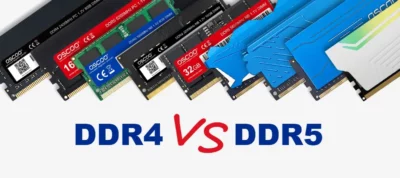
As for benchmarks, the software offers very specific tests: CPU Queen measures the processor's branch prediction, while CPU PhotoWorxx evaluates integer computing power by simulating image processing. For those seeking pure speed, the Cache and Memory test is the benchmark for measuring RAM bandwidth and latency , crucial when configuring DDR5 modules in overclocking mode.
Comparison with other tools in the sector
While AIDA64 is a powerful tool, there are alternatives that can be useful depending on your needs. HWiNFO is probably the closest competitor due to its free and detailed real-time monitoring capabilities . If you're looking for something much lighter and more straightforward, HWMonitor or CPU-Z are classic options for quickly checking temperatures or identifying the exact processor model without any hassle.
For those who simply need a straightforward and organized visual report, Speccy is a very user-friendly option , although it doesn't come close to the technical depth of AIDA64. On the other hand, SiSoftware Sandra remains a powerful benchmarking alternative, although its interface may be a bit clunkier and less intuitive for the modern user.
Requirements and current compatibility
For the program to run at full capacity, you need a 64-bit processor (either Intel or AMD) and a modern Windows operating system, from Windows 7 to the current Windows 11 and Server 2022. It takes up minimal disk space, around 100 MB, and best of all, it supports more than 40 languages , automatically adapting the interface to the system region.
This software has established itself as the ultimate tool for those who aren't satisfied with simply knowing their PC is "fast," but want to know every hertz and every degree of temperature. With a database exceeding 250.000 hardware entries , it can identify everything from the most powerful GPU to the most obscure sensor on the motherboard, making it the perfect ally for optimizing, diagnosing, and maintaining the health of any modern computer.
