- The AM4 socket uses a PGA design with pins on the processor and is exclusively compatible with DDR4 RAM.
- It supports a wide range of CPUs, from the Ryzen 3000 and 5000 series to the recent Ryzen 7 5800XT and Ryzen 9 5900XT.
- It differs from AM5 by using PCIe 4.0 instead of 5.0, making it the ideal choice for tight budgets and balanced configurations.
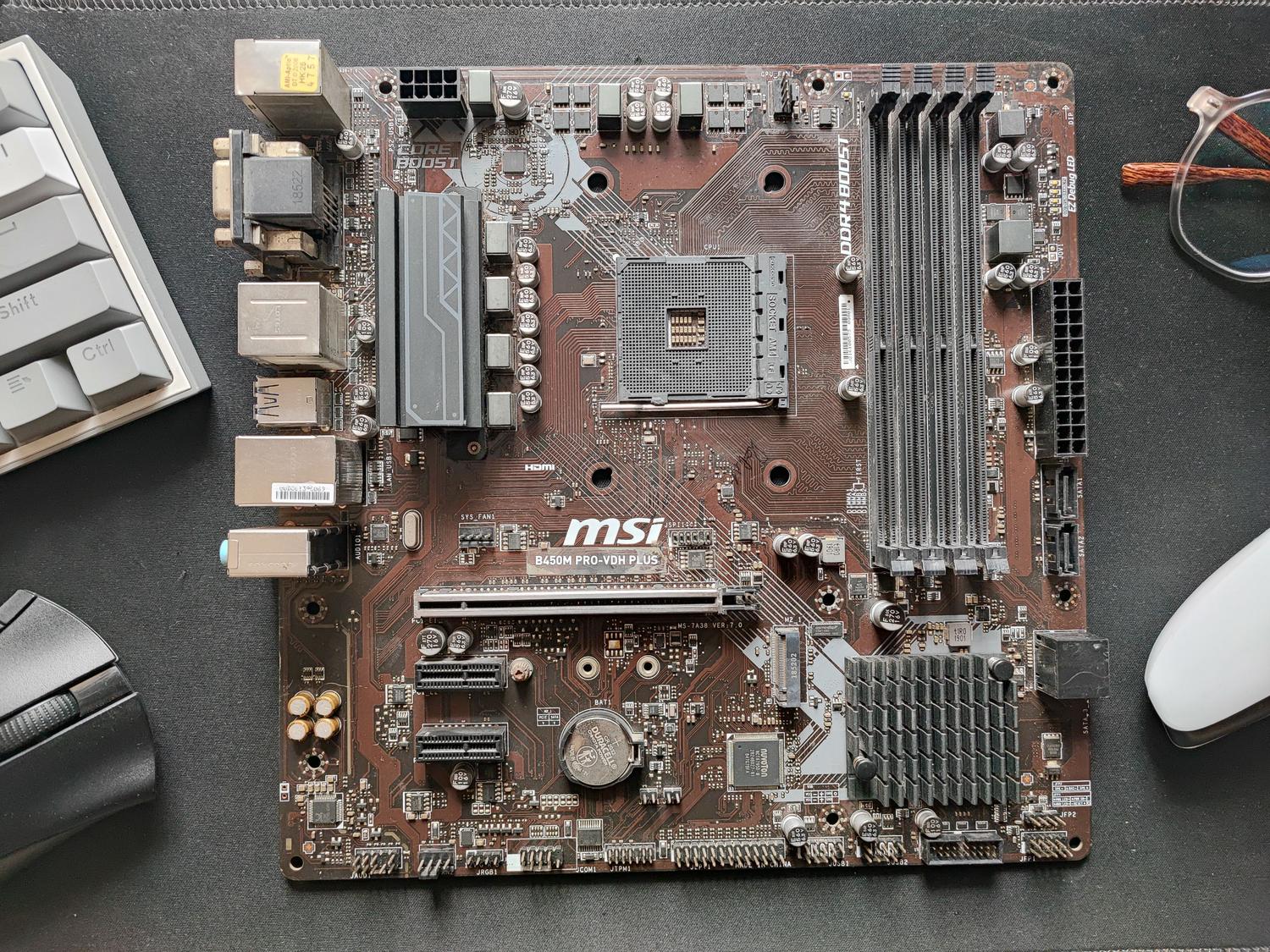
If you're thinking about building a PC or simply want to give your current system a second life, you've probably come across the term AM4 socket . For those not very familiar with the subject, the socket is basically the slot on the motherboard where the processor fits, acting as the communication bridge between the computer's "brain" and the rest of the components.
The most remarkable thing about the AM4 platform is that it has become a true legend due to its incredible longevity . While other brands force you to change your motherboard every couple of generations, AMD has maintained this support for almost a decade, allowing users on a budget to choose the ideal AMD processor for an affordable PC without having to throw away their entire build.

What exactly is the AM4 socket and how does it work?
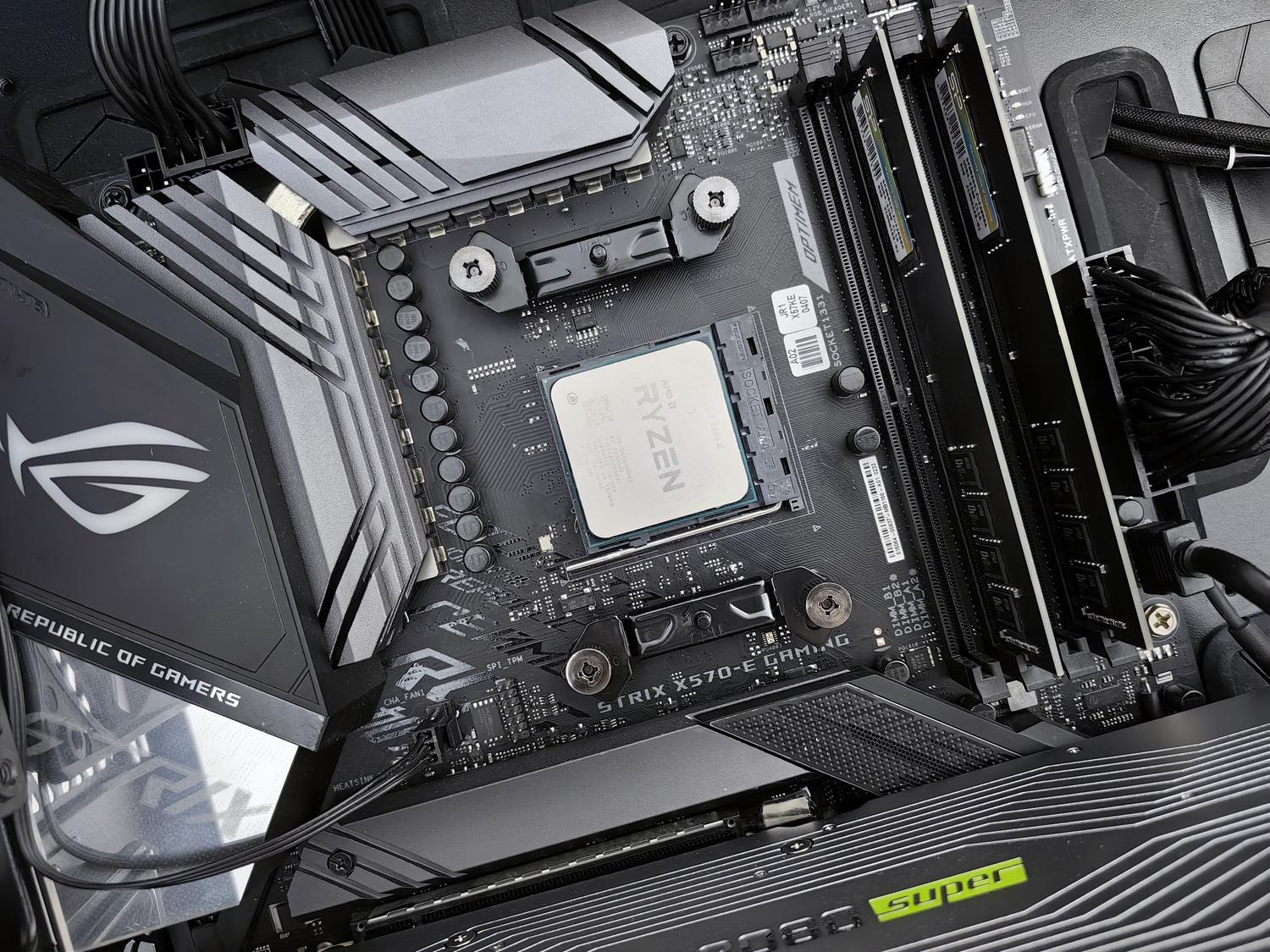
The AM4 socket is based on a PGA (Pin Grid Array) design . This means that the delicate metal pins are located on the underside of the processor itself, not on the motherboard. It is crucial to handle these components with extreme care to avoid bending any pins, as this would render the processor unusable.
In terms of its architecture, this socket has been the home of the AMD Ryzen family for years, supporting everything from the earliest versions to the powerful 5000 series. Unlike the newer AM5, which uses the LGA system (where the pins are located on the motherboard), the AM4 remains a very viable option due to its unbeatable price-performance ratio .

Compatible processors and platform evolution
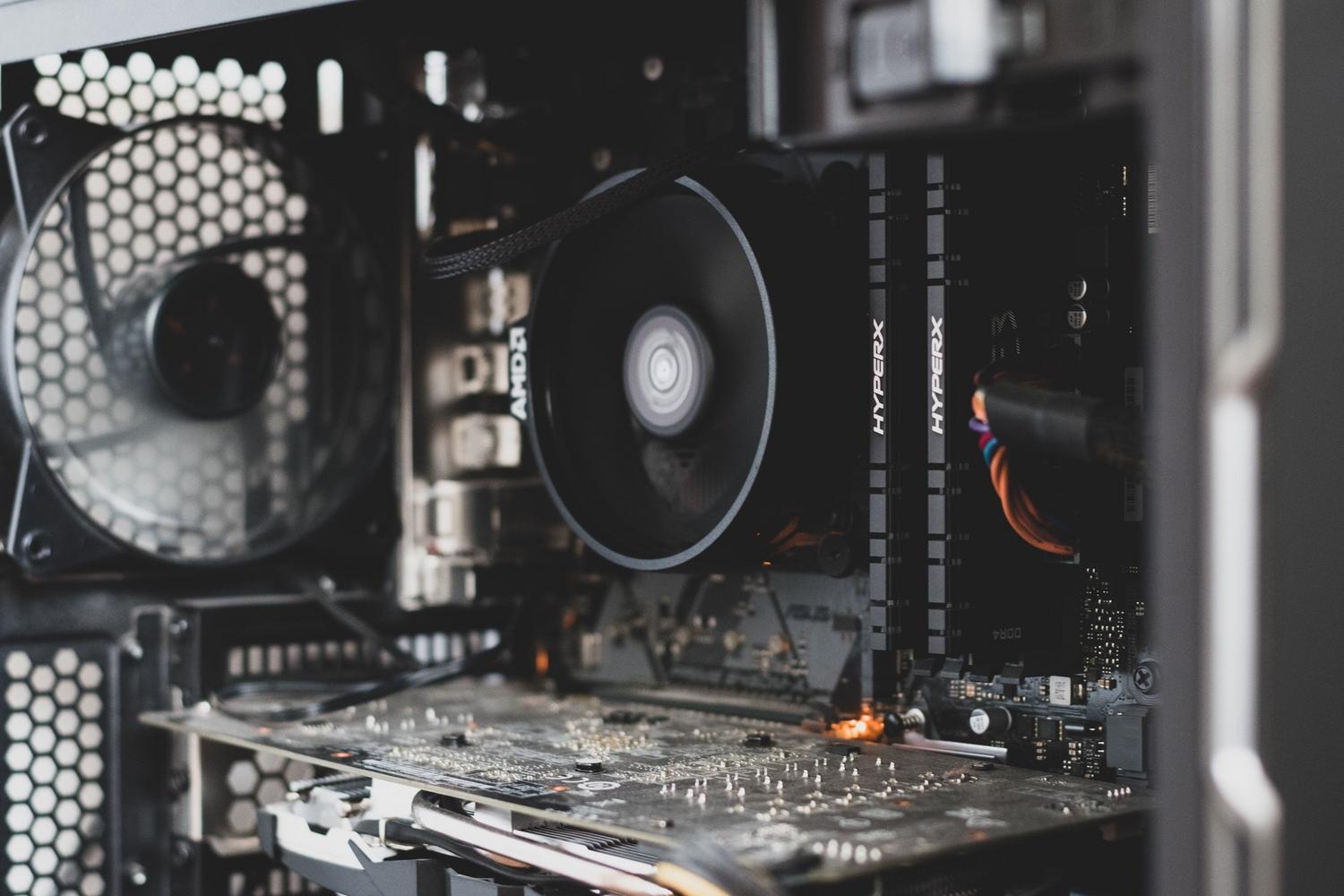
If you're wondering which processors you can install on an AM4 motherboard, the list is very long. This socket is compatible with the Ryzen 5000, 3000, and earlier generations . Surprisingly, AMD has even continued to release new products for this older socket, such as the Ryzen 9 5900XT and the Ryzen 7 5800XT , which are designed to take full advantage of the Zen 3 architecture.
- Ryzen 9 5900XT: A beast with 16 cores and 32 threads, ideal for those who do streaming or heavy video editing.
- Ryzen 7 5800XT: With 8 cores and 16 threads, it positions itself as one of the best Ryzen options for gaming on AM4.
- Economic range: There are many Ryzen 5 and Ryzen 3 processors available that allow you to build functional and fast systems without spending a fortune.
Technical comparison: AM4 vs AM5
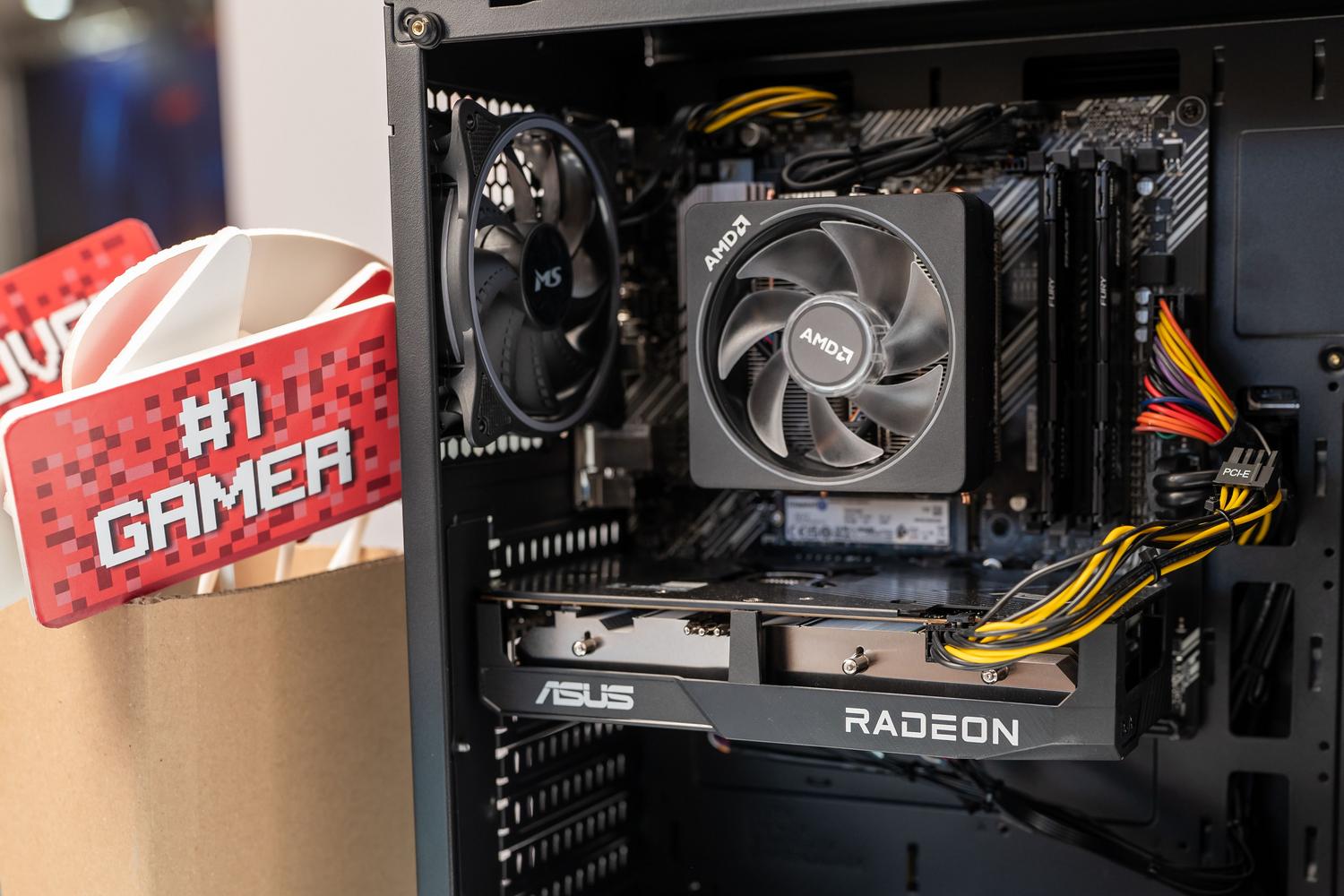
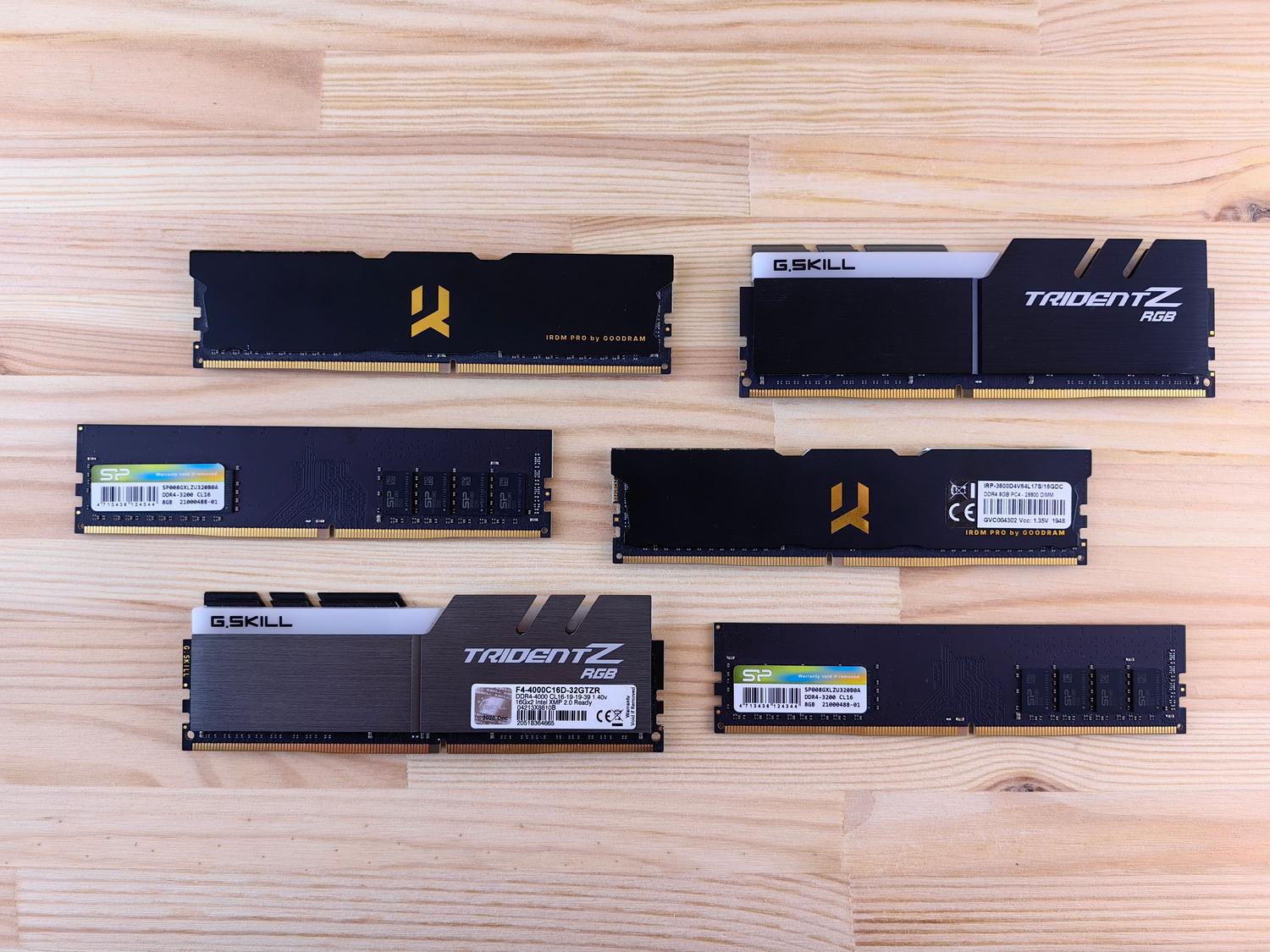
To decide whether to stay with AM4 or upgrade to AM5, you have to look under the hood. The biggest difference is in the memory: the AM4 socket exclusively uses DDR4 RAM , which, although slower than the newer generation, is still extremely efficient and much cheaper. In contrast, AM5 requires DDR5.
Another key point is data transfer speed. The AM4 socket supports up to the PCI Express 4.0 standard , which is more than enough for most users. However, the AM5 socket incorporates PCIe 5.0, doubling the speed for those using the fastest NVMe SSDs on the market or the most advanced graphics cards.
Chipsets and form factors: X300, A300 and PRO 500
Not all AM4 motherboards are the same, as they depend on the integrated chipset. For those looking to build a Mini-ITX system (those small cases that fit almost anywhere), there are the X300, A300, and PRO 500 chipsets . These allow direct access to the processor, ensuring no performance loss despite the reduced size.
If you're an overclocking enthusiast and want to push your CPU to the limit, the X300 chipset is the preferred choice. On the other hand, if you simply need a computer for office work or basic tasks without any fuss, the A300 or PRO 500 models are straightforward and very practical solutions.

Basic concepts about the CPU and its performance
To get the most out of an AM4 socket, understanding processor performance is vital when buying a computer . Performance is primarily measured in gigahertz (GHz) , which indicates how many operations the chip can perform per second. Additionally, the number of cores is crucial: the more processing units a processor has, the better the PC can handle multiple applications running simultaneously without breaking a sweat.
Inside the processor, we find the Control Unit, which organizes the signals, and the ALU (Arithmetic Logic Unit) , which actually performs the mathematical and logical calculations. All of this is complemented by the cache memory, where the Ryzen 9 5900XT , for example, stands out with its 72 MB, allowing for much faster data access.
Having an AM4-based platform remains a smart choice for those seeking solid performance without investing in the complete motherboard and RAM upgrade required to jump to AM5. With continued support from AMD and the availability of affordable DDR4 memory, it's possible to maintain a competitive and powerful system for several more years.
