- Overclocking involves increasing the frequency of the CPU, GPU, or RAM above the official values to gain performance without changing the hardware.
- This practice increases consumption and temperature, can reduce the lifespan of components and, if overdone, causes instability and calculation errors.
- Good cooling, a reliable power supply, and stress testing to check system stability are essential.
- Done thoughtfully and gradually, overclocking can extend the lifespan of a PC and improve its performance in games and demanding tasks.
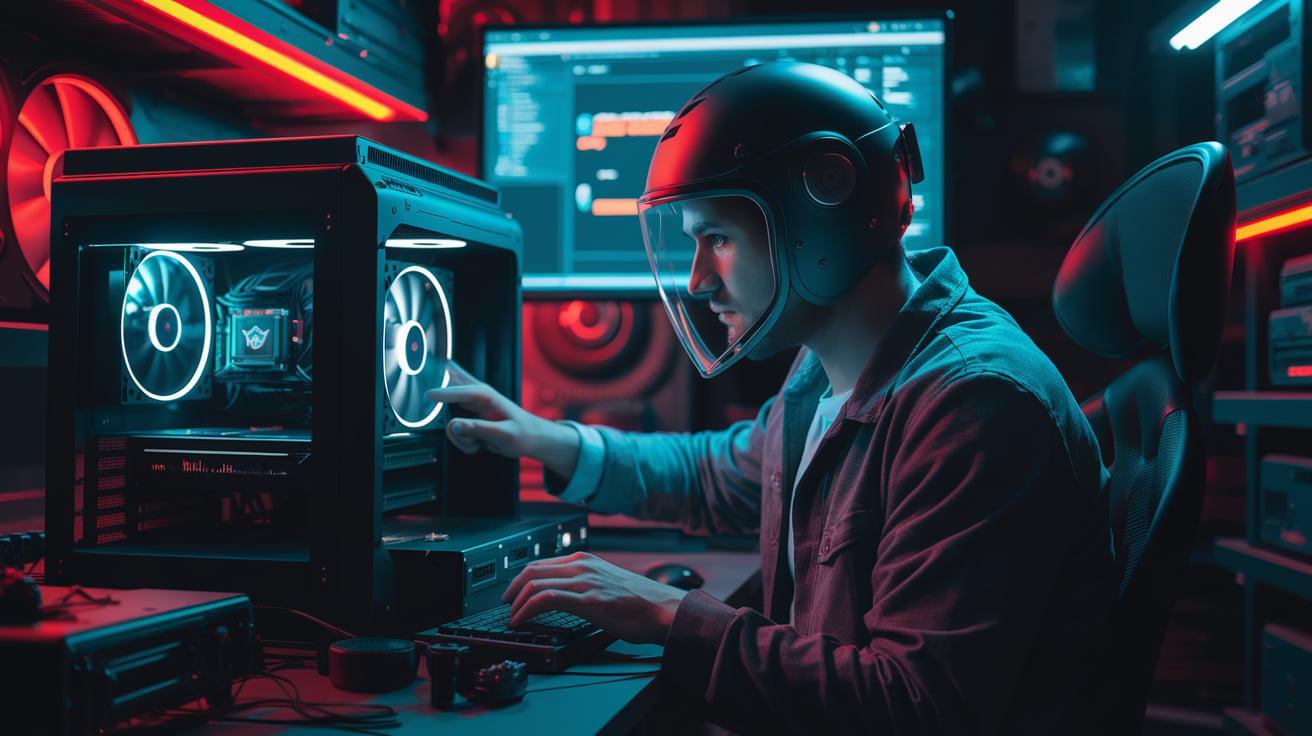
If you like to push your computer to its limits , you've probably heard about overclocking the CPU, GPU, or even RAM . It's a widespread practice among gamers and enthusiasts who want to squeeze out a few more FPS in their games or speed up demanding tasks without spending money on new hardware.
However, it's also true that overclocking isn't magic and comes with risks and limitations . The performance increase is usually moderate, it can shorten the lifespan of components , generates more heat, and, if done incorrectly, can cause instability or even damage the equipment. Let's look at it calmly, but in clear language and without unnecessary technical jargon.
What is overclocking and what is it for?
When we talk about overclocking, we're referring to increasing the clock speed of an electronic component above the value set by the manufacturer . This speed measures how many operations per second it performs and is expressed in hertz (Hz), megahertz (MHz), or gigahertz (GHz).
In a modern PC, the most common candidates for overclocking are the CPU, GPU, and RAM . The motherboard is also involved, as it manages the base clock and the parameters that allow these frequencies to be increased.
For example, a modern Intel or AMD processor might advertise a base frequency of around 3,5-3,7 GHz and a turbo mode that approaches or exceeds 5 GHz . These figures are what the manufacturer considers safe for all typical scenarios, with a safety margin for temperature, voltage, and variations in chip quality.
When overclocking, the user goes a step further and configures the processor or graphics card to operate at a higher frequency than the official one . This allows them to perform more operations per second and, in practice, behave like a slightly higher-end model, without physically changing the component.
This frequency increase can be achieved in several ways: adjusting multipliers and base clock from the BIOS/UEFI , using overclocking utilities from the motherboard or GPU manufacturer, or through specialized third-party software. Some processors and graphics cards incorporate automatic mechanisms, such as Turbo Boost or similar features, which approximate the overclocking philosophy but within controlled limits and covered by the warranty.
It's important to understand that, while this technique is very popular among gamers and enthusiasts, its real impact on everyday tasks (browsing, office applications, video streaming, etc.) is usually quite limited . Where it truly shines is in demanding video games , 4K video editing and rendering, scientific computing, or CPU- or GPU-intensive applications.
How overclocking works at a basic level
In most modern processors, the final speed is obtained by multiplying a base clock (BCLK) by an internal multiplier . For example, if the base clock is 100 MHz and the multiplier is 40, the result is 4,0 GHz. Overclocking can be achieved by increasing this multiplier, the base clock, or both, depending on what the platform allows.
This concept also applies to other components: graphics cards and RAM have their own clock speeds , and these speeds can often be adjusted. Increasing them allows the graphics memory to move more data per second and the GPU to process more information in the same amount of time.
Manufacturers design all these components with a certain safety margin, taking into account temperature variations, silicon quality, and mains voltages . Overclocking consumes some or all of this safety margin, forcing users to be much more careful with cooling and voltages to avoid errors or damage.
Furthermore, each chip is unique: two processors of the same model can have very different overclocking capabilities . This is known as the "silicon lottery": depending on how well the silicon wafer turned out at the factory, you'll be able to increase the frequency more or less stably.
Advantages of overclocking
The main reason so many people are getting into this is that it allows you to squeeze out more performance without investing in new hardware . You're not going to turn a low-end processor into a top-of-the-line one, but you can make a mid-range chip come pretty close to the next model up.
In the realm of video games, increasing CPU and GPU frequencies can translate into a few extra FPS, smoother gameplay, and fewer frame drops , especially in titles that heavily utilize the processor or graphics card. On less powerful systems, this can make the difference between a barely playable game and a reasonably smooth experience, and help reduce bottlenecks.
Beyond gaming, overclocking can also slightly extend the lifespan of a PC that's become a bit underpowered for current applications . Instead of replacing the entire system, a user can extend the life of a somewhat underpowered PC while saving up for a larger upgrade.
There's also a more "sporting" side: some users enjoy competing in benchmark tests , trying to break score records with extreme overclocks, water cooling, advanced liquid cooling systems, or even liquid nitrogen. In these cases, the goal isn't to use that configuration for everyday tasks, but rather to demonstrate the hardware's capabilities.
Finally, there's a curious scenario: when buying certain budget models and overclocking them, some enthusiasts try to match the performance of more expensive versions . If the only difference between two models is the official clock frequency, it's sometimes possible to "simulate" the high-end model by manually adjusting the clock of the cheaper one; this often happens when comparing budget models.
Disadvantages and risks of overclocking
On paper, it all sounds very appealing, but the reality is that overclocking comes with a number of significant drawbacks that shouldn't be underestimated . Before touching anything, it's a good idea to keep them in mind.
One of the most sensitive issues is the loss of warranty on many components if the manufacturer detects that they have been overclocked . Official specifications define the limits of the manufacturer's commitment to ensuring proper operation; if these limits are exceeded, any problems may be excluded from coverage.
On the other hand, increasing a chip's clock speed also increases power consumption and heat generation . This necessitates better cooling: larger heatsinks, additional fans, or liquid cooling systems. All of this represents an extra cost that, in some cases, can negate the supposed "savings" compared to buying a more powerful component from the factory.
This excessive workload and temperature mean that, even if nothing actually burns out, the component's lifespan can be significantly shortened . A processor or GPU continuously subjected to higher than normal voltages and temperatures tends to age faster and, in extreme cases, can fail prematurely.
In addition to all this, an over-accelerated system can lose stability and begin to exhibit subtle errors . An overly aggressive configuration can cause crashes, blue screens, spontaneous restarts, or worse, silent data corruption: files saved with errors or calculations that return incorrect results without us noticing.
Overclocking vs. Underclocking
Alongside overclocking, there is the opposite practice, known as underclocking . In this case, the clock frequency (and often the voltage) is reduced to decrease power consumption and heat generation , at the cost of some performance loss.
Underclocking is especially useful in laptops and mobile devices, where battery life and noise are key . By slightly lowering the maximum frequencies, the system requires less active cooling, the fans spin slower or less frequently, and the battery can last longer.
Obviously, the trade-off is that demanding tasks take longer and the system feels somewhat less responsive . Therefore, underclocking is usually used in very specific scenarios or in combination with power profiles that automatically adjust parameters based on workload.
Components that can be overclocked
Technically, any circuit that uses an internal clock to synchronize its operations could run at a higher frequency if the design allows it . In practice, the components typically used in a home PC are always the same.
The main focus is on the processor (CPU) . In modern product lines, manufacturers clearly differentiate between models designed for overclocking and those that are not: for example, Intel uses a specific letter to mark unlocked models, and AMD designates its enthusiast-oriented product lines.
The graphics card (GPU) is the other major factor. Many GPUs allow you to adjust the graphics core and video memory frequencies, as well as the power limit and fan curves. In fact, some models come from the factory with a slight overclock applied, certified by the manufacturer and covered by warranty.
RAM can also be overclocked , increasing its effective frequency and/or reducing latency. However, in most home use, having more RAM is usually more beneficial than maximizing the speed of what you already have.
To a lesser extent, there are adjustments related to the motherboard's base clock, front-side bus, and other internal subsystems . Manipulating these values can overclock several components simultaneously, but it also increases the risk of instability because more elements are involved.
Cooling and thermal management when overclocking
All electronic circuits convert some of the energy they consume into heat, and this heat increases almost proportionally with frequency and very significantly with voltage . Therefore, as soon as we start increasing clock speeds and voltages, cooling becomes critical.
The standard cooling systems included with many processors and graphics cards are designed to dissipate the heat generated under normal operating conditions . If we increase the clock speed and power consumption, this cooling capacity may not be sufficient, and temperatures may skyrocket, leading to thermal throttling or even permanent damage.
That's why in the overclocking world it's so common to find large heatsinks, additional fans, and liquid cooling systems . Heatsinks are usually made of aluminum (cheaper) or copper (more expensive but with better thermal conductivity), and often combine both materials to balance cost and performance.
Liquid cooling transfers heat from the chips to a radiator, where it is dissipated with the help of fans. In extreme versions, methods such as liquid nitrogen or immersion cooling in special non-conductive liquids are used, which have even been employed in supercomputers.
Without going to such extremes, for a home user who wants moderate overclocking, a good air cooler, proper application of thermal paste, and a case with well-designed airflow are usually sufficient . Keeping the interior clean of dust and tangled cables also greatly helps ensure proper air circulation.
Stability, stress testing and the risks of silent errors
One of the biggest problems with overclocking is that it's not always obvious when the system stops being 100% stable . Sometimes the PC will freeze or restart, which makes it clear that something is wrong, but other times the errors will be much more subtle.
For example, an overclocked processor might start producing incorrect arithmetic results in very specific situations , or overworked RAM might occasionally write a bit incorrectly. These errors can cause data corruption or strange application behavior, and are often mistakenly blamed on drivers or the operating system.
To minimize these risks, enthusiasts resort to very demanding stress tests that fully load the CPU, GPU, or memory for extended periods. Specialized utilities exist that verify the calculations and warn if an error is detected, and benchmarks allow users to measure the real impact of overclocking on performance.
The idea is simple: gradually increase the frequency, test for stability, monitor temperatures, and repeat the process until the optimal point is found . When errors appear or temperatures approach dangerous limits, the frequency is reduced or the voltage is lowered.
Even so, no home test can guarantee 100% error-free operation across all possible combinations of data and instructions, so overclocking will always carry some residual risk . The key is deciding to what extent it's worth taking that risk to gain some performance.
Motherboards, CPU locks, and compatibility
Another aspect that often surprises many users is that not all motherboards or processors allow free overclocking . For warranty, product segmentation, and stability reasons, many manufacturers lock multipliers or limit the available settings.
In the case of some Intel processors, for example, most models come with a locked multiplier , and only certain specific product lines allow for modification. With AMD, many enthusiast-oriented lines come unlocked, while other product lines are more restricted.
Historically, all sorts of tricks have been popular for unlocking multipliers or modifying hidden settings , from physical jumpers on the back of the CPU to small wires placed in the socket (known as "pin mods"). Nowadays, modern systems are much stricter, and many of those tricks have become mere anecdotes.
Even when the CPU is unlocked, the motherboard still needs to expose the necessary settings in the BIOS/UEFI . Motherboard manufacturers often use this as a selling point: motherboards designed for gaming and overclocking typically offer a wealth of advanced options, sensors, and adjustable power profiles.
Best practices for minimally safe overclocking
Anyone who decides to get into overclocking should approach it as a careful and gradual process, not as a quick afternoon experiment . Doing it right requires time, patience, and some prior research on the specific hardware being modified.
Before you begin, it's essential to research the reasonable frequency and voltage limits for your CPU, GPU, and RAM model , as well as the type of motherboard and power supply. User communities and model-specific guides are usually a good starting point.
It's also highly recommended to back up important data and, if you're using Windows, create a restore point . While serious hardware failures are the most concerning, data corruption can also cause significant problems.
Once the theoretical framework is clear, the ideal approach is to increase the frequency in small increments, for example 5-10% at a time , and then run a series of stress tests to check how the system behaves. If errors are detected or temperatures spike, it's time to backtrack or improve the cooling.
It's also advisable to keep the voltage as low as possible within a stable range . Increasing the voltage usually provides more headroom for higher frequencies, but it also multiplies the heat and the risk of premature silicon degradation. A quality power supply helps keep voltages stable and within expected parameters.
Maintenance and monitoring after overclocking
Once a seemingly stable configuration has been found, the work is not entirely finished: it is important to continue monitoring the system over time , because conditions change and components age.
It's good practice to periodically monitor temperatures at rest and under load , especially in summer or if the equipment is moved. It's also worthwhile to occasionally repeat stress tests to verify that stability is maintained.
Physically cleaning the inside of your PC is not a minor detail. Accumulated dust drastically reduces the cooling capacity of heatsinks and fans , which can turn a safe overclock into a problem months later.
Furthermore, BIOS/UEFI and driver updates can modify power management behavior , power limits, and thermal profiles. After a major update, it can be surprising to find a system that runs hotter or behaves differently, so it's worth testing again.
Even seemingly trivial factors, such as changes in ambient temperature between seasons , can affect the stability of an overclock that was already pushing the limits. In very hot climates, some users choose to lower the frequencies slightly in summer to avoid pushing them so far.
In short, overclocking means actively taking on the role of "stability and temperature manager" for your own system: you demand more from the hardware in exchange for extra performance, but it's also up to you to monitor its long-term health.
